

Sign in to Hivenet
Access your files and manage your storage account.
Store
Access your files and manage your storage account.
Compute
Launch instances and manage your compute resources.
Store and Compute still use separate accounts today. We’re working on a unified sign-in.
Just need to send a file?
Use Send directlyNew to Hivenet? Get Started
Get started with Hivenet
Choose what you want to use first.
Store
Back up photos and files across your devices.
Compute
Launch self-serve GPU compute for demanding work.
Store and Compute still use separate accounts today. We’re working on a unified account experience.
Need Hivenet for business?
Talk to salesNeed to send a file?
Open SendAlready have an account? Sign in
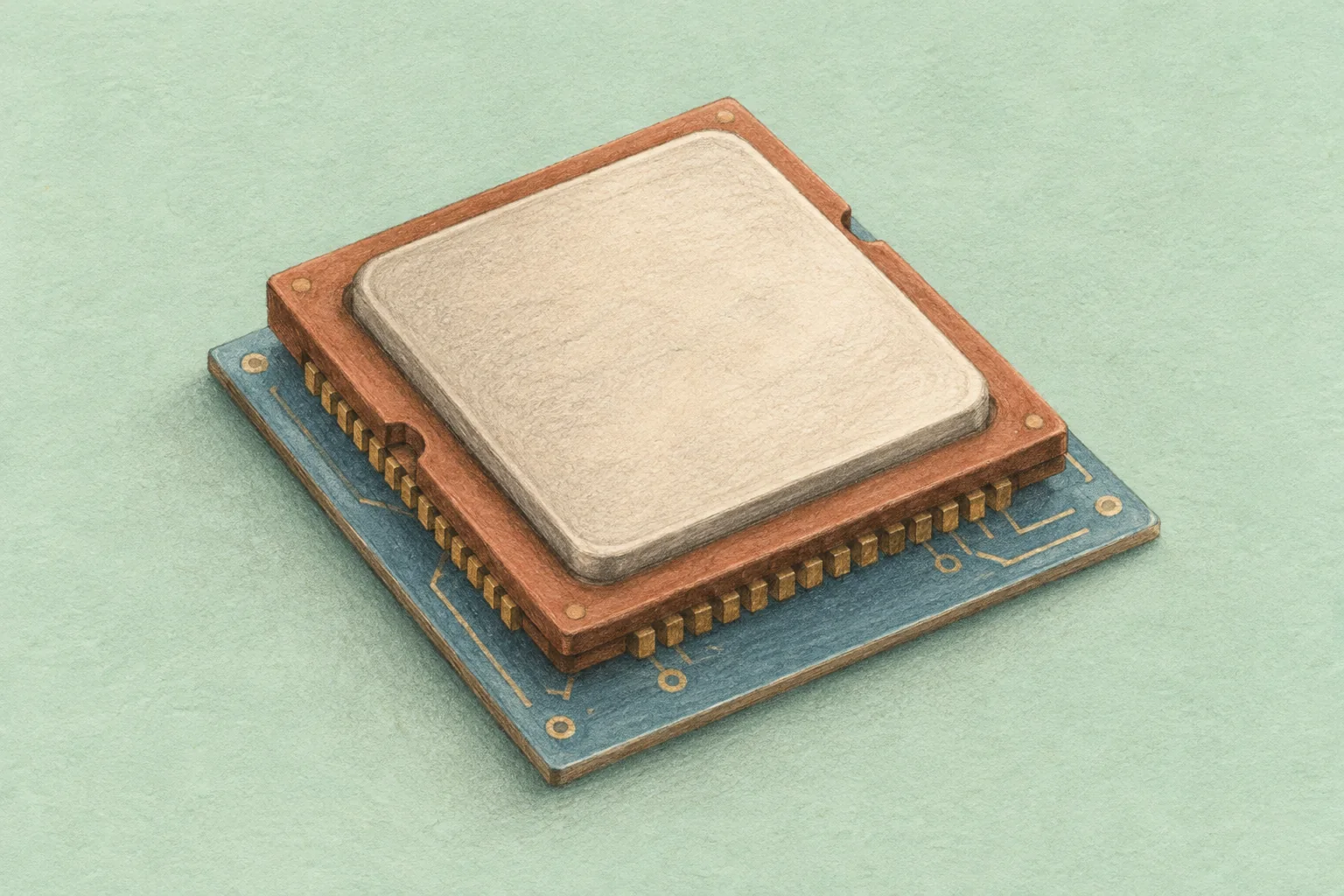
Ampere Computing: Arm server CPUs and cloud options
Ampere Computing designs Arm-based server processors for cloud computing, data centers, and related infrastructure. Its Altra and AmpereOne families are CPUs: they run operating systems, application services, and supported compute workloads. They are different from NVIDIA’s Ampere GPU architecture.
For teams evaluating an Ampere server or cloud instance, the practical questions are software compatibility, workload performance, available memory, and total operating cost. A processor’s core count or instruction set cannot answer those questions alone. This guide explains the product families, where cloud providers use them, and how to test whether a migration makes sense.
What does Ampere Computing do?
Ampere is a semiconductor design company based in Santa Clara, California, founded by Renée James. It develops server CPUs that implement the 64-bit Arm instruction set. Server manufacturers build systems around those processors, while cloud providers can offer access through virtual machines or dedicated hardware.
SoftBank announced an agreement to acquire Ampere Computing in a $6.5 billion all-cash transaction in March 2025. The acquisition closed on November 25, 2025, making Ampere a wholly owned SoftBank Group subsidiary. That completed transaction is separate from any future processor release or deployment commitment.
The similar names can cause confusion. NVIDIA Ampere describes a GPU architecture; Ampere Computing is the company designing the server CPUs covered here. If you need to choose between processor types, our CPU, GPU, and NPU comparison explains their different roles.
Ampere processors: Altra, Altra Max, and AmpereOne
Ampere’s current product documentation covers several families. The table summarizes published processor specifications, not the resources guaranteed by a particular cloud instance. A VM may expose only part of a server’s capacity.
| Processor family | Published core counts | Memory interface | PCIe connectivity |
|---|---|---|---|
| Altra | 32, 64, or 80 | 8-channel DDR4-3200 | 128 PCIe 4.0 lanes |
| Altra Max | 96 or 128 | 8-channel DDR4-3200 | 128 PCIe 4.0 lanes |
| AmpereOne | 96 to 192 | 8-channel DDR5, up to 5200 MT/s | 128 PCIe 5.0 lanes |
| AmpereOne M | 96 to 192 | 12-channel DDR5-5600 | 96 PCIe 5.0 lanes |
Sources: Ampere’s Altra family, AmpereOne, and AmpereOne M product briefs. Altra’s multi-socket configuration can allocate lanes to CCIX. Check the server’s actual device connections, memory population, and firmware support.
These families use single-threaded cores. AmpereOne and AmpereOne M use Ampere-designed Arm-compatible cores, and the M family changes the memory and I/O balance. It is therefore misleading to treat every Ampere processor as the same product with a different core count.
More cores can help when work is distributed across independent requests or processes. They do not guarantee lower latency for a single request, faster serial code, or enough memory bandwidth for every core at once. Compare the complete configuration and application behavior.
Which cloud providers offer Ampere-based instances?
Major providers document specific Ampere-backed services. Use the instance family name when comparing them; an “Arm” label alone does not identify the processor vendor.
| Provider | Documented example | Processor family |
|---|---|---|
| Microsoft Azure | Dpsv5 virtual machines | Ampere Altra |
| Google Cloud | Tau T2A virtual machines | Ampere Altra |
| Oracle Cloud Infrastructure | A1 Compute and A2 Compute | Altra for A1; AmpereOne for A2 |
See the current Azure Dpsv5 specifications, Google Cloud Arm documentation, and OCI Arm-based compute guide. Google’s Axion-based C4A instances, for example, use a different processor from Tau T2A.
Check region, quota, available operating-system images, storage, network limits, and the provider’s definition of a vCPU or OCPU. Equal advertised counts do not necessarily mean equal hardware resources. Confirm current prices for the full instance and required services rather than carrying forward an old hourly rate.
Which workloads are worth testing?
Web services, application backends, caches, and containerized services are useful starting points when their dependencies support Arm64. These workloads often let teams distribute requests across workers, making throughput and behavior under concurrency relevant measures.
Databases need a more specific assessment. Test the engine version, extensions, storage path, memory working set, and recovery procedure. A CPU change may make little difference when the application spends most of its time waiting for storage or a remote service.
Ampere processors can also run supported CPU inference workloads. Whether that is a good choice depends on the model, runtime, numeric format, batch size, latency target, and request volume. Large-scale training and demanding inference may require accelerators. A high CPU core count does not establish equivalence with a GPU.
The same caution applies to scientific computing. Check the solver, numerical libraries, precision requirements, and scaling behavior. Our HPC server guide covers the wider system requirements, including memory, storage, and interconnects.
Software compatibility is the first migration check
Arm64 and x86-64 are different instruction sets. An x86-64 executable does not become a native Arm application when copied onto an Ampere server. You need a supported Arm64 build, a suitable rebuild from source, or an explicitly evaluated emulation approach.
Review the whole application stack: operating system, runtime, packages, native extensions, database drivers, monitoring agents, security tools, and licensed software. A language may support Arm64 while one required dependency does not. Check the exact versions and the vendor’s support policy before allocating migration work.
Containers still depend on architecture
A container packages software; it does not remove CPU compatibility requirements. Docker’s multi-platform build documentation explains how images can contain separate variants such as linux/amd64 and linux/arm64. Confirm that the image you deploy includes the required variant.
Emulation can help with development or a transition, but its performance must be measured separately from a native build. Test on the intended server architecture before drawing production conclusions. Include image builds, dependency downloads, startup, and recovery in the test, not just a successful application launch.
Verify the supported operating system
Choose an Arm64 operating-system image supported by the provider and application. Do not assume that support for Windows on Arm devices establishes Windows Server support on your chosen cloud instance. Record the exact image and kernel version so that the environment can be rebuilt.
How to compare performance, power efficiency, and cost
Start with a service requirement: completed requests at an acceptable latency, validated jobs per hour, or inference responses at the required quality. Then compare configurations that meet that requirement. A lower hourly price is useful only if the service still meets its target.
Measure throughput alongside response-time percentiles, error rate, memory use, and the behavior of shared resources. Repeat runs at realistic concurrency, including a busy period. Average latency can hide a small but operationally significant group of slow requests.
For power comparisons on owned hardware, measure the complete system over a representative workload. CPU power specifications are not the same as total server energy use. Include idle periods and the surrounding equipment when that equipment falls within the comparison’s scope. Architecture alone does not establish a carbon-footprint reduction.
For cloud costs, include compute, storage, transfers, licenses, monitoring, support, and migration effort. For a server purchase, add installation, power, cooling, maintenance, and spare capacity. Our server ownership and rental guide explains those cost categories.
A useful decision measure is total cost per completed unit of work that meets your acceptance criteria. Keep the test data and configurations available to reviewers. A vendor or customer benchmark can suggest what to investigate, but its result is not a forecast for a different application.
A practical Ampere evaluation checklist
- Select a representative service. Document its request mix, data size, required latency, availability needs, and current operating cost.
- Check Arm64 support. List every dependency and identify unsupported binaries, native extensions, or vendor restrictions.
- Build a reproducible environment. Pin versions, create the appropriate images, and confirm that deployment and monitoring work.
- Run comparable tests. Use the same data and acceptance criteria, record resource allocations, and test both steady demand and peaks.
- Validate operations. Exercise backups, restoration, upgrades, and rollback before moving production traffic.
- Decide from the measured result. Include migration and maintenance effort. Expand only when the benefit survives a realistic comparison.
Keep an existing deployment available during an initial rollout. Define the conditions that trigger rollback and who can make that decision. A migration is complete when the team can operate and recover the service, not merely when it starts on the new CPU.
What about the AmpereOne roadmap?
Ampere announced AmpereOne Aurora in July 2024 as a future product with up to 512 cores. A roadmap announcement is not a purchase specification or proof of availability. Before planning around any announced processor, request a current system specification, availability confirmation, supported software list, and delivery terms.
Frequently asked questions
Is Ampere Computing the same as Arm?
No. Arm provides architecture and processor technology. Ampere Computing designs server processors implementing the Arm instruction set. The names refer to different companies.
Does Ampere make GPUs?
The Altra and AmpereOne products discussed here are CPUs. NVIDIA’s separately named Ampere architecture concerns GPUs. Check the manufacturer and exact part when reading specifications.
Will an Ampere instance be cheaper than x86?
It may be for a suitable workload, but the answer depends on the instance, application performance, supporting services, and migration costs. Compare cost per useful result at your required service level.
Can an existing application move to Ampere unchanged?
Some applications need little source-code work when their full stack already supports Arm64. Deployment artifacts, dependencies, testing, and operational support still need review. There is no blanket compatibility guarantee.
Your next workload belongs on Hivenet.
Pick one AI, compute, or storage workload and see the difference for yourself. Spin it up in minutes, or let our team map your fastest path to production.

