

Sign in to Hivenet
Access your files and manage your storage account.
Store
Access your files and manage your storage account.
Compute
Launch instances and manage your compute resources.
Store and Compute still use separate accounts today. We’re working on a unified sign-in.
Just need to send a file?
Use Send directlyNew to Hivenet? Get Started
Get started with Hivenet
Choose what you want to use first.
Store
Back up photos and files across your devices.
Compute
Launch self-serve GPU compute for demanding work.
Store and Compute still use separate accounts today. We’re working on a unified account experience.
Need Hivenet for business?
Talk to salesNeed to send a file?
Open SendAlready have an account? Sign in

Top Rendering Solutions for High-Quality 3D Graphics
Looking for the top rendering solutions for high-quality 3D graphics? This article reviews some of the best options available, focusing on performance, scalability, cost-effectiveness, and affordable price. Whether you’re in media, entertainment, or a different industry, discover which solutions can best meet your rendering needs.
Key Takeaways
- Hivenet’s Compute provides GPU and CPU instances for rendering workloads. Users choose the rendering software and configure their workflow on the available infrastructure.
- Real-time ray tracing and advanced rendering techniques significantly enhance visual quality and speed, providing immediate feedback during design processes and ensuring photorealistic results.
- Managed render farms and self-managed cloud instances offer different ways to run rendering jobs without buying all the hardware locally. GPU rendering can accelerate supported workloads, but speed and image quality depend on the renderer, settings, hardware, and scene.
Introduction to 3D Rendering
3D rendering is the process of transforming input data—such as 3D models, textures, and lighting setups—into high-quality images or animations. This rendering process is fundamental to creating both photorealistic and stylized visuals for a wide range of industries. At its core, 3D rendering relies on powerful computing power, advanced rendering software, and specialized render engines to produce detailed and visually compelling results. Generating visuals involves calculating lighting, shadows, and reflections, a process that can take days or weeks on a single computer depending on the complexity of the project. Additionally, 3D rendering is used in the last step of the animation process, adding final touches to the appearance of 3D models and animations. The 3D rendering process culminates in visual effects such as shading, texture-mapping, shadows, reflections, and motion blurs, which contribute to the overall realism and artistic quality of the output. Often, the same software used for 3D modeling also handles rendering and virtual camera positioning, streamlining the workflow for creators. Vector rendering lets you create stylized renderings using geometric primitives such as points, lines, and curves, providing a unique approach for artistic and technical visualizations.
There are two primary types of rendering: real-time rendering and offline rendering. Real-time rendering is used in interactive applications like video games, where images must be generated instantly in response to user input. This process relies on high-performance rasterization algorithms that process a list of shapes and determine which pixels are covered by each shape. In contrast, offline rendering is typically used for film, television, and architectural visualization, where the focus is on achieving the highest possible image quality, even if the rendering time is longer. Offline rendering can use a slower and higher-quality renderer compared to real-time rendering, making it ideal for projects that prioritize visual fidelity over speed. Real-time rendering is used in interactive media like video games, while pre-rendering is used in passive media like film and TV.
The choice between GPU rendering and CPU rendering plays a significant role in the rendering process. GPU rendering uses parallel processing to accelerate supported rendering workloads. CPU rendering can be useful when the scene needs more system memory or a feature is unavailable in the renderer’s GPU backend. Rasterization, a key part of the graphics pipeline, involves an application providing lists of triangles to be rendered, transforming and projecting their coordinates. By selecting the right combination of rendering software, render engines, and hardware, professionals can optimize their workflows to handle everything from simple scenes to the most complex projects in 3D rendering. Both CPU and GPU rendering can produce high-quality images; the rendering engine, settings, and supported features determine the result. Physical simulation or emulation is a basic element of realistic rendering, indicating a reliance on physical models in rendering systems to achieve lifelike results.
Using Hivenet’s Compute for rendering
Rendering on Hivenet starts with choosing a compute instance and compatible software. The renderer determines how materials, lighting, and image sampling are handled. For instance, NVIDIA's vMaterials catalog provides a collection of real-world materials described in the NVIDIA Material Definition Language (MDL), which can be used in supporting applications. Access to a GPU instance does not by itself establish support for a material library or renderer.
Choose a configuration that fits the scene’s memory and processing needs, then test the renderer before committing a full project. Available capacity and software compatibility determine how the workflow can scale. Assess whether the cost-effective model fits your project using current pricing and a representative test.
High-Performance Computing Power
Hivenet’s Compute provides GPU and CPU resources on which users can run compatible rendering software. Check the application’s supported operating system, GPU backend, drivers, and licensing requirements before launching. Ray tracing and AI denoising are features of the selected software and hardware combination, rather than automatic features of every compute instance.
Measure a representative scene before estimating production turnaround. Record render time, memory use, and output quality with the intended settings; GPU access alone does not guarantee a faster render or consistent performance across different projects.
Run your rendering workflow on Hivenet
Choose an available GPU or CPU instance, configure compatible rendering software, and test a representative scene before running the full project.

Scalability to Meet Industry Demands
Project demand can change between previews and final production. With Hivenet, the configurations and locations you can select depend on available capacity. Check those options before planning additional instances or committing to a deadline.
Connecting an existing workflow to Compute requires checking the renderer, plugins, licenses, and transfer process. Validate the setup with a small job before moving a production workload. Advanced rendering tools can simulate elements like smoke, clouds, and interaction of shadow and light, further enhancing the realism and quality of rendered scenes.
Cost-Effectiveness for Media and Entertainment
In the competitive world of media and entertainment, budget constraints are a constant challenge. Compare the current instance rate with measured job duration, setup time, and any software licensing costs. Hivenet bills eligible Compute usage while instances are running, so an idle running instance can still incur charges.
Renting compute can reduce the need for an upfront hardware purchase. Whether it costs less overall depends on utilization, workflow overhead, and the configuration you choose.
Real-time ray tracing and software requirements
Real-time ray tracing can provide interactive feedback on lighting and scene changes when the rendering engine and hardware support it. For a cloud workflow, check both the application’s graphics requirements and the way you will access it remotely.
The shift towards real-time rendering is driven by advancements in both hardware and software, making it possible to achieve photorealistic rendering with unprecedented speed and efficiency. On a rented instance, those capabilities depend on the renderer, GPU backend, drivers, and remote-access setup.
This cutting-edge technology is set to redefine the standards of 3D graphics display rendering, providing a more dynamic and immersive experience for users.
Accelerated Rendering Techniques
Rendering applications can use a range of acceleration techniques when supported by the selected GPU and software backend. High-performance rasterization algorithms, such as those developed by NVIDIA, play a crucial role in enhancing rendering speeds. NVIDIA’s RTX technology, for instance, has introduced groundbreaking advancements in rendering that significantly improve speed and quality. Additionally, the NVIDIA OptiX API optimizes ray-tracing performance on the GPU, providing a considerable speed advantage for rendering tasks.
AI-accelerated denoising, as integrated into NVIDIA OptiX 5.0, further enhances GPU rendering performance by reducing noise and improving image quality. These advanced rendering techniques not only accelerate the rendering process but also enhance the visual effects and lighting, leading to more photorealistic and immersive scenes. Renderers that support arbitrary output variables (AOVs) or other render passes can store additional data for post-processing and compositing. The available passes depend on the renderer and its configuration.
Check the application’s documentation to confirm which acceleration features are available with the selected backend and driver version.
Enhanced Visual Effects and Lighting
One of the most significant benefits of real-time ray tracing is its ability to achieve realistic lights and lighting effects, enhancing the visual fidelity of rendered scenes. A compatible renderer can simulate lighting effects such as global illumination and shadows. Their performance and appearance depend on the scene, sampling settings, and available hardware.
Post-processing techniques can further refine rendering quality by enhancing colors and details after the initial rendering phase. These techniques can also include other effects such as color correction, motion blur, and reflections to further enhance the realism and artistic quality of the final output. NVIDIA’s AI-accelerated denoising can reduce noise in supported rendering workflows; inspect the result for lost detail or artifacts before accepting a final output.
With tools like NVIDIA Iray, designers and digital artists can accelerate their workflows and achieve high-resolution renders with exceptional visual fidelity. Before running such a tool on Hivenet, verify its instance, driver, and licensing requirements.
Check compatibility with existing software
Before moving an existing rendering workflow to Hivenet, verify the software version, operating system, GPU backend, plugins, and license terms. This applies to Autodesk applications as well as other rendering tools. A compatible compute instance supplies resources; it does not establish that every application or plugin is supported.
Test asset transfer, rendering, and output retrieval with a representative scene before scheduling a production run.
Cloud-Based Rendering Solutions
Cloud-based rendering solutions have become increasingly popular due to their numerous benefits, including scalability, cost-effectiveness, and the ability to handle large-scale projects. An online rendering service provides access to powerful cloud computing resources for efficient 3D and video rendering. A professional render service can accelerate the rendering process and support artists and studios in optimizing their workflows. These services utilize powerful servers to process rendering tasks, reducing the workload on local computers and enabling faster rendering times. Cloud rendering allows users to access high-performance rendering capabilities without the need for expensive hardware investments, making it an attractive option for many industries. RebusFarm is one of the leading cloud rendering services in the market, offering robust solutions for professionals. Fox Renderfarm offers flexible payment options and frequent discounts, making it a cost-effective choice for many users. Ranch Computing, another notable service, stands out with its transparent pricing system, charging upfront for rendering services. TurboRender focuses on speed and is designed for time-sensitive rendering tasks, making it a valuable option for projects with tight deadlines.
Hivenet provides compute infrastructure for scalable rendering solutions that users configure and manage. Hivenet’s Compute utilizes the power of cloud computing; you remain responsible for the rendering software, job scheduling, and saving the output.
This flexibility and scalability are particularly beneficial for industries like creative media, architecture, and engineering, where project demands can vary depending on the specific requirements.
For a service-level comparison, see which GPU rental options fit 3D video rendering and when a general GPU cloud makes sense.
Advantages of Cloud Rendering
One of the key advantages of cloud rendering is the elimination of expensive hardware investments, allowing users to access rendering power without high upfront costs. Billing models differ: managed render services may charge for jobs or usage, while self-managed compute can continue billing whenever an instance is running. Check the provider’s current terms and stop resources you no longer need. This cost-effectiveness, combined with the ability to scale resources on demand, makes cloud rendering an ideal solution for both small studios and large enterprises.
Cloud rendering also significantly reduces rendering times, enabling users to achieve faster results for projects with tight deadlines. With access to powerful cloud render capabilities through NVIDIA RTX GPUs, users can experience rapid turnaround times and enhanced project efficiency.
This scalability and flexibility are particularly beneficial for industries that rely on seamless collaboration and multi-location project execution.
Handling Large-Scale Projects
Cloud rendering provides a flexible and scalable solution for managing both simple scenes and complex animations, making it ideal for handling large-scale projects. Render farms can significantly reduce rendering times, transforming what could be a time-consuming process into a more efficient workflow. SheepIt Render Farm, a community-driven platform, operates on a collaborative model where users share computing resources, making it a unique and cost-effective option for rendering tasks.
Services like RebusFarm and TurboRender offer real-time monitoring of render progress, ensuring better management of rendering tasks and enhancing overall project efficiency. Pixel Plow allows users to set a maximum cost per hour, ensuring budget control while rendering. This feature is particularly beneficial for users working within tight financial constraints, providing a reliable way to manage expenses.
Volume Discounts for Long-Term Use
Many cloud rendering services offer volume discounts that reduce overall project costs for long-term users. These discounts are particularly beneficial for businesses or individuals who rely on frequent rendering services over extended periods. By utilizing volume discounts, users can enjoy significant savings on rendering costs, making long-term commitments more financially viable.
GPU Rendering vs CPU Rendering
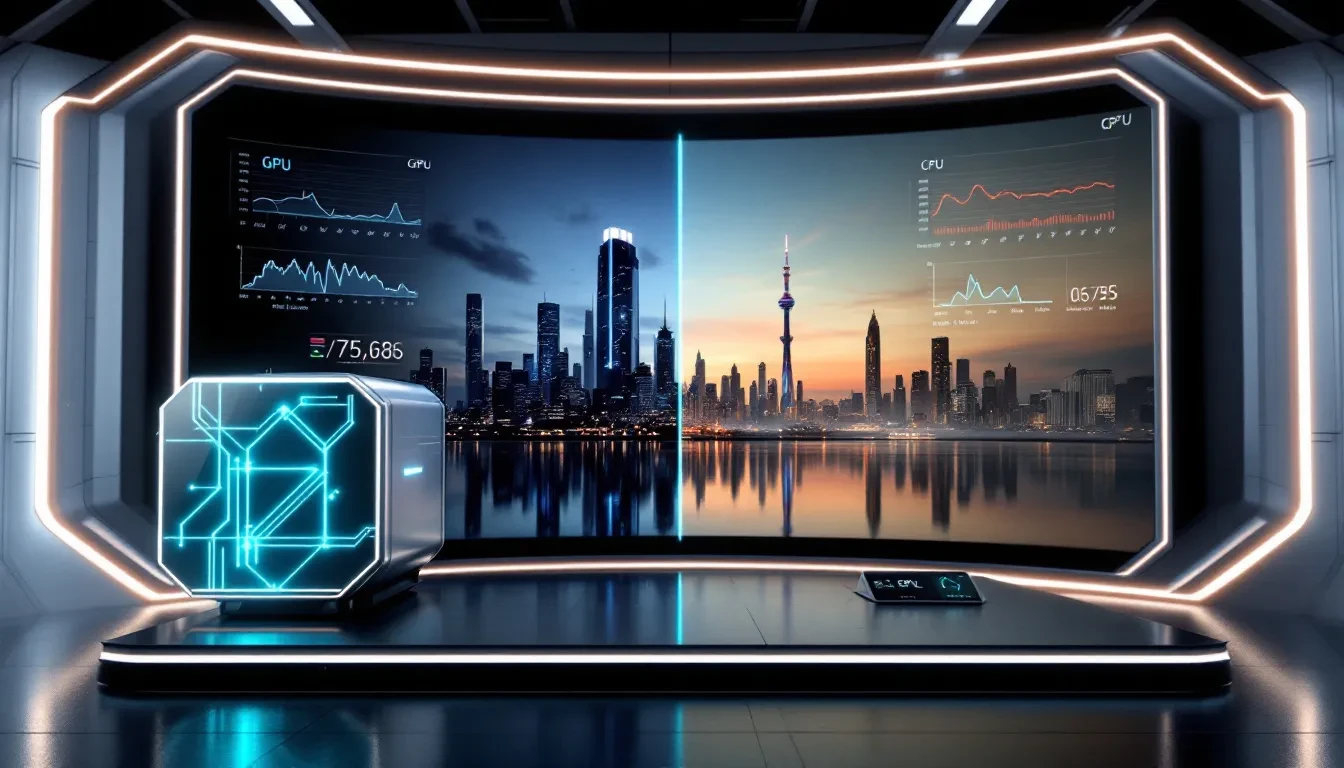
The debate between GPU and CPU rendering has long been a topic of interest among 3D artists and professionals. Each approach has its own set of strengths and applications, making it essential to understand their differences to choose the right solution for your projects.
GPUs can accelerate rendering by running suitable calculations in parallel. The gain depends on the renderer, scene, settings, and hardware. Compare results from the same workload and software version instead of treating GPU rendering as universally faster or relying on an unspecified benchmark setup.
CPU rendering can be useful when a scene needs more memory than the selected GPU can accommodate or depends on a CPU-only renderer feature. That does not make CPU rendering inherently more detailed or precise. Compare supported features, output settings, memory use, and render time for the actual scene.
GPU Rendering Benefits
GPU rendering can shorten render times when the engine supports the hardware and the workload benefits from parallel execution. Measure the gain on a representative scene. By implementing Level of Detail (LOD) techniques, GPU rendering can also optimize the computational load by rendering only necessary details based on object distance, effectively managing complex scenes.
GPU rendering can support demanding workflows, but image quality still depends on the renderer, scene, and settings. The ability to handle complex scenes with high resolution and accelerated rendering makes GPU rendering a powerful tool for industries that require both speed and quality.
CPU Rendering Applications
CPU rendering may be appropriate for scenes that need substantial system memory or renderer features unavailable on the selected GPU backend. Confirm the requirements in the application’s documentation and test the intended configuration.
Architectural visualization and complex animation can use either CPU or GPU rendering. The right choice depends on software support, scene memory, settings, and measured performance.
Choosing the Right Solution
When deciding between GPU and CPU rendering, start with the renderer’s supported features and the scene’s memory needs. Test the same scene and output settings on each suitable configuration.
Choose the configuration that meets the project’s quality requirements within its time and cost constraints. Neither CPU nor GPU rendering guarantees a better image simply because of the processor type.
Render Farm Services
Render farms play a crucial role in accelerating the rendering process by utilizing a network of high-performance computers to handle rendering tasks. These services optimize rendering by paralleling tasks across multiple high-powered computers, significantly reducing rendering times and improving workflow efficiency. Render farms are particularly beneficial for large-scale projects, where the increased rendering speed can help meet tight production deadlines. Conductor Technologies is tailored specifically for large-scale projects like movies and animations, offering specialized solutions to meet the demands of such complex tasks.
Hivenet offers GPU and CPU instances that users can configure for compatible rendering jobs. For a multi-instance workflow, users need to arrange the renderer, scheduling, licensing, and data movement. Select configurations based on available capacity and test whether the software can use them effectively.
What is a Render Farm?
A render farm is a network of high-performance computers configured to accelerate rendering tasks by distributing the workload across multiple machines. This setup allows for faster rendering times and improved efficiency, making it an essential tool for large-scale projects.
Commercial render farms, or render clouds, utilize cloud computing resources to provide scalable rendering solutions. Users can access these services without the need for extensive technical knowledge, making them user-friendly and accessible. A cloud render farm enhances this process by optimizing resource allocation.
Benefits of Using a Render Farm Service
Using a render farm service offers numerous benefits, including increased rendering speed and scalability. Render farms divide rendering tasks across multiple computers, significantly reducing rendering times and allowing for faster project turnarounds to meet tight production deadlines. This scalability makes render farms suitable for managing extensive rendering workloads and large-scale projects, ensuring that users can efficiently handle complex scenes and animations.
Render farms also provide tools for monitoring resource usage, allowing users to optimize the allocation of computing resources and identify bottlenecks in the rendering process. Utilizing instances for recurring objects and allocating specific amounts of RAM for rendering tasks further enhances performance, ensuring the software has adequate resources and utilizes render engines effectively.
These combined advantages significantly improve overall rendering efficiency and quality.
Building a rendering workflow on Hivenet
Plan the rendering workflow around the available instances and the software you can run on them. A multi-GPU configuration is useful only when the renderer supports those devices and the scene benefits from using them.
Hivenet’s rendering use-case page describes bringing your own scheduler. Check job submission, asset access, error handling, and output retrieval before distributing production work across resources.
Optimizing Rendering Workflows
Optimizing rendering workflows is essential for achieving faster and higher-quality outputs in 3D graphics production. Adaptive rendering strategies allow users to significantly enhance efficiency by adjusting settings based on the system’s current performance. This approach ensures that rendering tasks are completed in a timely manner while maintaining the desired level of quality. The quality of rendering is often determined by the size of the patches used in techniques like radiosity, where smaller patches can lead to more detailed and accurate results.
On Hivenet, workflow optimization comes from the rendering tools and configuration you choose. AI denoising or other assisted techniques require support in those tools. By managing resources efficiently and focusing on creativity, studios can enhance their rendering capabilities and achieve high-quality outputs while minimizing time and costs.
Efficient Resource Management
Efficient resource management is crucial for maximizing rendering performance, particularly in high-pressure environments where speed and quality are critical. AI technologies streamline rendering workflows, allowing for faster processing times and improved image quality through intelligent optimization.
This approach enables studios to focus on creativity and meet tight deadlines, optimizing overall productivity.
Reducing Rendering Times
Techniques to reduce rendering times are essential for optimizing workflow efficiency in 3D graphics production. Start rendering by adopting a progressive offline rendering approach that allows for faster previews of scenes, enhancing user experience while the full rendering continues in the background.
Additionally, baking lighting into textures for static scenes can drastically decrease rendering time while maintaining visual quality. AI algorithms can automate tasks in the rendering pipeline, significantly reducing time and enhancing output precision.
Ensuring High-Quality Outputs
Use a renderer and settings appropriate for the required output, then review test frames for lighting, materials, noise, and detail. Test software or driver updates before changing a production environment.
Using high-quality textures and lighting setups enhances the realism of rendered scenes, while properly managing scene complexity helps prevent rendering issues related to quality degradation. The choice of rendering engine significantly impacts the quality of the final output, making it important to select the right tools for the job.
Applications of 3D Rendering
3D rendering has become an essential tool across a variety of industries, enabling the creation of stunning visual effects, detailed animations, and high-quality images. 3D rendering software generates images from 3D models used in architecture, design visualization, film and television, game development, and simulators. In the film industry, 3D rendering is used to produce breathtaking visual effects and lifelike animations that captivate audiences. Advertising agencies rely on 3D rendering to create eye-catching product visuals and immersive campaigns. In architecture, 3D rendering allows designers to present their concepts with clarity and realism, helping clients visualize finished spaces before construction begins. Whether it’s for movies, commercials, architectural presentations, or product design, 3D rendering empowers creators to bring their ideas to life with unmatched detail and realism. 3D rendering software can detail characters with high-quality texturing and custom shaders for surfaces, hair, and fur.
Photorealistic Rendering in Film and Advertising
Photorealistic rendering is at the heart of modern film and advertising, enabling the creation of images and animations that are virtually indistinguishable from real life. This level of realism is achieved through advanced rendering software and powerful hardware, which work together to simulate complex lighting, textures, and materials. Pre-rendering allows artists to use advanced effects and rendering techniques like ray tracing and global illumination, which are essential for producing the high-impact visuals seen in blockbuster movies and high-end advertising campaigns. Photorealistic rendering is routinely achievable for offline rendering, but remains difficult for real-time rendering due to the computational demands involved.
Architectural Visualization
Architectural visualization is a specialized application of 3D rendering that focuses on creating realistic representations of buildings and interior spaces. Using sophisticated rendering software and high-performance hardware, architects and designers can produce interactive walkthroughs, detailed renderings, and immersive presentations that showcase their designs in the best possible light. Cloud render farms and online rendering services have become invaluable tools for architectural visualization firms, allowing them to accelerate rendering workflows and handle large, complex scenes with ease. By utilizing cloud render and render farm services, professionals can achieve superior rendering performance, deliver projects faster, and explore a wider range of design options for their clients. RenderStreet specializes in Blender and Modo for cloud rendering.
Real-World Examples of 3D Rendering Impact
The transformative power of 3D rendering is evident in countless real-world projects. In the film industry, movies like Avatar and The Avengers have set new standards for visual effects, using photorealistic rendering to create immersive worlds and lifelike characters. Architectural visualization has played a pivotal role in the design and presentation of iconic structures such as the Guggenheim Museum and the Burj Khalifa, enabling architects to communicate their vision with clarity and precision. In advertising, companies leverage 3D rendering to produce stunning product animations and visuals that drive engagement and sales. Leading rendering service providers like Fox Renderfarm and RebusFarm have helped businesses across the globe accelerate their rendering workflows, improve image quality, and stay competitive in a fast-evolving industry. These examples highlight the critical role that high-quality 3D rendering plays in shaping the visual landscape of today’s world.
What to compare across rendering providers
Compare pricing, software support, license terms, and the steps needed to move assets into and out of the service. For burst workloads, estimate the full job cost rather than judging a provider from its headline rate.
Check capacity in the required location, provisioning and queue times, support arrangements, and data-transfer performance. These factors vary by provider and workload, so test them before relying on a service for a deadline.
Where Hivenet fits
Hivenet is an option when you want to manage the rendering software on rented GPU or CPU resources. Select from the locations and configurations currently available, and compare the complete workflow with a managed render service.
Eligible Compute usage is billed while instances are running, including time when an instance is not actively rendering. Stop unused compute, save important outputs, and verify software compatibility and capacity before scheduling the next job.
Future Trends in Rendering Technology
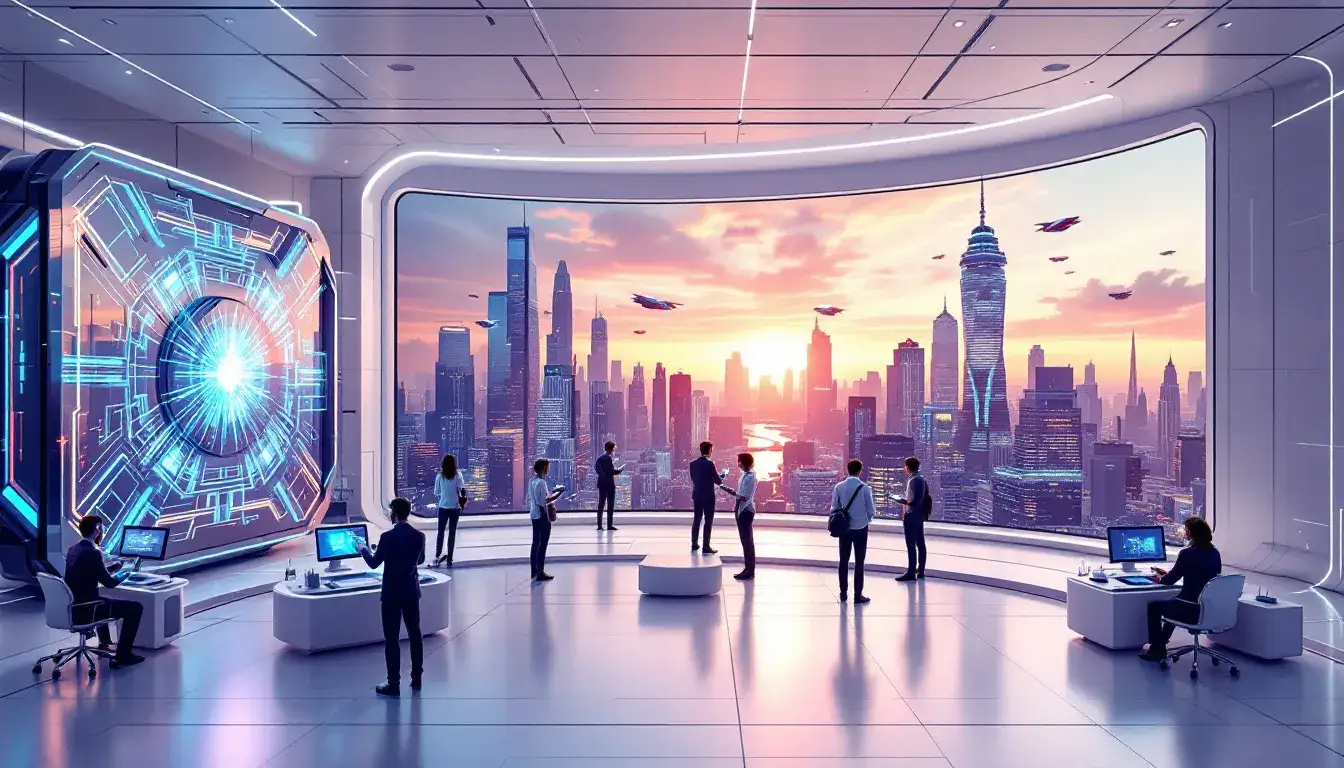
The future of rendering technology is poised to be shaped by significant advancements in AI-assisted rendering and emerging techniques. AI is increasingly playing a critical role in rendering research, focusing on the adaptation of scientific models to enhance rendering applications. By leveraging AI, rendering processes can be streamlined, allowing for faster computations and more efficient use of resources. This not only improves output quality but also enables more realistic visuals and dynamic lighting effects.
Innovative rendering techniques are emerging, promising to enhance realism and efficiency in 3D graphics rendering. Techniques like neural rendering leverage machine learning to create more realistic visuals and streamline rendering processes. As these technologies develop, they have the potential to fundamentally change rendering practices, pushing the boundaries of what is possible in 3D graphics.
Advances in AI-Assisted Rendering
AI is revolutionizing the rendering process by streamlining workflows and improving output quality. Adapting scientific models to rendering applications, AI significantly enhances the efficiency and precision of rendering tasks. This allows for faster computations and more efficient use of resources, reducing the time and computational cost associated with rendering. As AI continues to evolve, its implications for rendering technology suggest a future where rendering can achieve unprecedented levels of efficiency and quality.
Incorporating AI into rendering processes also leads to more realistic visuals and dynamic lighting effects. AI algorithms can automate complex tasks, improving output quality and consistency. This technology not only enhances the visual fidelity of rendered images but also optimizes the overall rendering workflow, making it faster and more efficient.
Emerging Rendering Techniques
Emerging rendering techniques are set to revolutionize the industry by enhancing visual fidelity and processing efficiency. Techniques like neural rendering leverage machine learning to create more realistic visuals and streamline rendering processes. These advanced techniques not only improve visual quality but also optimize the overall rendering workflow, making it faster and more efficient.
As these technologies develop, they have the potential to fundamentally change 3d rendering practices, pushing the boundaries of what is possible in 3D graphics. Incorporating these innovative techniques into workflows allows professionals to achieve higher-quality outputs and more efficient rendering processes.
This continuous evolution of rendering technology ensures that the industry remains at the cutting edge of visual creativity.
Evaluating new rendering tools on Hivenet
When considering a new AI-assisted rendering tool, check whether its software and hardware requirements match an available Hivenet instance. Evaluate its output on a small, representative project before adopting it in production.
Treat emerging rendering features as capabilities of the chosen application, not as a promise that every compute instance includes them. Review the tool’s documentation, licensing, and maintenance requirements before changing your workflow.
Summary
In the rapidly evolving world of 3D graphics, staying ahead of the curve requires understanding and leveraging the latest rendering solutions. Hivenet supplies GPU and CPU instances for user-managed rendering workflows; suitability depends on software support, available capacity, and measured project cost. Real-time ray tracing, cloud-based rendering solutions, and the ongoing debate between GPU and CPU rendering highlight the diverse approaches available to achieve high-quality outputs.
Looking ahead, future trends in rendering technology, including AI-assisted rendering and emerging techniques, promise to revolutionize the industry. By embracing these advancements, professionals can achieve unprecedented levels of efficiency and quality in their rendering projects. For a workflow on Hivenet, verify the selected application’s requirements and the resources currently available before adopting a new technique. Stay informed and explore the possibilities that these cutting-edge rendering solutions offer.
Frequently Asked Questions
What are the main benefits of Hivenet's Compute for rendering?
Hivenet lets you use available GPU and CPU instances without purchasing that hardware locally. You manage the rendering software and workflow. Test compatibility, render time, and running-instance cost to decide whether it fits your project.
How does real-time ray tracing improve rendering quality?
Real-time ray tracing significantly improves rendering quality by accurately simulating realistic lighting effects, shadows, and global illumination. This results in more photorealistic scenes and immediate visual feedback, enhancing the overall visual experience.
What are the advantages of using cloud-based rendering solutions?
Cloud-based rendering solutions provide scalability and cost-effectiveness, enabling you to manage large-scale projects without heavy hardware investments. Additionally, they offer faster rendering times and access to robust computing resources.
When should I choose GPU rendering over CPU rendering?
Choose GPU rendering when the renderer supports the hardware, the scene fits the available memory, and a representative test shows a useful performance gain. Choose CPU rendering when memory needs or required features favor it. Compare the same output settings; neither option is inherently higher quality.
What future trends should I watch for in rendering technology?
You should watch for AI-assisted rendering that optimizes workflows and enhances quality, along with neural rendering techniques that boost visual fidelity and efficiency. These advancements are set to revolutionize the field significantly.
Your next workload belongs on Hivenet.
Pick one AI, compute, or storage workload and see the difference for yourself. Spin it up in minutes, or let our team map your fastest path to production.

