

Sign in to Hivenet
Access your files and manage your storage account.
Store
Access your files and manage your storage account.
Compute
Launch instances and manage your compute resources.
Store and Compute still use separate accounts today. We’re working on a unified sign-in.
Just need to send a file?
Use Send directlyNew to Hivenet? Get Started
Get started with Hivenet
Choose what you want to use first.
Store
Back up photos and files across your devices.
Compute
Launch self-serve GPU compute for demanding work.
Store and Compute still use separate accounts today. We’re working on a unified account experience.
Need Hivenet for business?
Talk to salesNeed to send a file?
Open SendAlready have an account? Sign in
SSD cloud storage: performance, durability, and costs
SSD cloud storage uses solid-state drives to provide storage through a cloud service. Flash memory removes the mechanical seek time of a hard disk, which can help workloads that make many small or random reads and writes. The speed you receive still depends on the storage service, network, virtual machine, and application.
For developers and infrastructure teams, the first decision is whether the data must survive the loss or deletion of a server. A durable cloud disk and a temporary local SSD can both use flash while offering different protection. This guide explains those choices, the performance measures that matter, and how to compare costs before migrating. Provider documentation was checked in October 2026.
What does SSD cloud storage mean?
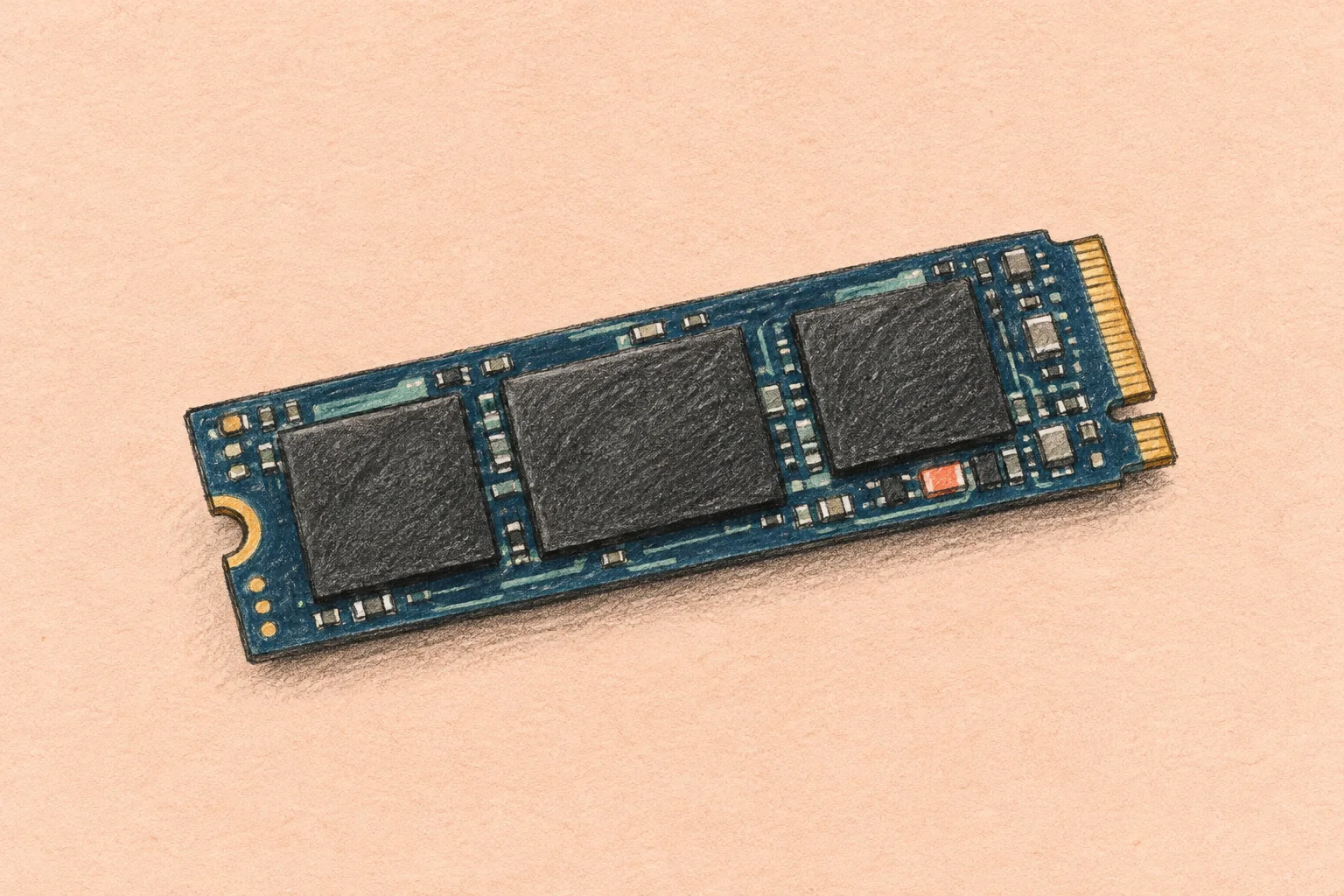
An SSD stores data electronically, usually in NAND flash memory, rather than on spinning magnetic platters. A controller manages operations such as wear leveling, which spreads writes across memory cells. Flash has write-endurance limits: having no moving parts does not make a storage device immune to failure. Kingston's SSD documentation explains these hardware basics.
In a cloud service, you generally select a storage product and its capacity or performance tier. You do not choose or maintain each physical drive. The service may expose a block device to a virtual machine, a shared file system, or an application interface. An SSD label alone does not tell you which interface you receive, where replicas are stored, or whether backups are included.
A consumer cloud drive is another kind of service. It usually emphasizes synchronization, sharing, and access from computers or mobile devices. Its advertised space does not establish an SSD performance commitment. Compare its file-management features separately from infrastructure storage specifications.
Choose the storage model before the speed tier
| Storage model | Typical purpose | What to verify |
|---|---|---|
| Durable network-attached block storage | Operating systems, databases, and application data | Persistence, deletion settings, VM limits, replication scope, and backups |
| Local or instance SSD | Temporary processing space, caches, and rebuildable data | Which stop, maintenance, failure, and deletion events lose data |
| Managed file or object service | Shared files or application objects | Interface, access behavior, service limits, and documented performance |
A block volume behaves like a disk presented to a server. Applications normally use a file system or database on top of it. Sharing a single volume among several machines requires explicit product support and software that coordinates access; attaching it is not enough to create a safe shared folder. Our cloud file systems guide covers that broader architecture.
Local SSD can be useful when the application can recreate its contents. For example, a processing job can download source data from durable storage, use local space while working, and save completed results back to a durable destination. The recovery plan must handle an interrupted job and any work not yet saved.
Do not assume all cloud storage replicates data across regions or sends users to the nearest copy. Those behaviors belong to particular services and configurations. Likewise, persistent storage may still have a setting that deletes the volume when its VM is deleted.
Read the performance measures together
| Measure | What it tells you | Useful question |
|---|---|---|
| IOPS | Input/output operations completed per second | At what I/O size and read/write mix? |
| Throughput | Data transferred per second, such as MiB/s | Does the workload move small records or large streams? |
| Latency | Time taken for an operation to complete | What happens to slow requests during peak load? |
| Queue depth | Operations waiting or in flight | Is work waiting for storage, or is the application issuing too little work? |
IOPS and throughput are connected by operation size. As an illustration, 3,000 operations per second at 16 KiB per operation equal about 46.9 MiB/s before other limits and overhead. This is arithmetic, not a benchmark or a guarantee that an application will reach those rates. Large operations can hit a throughput ceiling before an IOPS ceiling.
AWS's I/O guidance explains how request size, queueing, and instance bandwidth affect a volume's results. Compare storage metrics with CPU, memory, network use, and application response time. Buying a faster disk will not correct a query that spends its time waiting on a remote API.
Check sustained performance, burst rules, and limits at both disk and VM level. Test under the concurrency you expect. A short read-only test with a warm cache does not describe sustained writes or a database working on data larger than memory.
Does NVMe mean the disk is local?
No. NVMe describes a storage interface; it does not establish the persistence or location of the underlying data. Amazon EBS volumes appear as NVMe devices on Nitro-based instances even though EBS is a network-attached service. Check the cloud resource identity and service documentation rather than inferring the storage model from an operating-system device name.
When SSD storage helps, and when HDD storage can fit
SSD storage is a useful candidate for transactional databases, frequently accessed application data, and build workloads with many small file operations. It can reduce storage waiting time when disk I/O is the measured constraint. The application still needs enough CPU, memory, and network capacity to use the improvement.
HDD-backed storage can suit large sequential transfers when latency and random I/O are less important. For example, AWS distinguishes SSD and HDD volume types by workload characteristics, not just capacity. Archived data may instead belong in an object-storage tier whose retrieval delay and charges fit the recovery requirement.
There is no universal speed multiplier between cloud SSD and HDD services. Their provisioning, caching, workload mix, and VM limits differ. Nor does an SSD guarantee faster uploads over a slow internet connection. For remote users, measure the whole path from the client to the application.
Avoid assigning a fixed energy or carbon saving to the SSD label. A service's impact depends on hardware, utilization, redundancy, location, and the work completed. Similarly, a claim that SSDs always last longer than HDDs is not a sound basis for a recovery plan.
Current provider examples
AWS: separate EBS from instance store
EBS gp3 includes a baseline of 3,000 IOPS and 125 MiB/s, with additional performance provisioned separately from capacity within product limits. AWS also offers io2 Block Express for more demanding storage requirements. Check the selected instance's ability to deliver the performance you buy.
EC2 instance store has a different lifecycle. AWS states that instance-store data survives a reboot but not a stop, hibernation, or termination. Valuable data needs a durable destination. An application's use of local SSD does not make that storage equivalent to EBS.
Google Cloud: Hyperdisk, Persistent Disk, and Local SSD
Google distinguishes durable network-attached disks from temporary local storage. Its disk selection guide directs users toward Hyperdisk on supported machine series, with Persistent Disk available for other supported configurations. High-availability and replication options must be selected according to the product; regional protection is not implied by the word SSD.
Google Local SSD is temporary storage and is not automatically replicated. Data preservation depends on the lifecycle event and supported configuration. Read those rules before using it for a cache or processing workspace.
Azure: check the disk and VM combination
Azure managed disks include Standard SSD, Premium SSD, Premium SSD v2, and Ultra Disk options. Premium SSD v2 allows separate capacity, IOPS, and throughput settings, but cannot serve as an OS disk. Regional availability, VM support, caching, and other limitations differ across products. Compare a configuration that can actually run your workload, rather than the highest number in a specification table.
Estimate the whole storage bill
Compare the same capacity, performance, location, and protection level. Include provisioned storage, any extra IOPS or throughput, the required VM, snapshots or backup storage, replication, transfer charges where applicable, and support. Also allow for temporary duplicate capacity during migration.
Pay-as-you-go does not always mean paying only for bytes occupied by files. EBS pricing, for example, bills gp3 provisioned capacity and separately provisioned performance beyond its included baseline. A mostly empty volume can still incur its provisioned storage charge.
For a useful quote, record the region, currency, billing units, provisioned size, performance settings, and backup assumptions. Distinguish decimal GB or TB from binary GiB or TiB when comparing offers. A low capacity rate can be outweighed by performance charges or a larger VM requirement.
Keep frequently accessed data on a suitable performance tier and evaluate cheaper storage for less active data. Confirm the cost and time of retrieving that data before moving it. Set usage alerts and assign someone to review unattached volumes, unused snapshots, and capacity growth.
Persistence, backup, and security are separate checks
Replication can protect against certain infrastructure failures. It does not provide an older version of data after every accidental deletion or application error. Backups need defined retention, protected access, and a tested restore process. Our sync and backup guide explains why copies that follow current changes are not the whole recovery plan.
Cloud snapshots can form part of a backup strategy, but consistency matters. EBS snapshot documentation notes that snapshots exclude data still cached by the application or operating system. Follow the database's supported backup method and the provider's consistency procedure, especially when data spans multiple volumes.
Verify encryption, key access, administrative permissions, snapshot sharing, and deletion controls. None follows automatically from using flash. Test restoration into a separate environment, including application startup, permissions, and access to encryption keys. Our recoverability testing guide provides a fuller approach.
A practical SSD storage evaluation checklist
- Measure the current constraint. Record peak and normal latency, IOPS, throughput, queue depth, and application response times alongside CPU and memory use.
- Classify the data. Separate durable records, rebuildable caches, temporary files, and backups. Document acceptable data loss and recovery time.
- Select compatible resources. Check disk type, VM bandwidth, region, operating-system support, quotas, and lifecycle rules.
- Run a representative pilot. Use disposable test data to compare read/write mixes, operation sizes, concurrency, and sustained load. Test both warm and cold-cache conditions where relevant.
- Test recovery and cost. Restore a backup, recreate lost temporary storage, and estimate the complete bill using measured needs.
- Migrate with a rollback plan. Validate data, monitor application behavior after cutover, and keep the previous working copy until the result is accepted.
Frequently asked questions
Is SSD cloud storage always faster?
It often suits small random I/O better than HDD-backed storage. The delivered result depends on the service tier and the rest of the system. An overloaded VM, remote network path, or application bottleneck can dominate the response time.
How much does 1 TB of SSD cloud storage cost?
There is no single price. Specify durable or temporary storage, region, billing units, IOPS, throughput, and backup requirements. Then compare current quotes for equivalent configurations. A consumer 1 TB file-sharing plan is not equivalent to a provisioned cloud block volume.
Can an external SSD become personal cloud storage?
It can hold files for an always-available computer or NAS running file-serving software. Remote access, authentication, updates, backups, power, and upload bandwidth still need to be managed. Connecting an SSD by USB does not itself create a cloud service.
Do I still need backups with a durable SSD volume?
Yes. Durable storage addresses different risks from historical recovery. Define a backup policy, protect it from the same mistakes or compromised credentials that could affect production, and verify that you can restore the application.
Your next workload belongs on Hivenet.
Pick one AI, compute, or storage workload and see the difference for yourself. Spin it up in minutes, or let our team map your fastest path to production.

