

Sign in to Hivenet
Access your files and manage your storage account.
Store
Access your files and manage your storage account.
Compute
Launch instances and manage your compute resources.
Store and Compute still use separate accounts today. We’re working on a unified sign-in.
Just need to send a file?
Use Send directlyNew to Hivenet? Get Started
Get started with Hivenet
Choose what you want to use first.
Store
Back up photos and files across your devices.
Compute
Launch self-serve GPU compute for demanding work.
Store and Compute still use separate accounts today. We’re working on a unified account experience.
Need Hivenet for business?
Talk to salesNeed to send a file?
Open SendAlready have an account? Sign in
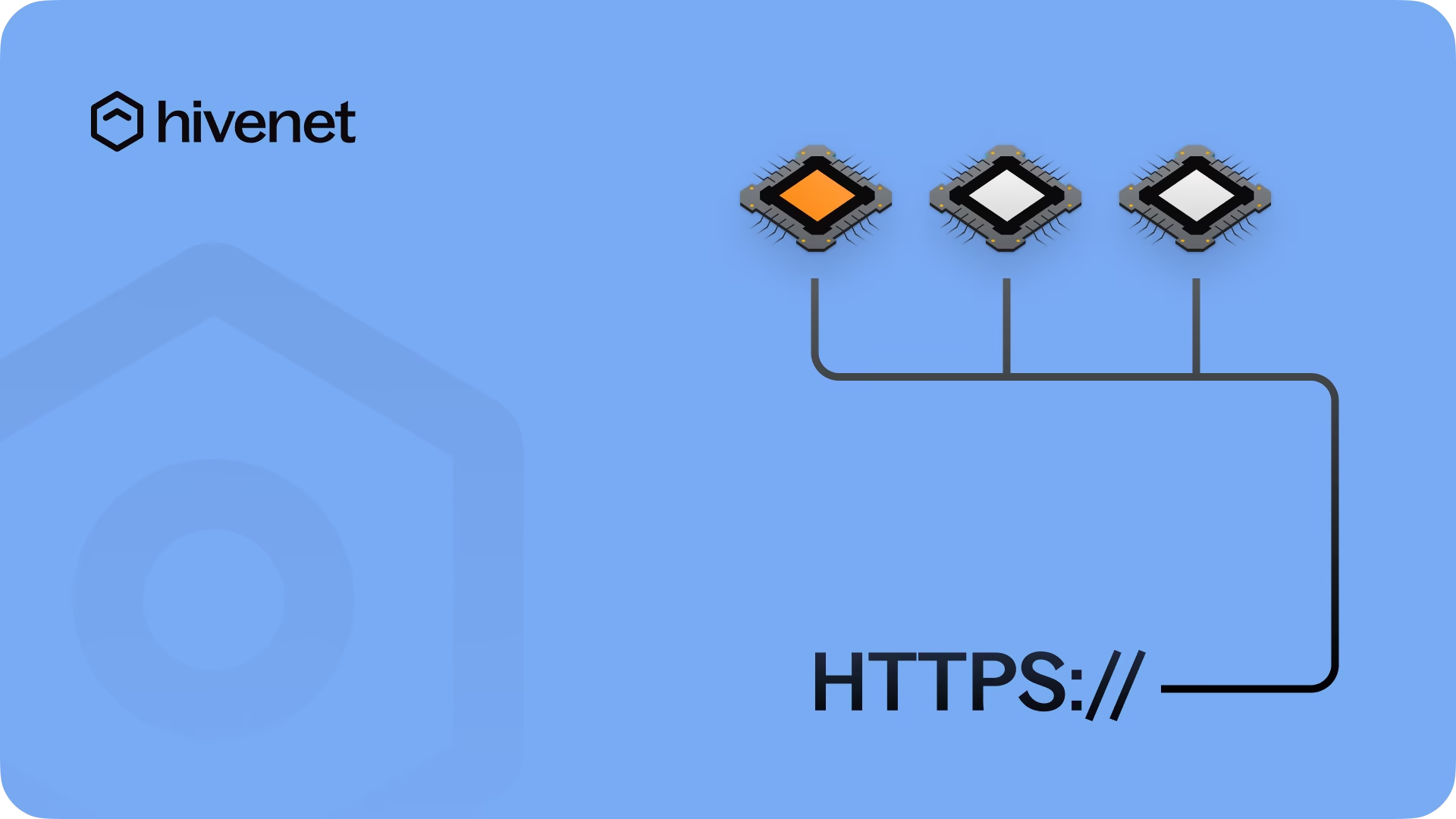
How HTTPS connectivity works on Hivenet Compute
Hivenet Compute supports HTTPS connectivity for browser-based apps and other public web services. HTTPS is one of the connectivity options you choose when you create an instance, alongside SSH, TCP, and UDP. It provides a generated public URL, but your app still needs the correct port, bind address, and its own access controls.
Why use HTTPS connectivity?
Use HTTPS when you need a browser-friendly public URL for a web app running on your instance. For private access during setup, SSH port forwarding is usually safer. For services that need direct inbound TCP or UDP connections, choose the matching protocol during creation.
- Expose a web app over HTTPS – Use the public URL generated for the instance.
- Protect traffic to the public endpoint – The generated URL uses HTTPS. Add authentication in the application before sharing it.
- Choose the right access method – Use HTTPS for public web apps, SSH forwarding for private UIs, and TCP or UDP when the service requires those protocols.
- Plan connectivity before launch – Connectivity options are selected during instance creation, and some settings cannot be changed later.
How it works
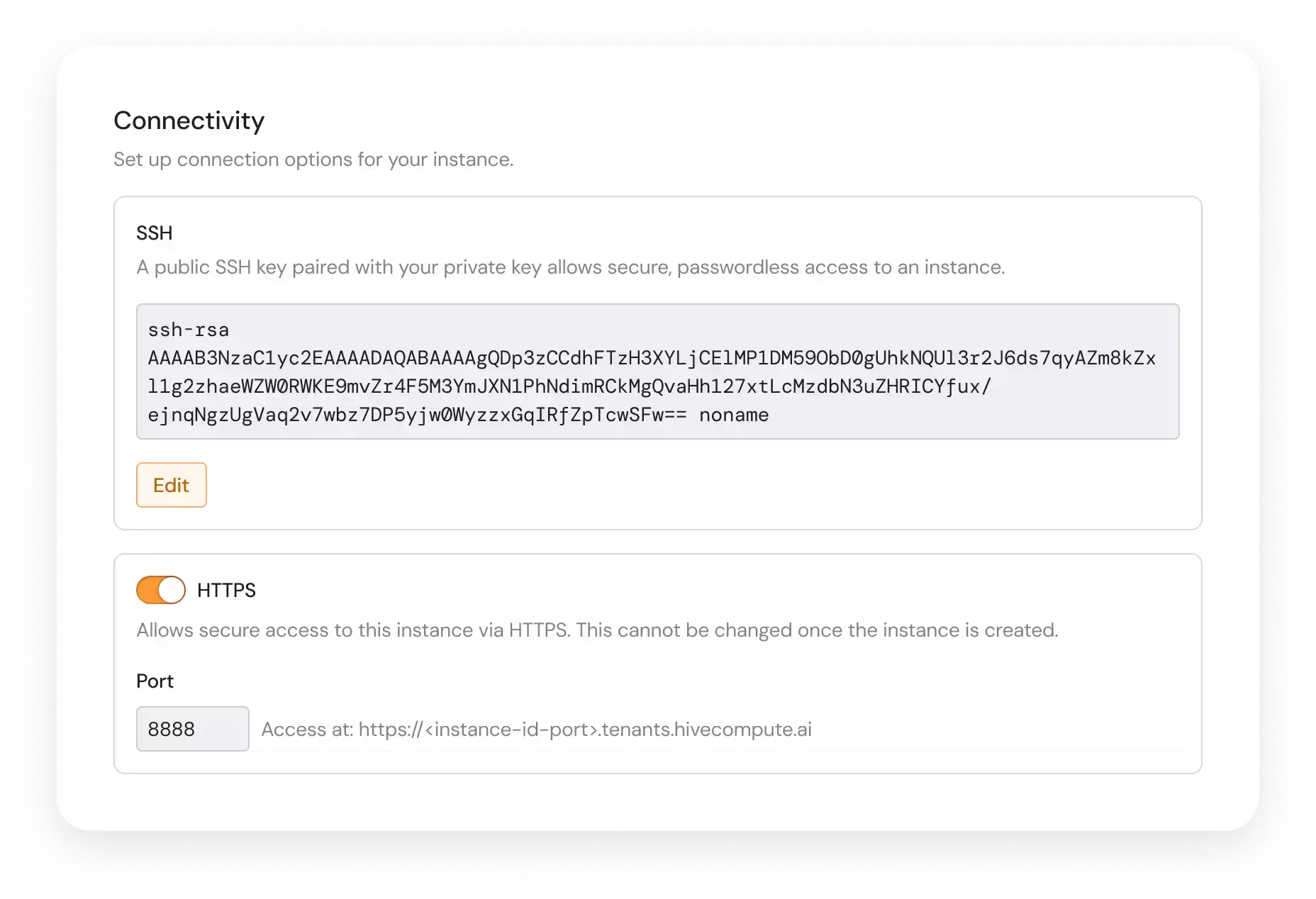
- Choose HTTPS during creation – In Connectivity, enable HTTPS and confirm the port your app will use.
- Run the app on a reachable address – For the default public URL, run the app on port
8888and bind it to0.0.0.0, not only127.0.0.1. - Open the generated URL – Copy the HTTPS endpoint from the instance’s connectivity details after the instance is running.
- Troubleshoot before widening access – If you see Bad Gateway, confirm that the instance and app are running, then check the port and bind address. Follow the current troubleshooting guide.
What can you use HTTPS connectivity for?
- Browser-based tools – Reach Jupyter, Gradio, Streamlit, and similar interfaces through a public URL.
- Web applications and demos – Share a browser-accessible service after adding appropriate application authentication.
- Public HTTP services – Use the HTTPS endpoint when it fits the service; use TCP when you need direct inbound TCP connectivity.
- Private dashboards and admin panels – Prefer SSH port forwarding instead of a public endpoint.
Get started
Review the current connectivity guide before creating your instance. It explains when to use SSH, HTTPS, TCP, or UDP and how to make the service reachable.
If the browser reports a certificate warning, check the certificate troubleshooting guide before changing the instance configuration.
When you are ready, open the Hivenet Compute console, choose the required connectivity settings during creation, and add application-level authentication before sharing a public URL.
Your next workload belongs on Hivenet.
Pick one AI, compute, or storage workload and see the difference for yourself. Spin it up in minutes, or let our team map your fastest path to production.

