

Sign in to Hivenet
Access your files and manage your storage account.
Store
Access your files and manage your storage account.
Compute
Launch instances and manage your compute resources.
Store and Compute still use separate accounts today. We’re working on a unified sign-in.
Just need to send a file?
Use Send directlyNew to Hivenet? Get Started
Get started with Hivenet
Choose what you want to use first.
Store
Back up photos and files across your devices.
Compute
Launch self-serve GPU compute for demanding work.
Store and Compute still use separate accounts today. We’re working on a unified account experience.
Need Hivenet for business?
Talk to salesNeed to send a file?
Open SendAlready have an account? Sign in
systemd timers vs. cron: choose how to schedule a Python job
Choose cron jobs for simple recurring work when your existing setup already handles the execution environment, logs, missed work, and overlapping runs. Prefer systemd timers on a systemd-based Linux host when a named service, explicit execution settings, and inspectable status make the job easier to operate. A persistent calendar timer can also request a catch-up run after downtime.
This systemd timer vs. cron comparison is for developers scheduling a Python job on one Linux machine. A daily CSV import and a recurring website check both need a trigger, but they have different answers to “what did we miss?” Neither scheduler supplies your application's recovery policy. The scenarios below explain documented behavior, not a tested deployment.
Systemd timers vs. cron: key differences
What cron jobs execute
A cron daemon reads a crontab and starts a command when its time fields match. The schedule and command can occupy a single line, with an operator-owned wrapper handling setup. Cron implementations are available across Unix-like systems; check the implementation installed on your host before relying on its extensions.
How timer units activate a service
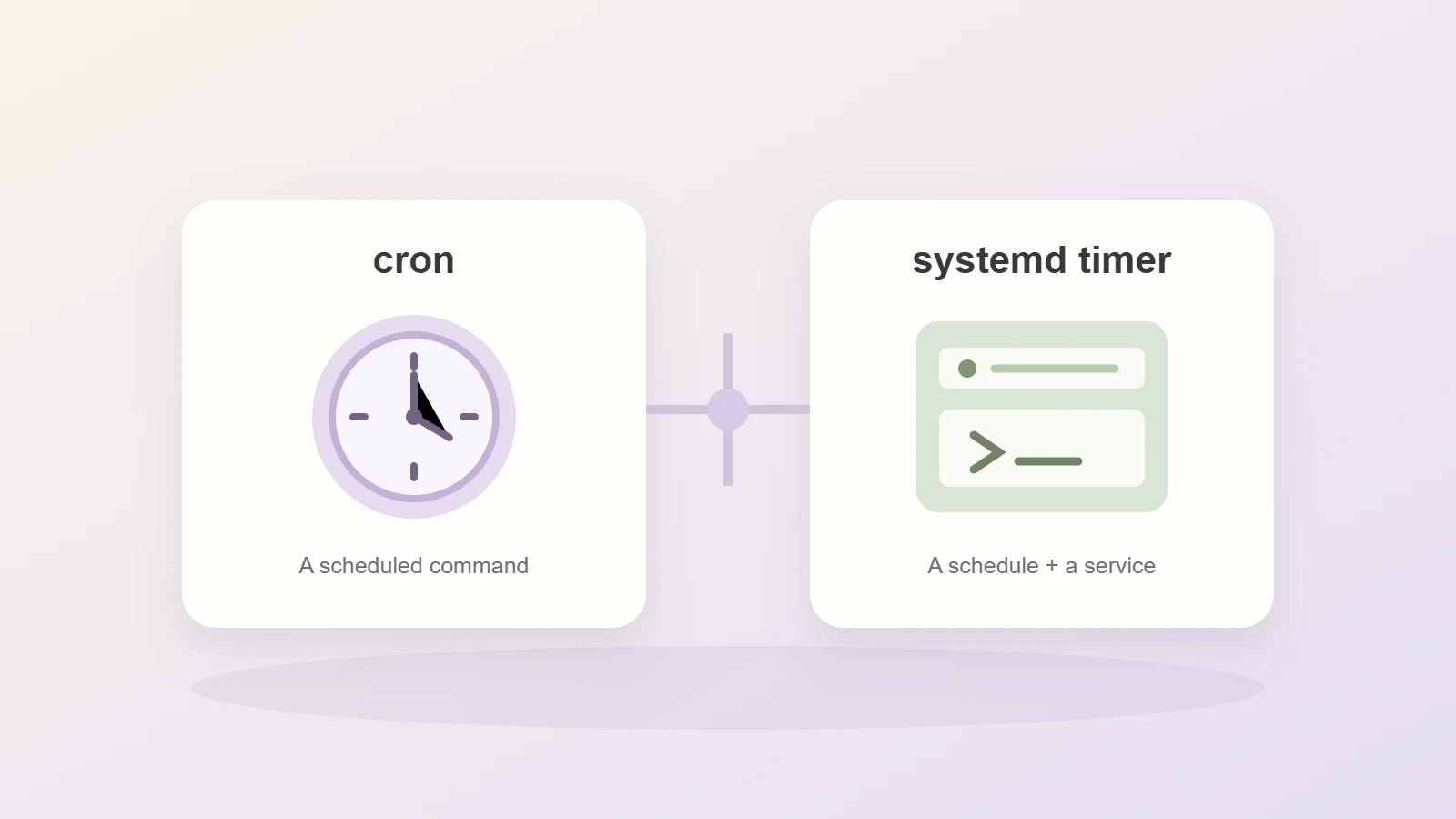
A systemd timer activates another unit, normally a service with the same base name. For example, an import.timer file would activate import.service by default. These two files separate when work is requested from how it runs. Systemd timers require a systemd service manager.
- Execution environment: both need explicit paths and configuration. A systemd service unit can declare the working directory, execution identity, and environment; cron jobs commonly supply these through the crontab and wrapper.
- Logs and status: cron output can be redirected or mailed where delivery is configured. Systemd services can send output to the systemd journal and expose service status. Neither arrangement guarantees a failure alert.
- Missed runs: ordinary cron jobs do not replay schedules missed while the host was off. Persistent systemd calendar timers can request a catch-up activation. Neither maintains a backlog of files or records.
- Overlapping runs: a cron schedule alone does not prevent overlap. A timer leaves an already-active target unit running rather than starting another instance. Separate invocations still need coordination.
- Timing: cron uses calendar fields. Systemd supports calendar events and monotonic timers relative to events such as system boot or service completion. Accuracy settings and optional random delays affect dispatch.
These distinctions follow the systemd timer manual and the Cronie crontab manual. Cronie-specific behavior should not be assumed to exist in every cron installation.
Keep cron jobs when the operating setup works
A daily import or daily cleanup task does not need a migration simply because another scheduler has more options. Keep cron if your team can find the schedule, inspect the output, prevent unwanted overlap, and recover missed work. Those operating responsibilities matter more than the number of configuration files.
Set the execution environment
The command must work without an interactive terminal session. Specify the Python interpreter, including the virtual environment's executable when appropriate. Set the working directory, provide configuration, and make file paths unambiguous. A script that runs after you activate an environment in a terminal can still fail as a cron job.
Give job failures a visible path
Redirecting output creates a record; it does not establish that anyone checks it. Cron's MAILTO behavior depends on the implementation, configuration, and a working mail-delivery setup. Preserve the job's exit status through any wrapper and decide who investigates a failed or missing run.
To notice missing work before someone checks the logs, monitor missed or late cron jobs against an expected completion window and route alerts to a named owner.
If a scheduled command appears to do nothing, troubleshoot a cron job that is not running to distinguish a missing trigger from an execution or output problem.
Our Python ETL pipeline guide includes a proposed daily cron entry and a non-overlap lock. Its scheduling and database integration remain untested. Use that guide for the import's input and validation rules; changing the scheduler does not establish that the import works.
When to prefer systemd timers
Separate the timer file from the service file
The timer unit file holds the schedule. The service unit file defines the command and its execution settings. This gives scheduled jobs a named systemd service to inspect, while keeping scheduling decisions separate from the Python program.
The systemd execution-environment documentation describes WorkingDirectory, User, and Environment. These settings make choices explicit; they do not infer your Python environment or repair missing permissions. A system service does not automatically inherit the terminal configuration used to install it.
Use systemctl status and the systemd journal
Systemd provides a unified view of timer units currently in memory through systemctl list-timers, including their next and last trigger times and the units they activate. The systemctl status command shows a unit's current or most recent runtime state with recent journal messages. Use journalctl to view logs from earlier invocations, subject to retention and access permissions.
These inspection tools help distinguish a timer that has not fired from a service that started and failed. They do not prove that the program produced correct output. Decide how long logs must remain available and how a job failure reaches an operator.
Understand dependency management
Systemd units can express dependencies and startup ordering relative to other systemd units. The distinction matters: After= controls ordering, while Wants= and Requires= express requirement relationships. Ordering alone does not start a dependency or prove that a remote database is ready for your query. Use the unit dependency documentation when this affects the job.
This control can justify the extra unit files. If the migration merely moves a stable command into two files without improving operation, cron may remain the simpler choice.
Missed cron jobs and persistent systemd timers
Daily import: one catch-up activation
Imagine an import scheduled for 02:15 UTC. The VM is unavailable then and returns at 03:00. With an ordinary daily cron entry, the missed occurrence is not automatically replayed. An operator action or application backlog check must decide whether to run the import later.
With a systemd calendar timer configured with Persistent=true, systemd records when the service unit was last triggered. When the timer becomes active again, it can trigger the service if an occurrence was missed while the timer was inactive. Persistent defaults to false and applies to OnCalendar timers. Any configured randomized delay still matters.
That activation is not one replay for every missing batch. After several days offline, the import must identify complete files waiting for processing and distinguish previous successes from unfinished work. A catch-up invocation can run that reconciliation; the timer does not supply it.
Website polling: missing observations
One check at 03:00 can observe the page at 03:00. It cannot reconstruct a price that changed twice while the host was unavailable. The website change detection guide explains how valid observations update a baseline and why polling can miss intermediate states. Its local fixture does not include a scheduler.
Calendar events, monotonic timers, and overlapping runs
An active service unit is not restarted
If a timer elapses while its target unit is already active, systemd leaves that unit running. This avoids a second instance of that same active service. It does not stop someone launching the script directly, using another unit, or running it on a second VM. Shared data may still require an application or database lock.
Choose calendar or completion-relative timing
Choose whether scheduled jobs should follow wall-clock time or wait a period after the previous run finishes. Systemd's OnCalendar setting describes calendar events. Monotonic timers measure time spans relative to a starting event: OnBootSec uses system boot, while OnUnitInactiveSec uses the target unit becoming inactive. The latter can express a delay after a service finishes. Neither is a queue of every scheduled occurrence.
Set time zones and timing tolerance
Record the intended time zone. A UTC schedule avoids daylight-saving changes in its own clock, while “before 9 a.m. local time” may need a named local zone. Check your cron implementation before relying on CRON_TZ and review its daylight-saving behavior.
Systemd's AccuracySec permits a dispatch window, and RandomizedDelaySec can spread starts over time. A specified time is not a promise that the Python process starts or finishes at that exact instant. Account for startup, execution, and downstream delays when defining a completion deadline.
When to use a queue or managed scheduler
Cron and systemd timers fit recurring work whose operation can be owned on one machine. Consider a queue when several producers submit independent tasks, workers must consume a backlog, or tasks need separate retry handling. Our Celery with Redis guide covers that deployment direction and records its runtime limits. Adding a broker does not make duplicate execution harmless.
A managed scheduling service may fit a team that does not want to maintain a host. If a VM suits the workload, use the CPU VM buying guide to assess memory, storage, and operating responsibilities. Scheduler choice alone does not establish capacity or a tested Hivenet deployment.
Before choosing, write down five answers: what starts the job, which identity and environment it uses, what happens after downtime, how overlapping work is handled, and who sees a failure. Keep cron when those answers are clear and adequate. Choose systemd timers when their service management makes those responsibilities easier to operate.
Your next workload belongs on Hivenet.
Pick one AI, compute, or storage workload and see the difference for yourself. Spin it up in minutes, or let our team map your fastest path to production.

