

Sign in to Hivenet
Access your files and manage your storage account.
Store
Access your files and manage your storage account.
Compute
Launch instances and manage your compute resources.
Store and Compute still use separate accounts today. We’re working on a unified sign-in.
Just need to send a file?
Use Send directlyNew to Hivenet? Get Started
Get started with Hivenet
Choose what you want to use first.
Store
Back up photos and files across your devices.
Compute
Launch self-serve GPU compute for demanding work.
Store and Compute still use separate accounts today. We’re working on a unified account experience.
Need Hivenet for business?
Talk to salesNeed to send a file?
Open SendAlready have an account? Sign in
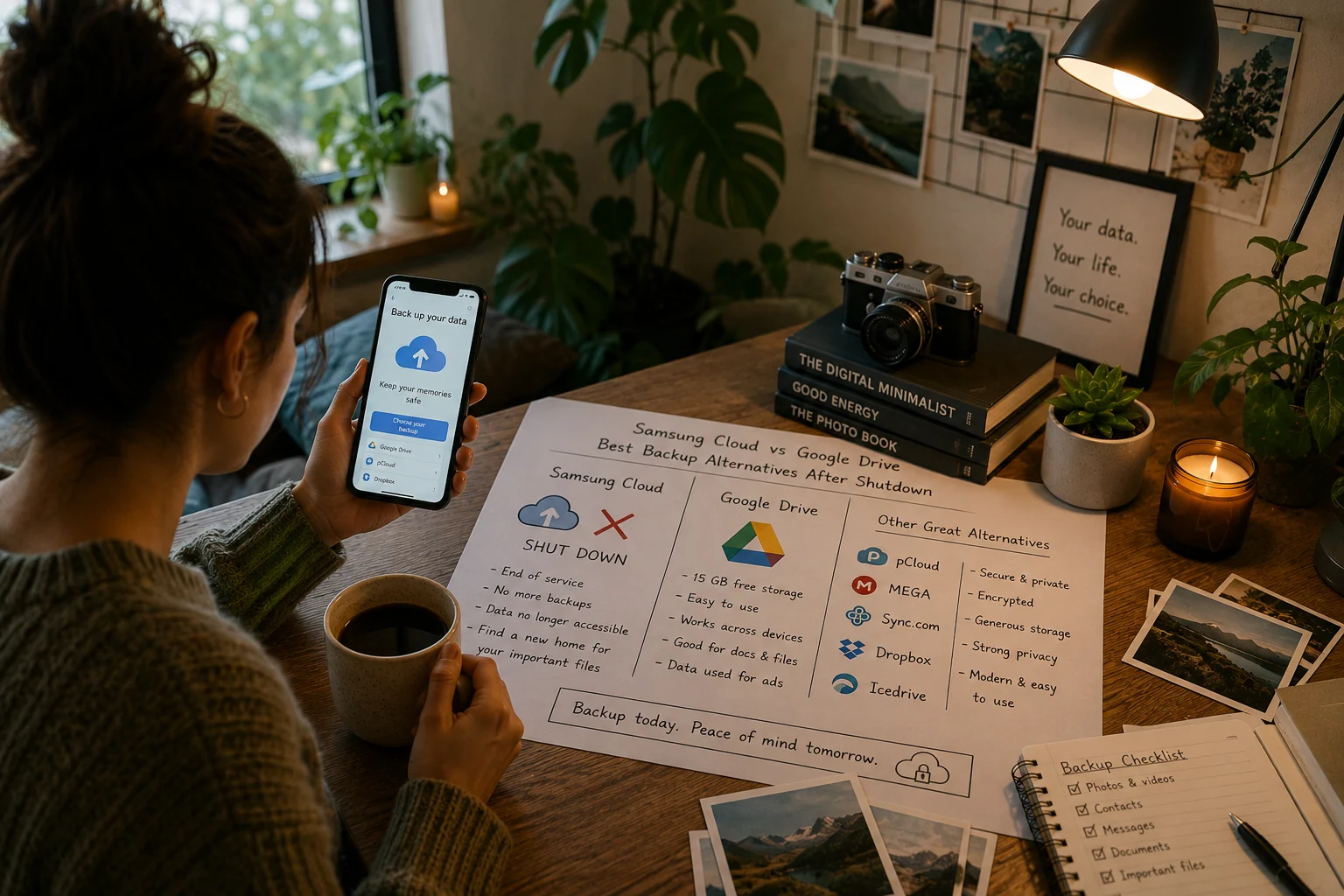
Samsung Cloud vs Google Drive: Galaxy backup options
Samsung Cloud has not shut down as a whole. Samsung still supports device backup and restore on compatible Galaxy devices. Photo syncing is a separate service: Microsoft says direct Samsung Gallery syncing with OneDrive ends on September 30, 2026. Check which service holds your data before changing your backup setup.
Your choice depends on whether you need Galaxy device recovery, photo backup, or storage for individual files. Store with Hivenet handles files and photos; Google Drive handles files, while Google Photos and Android device backup have separate roles. Compare supported recovery, access, and privacy controls for the data you need.
Quick comparison: Samsung Cloud vs Store with Hivenet vs Google Drive
| Feature | Samsung Cloud | Store with Hivenet | Google Drive |
|---|---|---|---|
| Status | Device backup and restore remain available on supported Galaxy devices | Personal file storage and photo backup | Active and widely used |
| Free storage | Check supported backup items and limits on your device | 3GB advertised on the Store page; check your account allowance | Up to 15GB shared with Gmail and Google Photos |
| Device support | Supported Galaxy devices; availability varies by software, carrier and region | iPhone, iPad, Android, macOS, Windows and web; check compatibility | Web and supported Android, iOS, Windows and macOS apps |
| Photo backup | Check Gallery sync separately; Temporary Cloud Backup can include photos on supported devices | Photo Backup after setup, permissions and completed uploads | Google Photos has separate backup settings and quota requirements |
| File size limit | Limits depend on the backup feature; check its current documentation | Check file size, free device space and available Store quota | Up to 5TB for other file types, subject to available storage; format limits vary |
| Third-party apps | Supported app data varies by backup feature and app policy | Do not assume app-data recovery or third-party backup integration | Android device backup is separate; not every app restores all data |
| Web access | Web access for backup information and management; restore support depends on the device | Web and supported apps; verify file access after upload | Web access to Drive files; device restore is a separate workflow |
| Migration required | No general migration requirement; check any Gallery sync changes | Check supported file-transfer methods; do not assume direct import of Samsung device backups | Export files separately; do not assume import of a Samsung device backup |
Samsung Cloud supports device recovery; photo syncing and Temporary Cloud Backup have separate capabilities and limits. Store supports uploaded files and Photo Backup, not a documented replacement for Galaxy settings or app-data recovery. Google Drive stores files; evaluate Android device backup and Google Photos separately.
What is Samsung Cloud?
Samsung Cloud supports backup, restore, and syncing of selected data using a Samsung account. Depending on your Galaxy device and software, supported items include contacts, messages, call logs, and settings. Review Samsung’s current backup instructions and the options shown on your device.
Changes to Gallery syncing do not mean Samsung Cloud device backups have ended. Microsoft’s September 30, 2026 Gallery notice says existing OneDrive photos remain available in OneDrive. Users who want continued OneDrive photo backup should check the OneDrive app’s camera backup settings, permissions, and storage quota.
What is Store with Hivenet?
Store with Hivenet keeps personal files and offers Photo Backup. Before relying on a copy, verify that the upload finished and that a separately downloaded file opens. Review the encryption and privacy terms for the product and workflow rather than treating storage as guaranteed device recovery.
Store with Hivenet supports:
- Storage for uploaded documents and files, with a separate Photo Backup feature
- Cross-platform access on Android, iOS, Windows, Mac, and web
- Uploads subject to file-size checks, account quota and device space
- Access to completed uploads through supported apps and the web
Store file access does not establish recovery of phone settings, app data, or an entire device. Hivenet also processes information needed for accounts, billing, support, and service operation; review the Privacy Policy for that information and your available controls.
What is Google Drive?
Google Drive is a widely used cloud storage platform integrated with the Google ecosystem. It offers 15GB of free storage shared across Gmail, Google Photos, and Drive itself, with paid upgrades via Google One.
Google Drive stores files. Google Photos handles photo and video backup, while Android device backup can cover supported apps, settings, contacts, messages, and call history. Coverage and restore depend on the app, device, and Android version; not all app data can be restored.
Google says it does not use personal content stored in Drive for advertising. It does process content for functions such as search and malware detection, and collects service information. Review those practices and sharing settings when assessing privacy.
Storage capacity and pricing
Check Samsung Cloud’s backup options on your device rather than treating it as a discontinued storage plan. Temporary Cloud Backup has a limited retention period and is not a permanent file archive. If you choose OneDrive for photos or files, review Microsoft’s current storage plans and the quota on your account.
The Store page advertises 3GB free. Check the allowance in your account and the current checkout offer before choosing affordable premium plans. Compare capacity, billing period, supported features, and recovery needs; a price or plan name is not a security guarantee.
Google’s shared free allowance is up to 15GB. Google One upgrades depend on the account and local offer. For the capacities previously listed here, check availability and the current price rather than relying on a universal US-dollar rate:
- 100GB: check the current local Google One offer and billing period
- 200GB: do not assume this tier is available for every account or region
- 2TB: check the current local offer and included features
You can also subscribe to annual plans, which may help some users pay less over time. By contrast, Google Cloud itself uses a flexible pricing model that adapts to your consumption needs and operates on a pay-as-you-go model tailored for scalable workloads.
Compare the plan’s capacity and features separately from its privacy controls. Drive’s personal stored content is not used for advertising, according to Google.
Backup features comparison
Samsung Cloud’s regular backup focuses on supported device data. Temporary Cloud Backup can include photos, videos, and some third-party app data on compatible devices. Check the expiry shown for your backup and restore it before that date.
For Store, separate supported file and photo workflows from device recovery:
- Photo Backup for photos and videos after setup and completed uploads; check file limits for videos, and large media files
- Documents uploaded to Store; large files sent securely through Send use a separate, temporary transfer workflow
- App data: check the app’s own supported backup and restore method
- Device settings: use the device’s supported recovery service, not an assumed Store restore
Android device backup has its own coverage and restore requirements; it is not the same as storing files in Drive. Google documents screen-lock encryption for some backup data, with exclusions. When comparing top free cloud storage apps for Android, check the exact data and workflow rather than assuming uniform encryption or recovery.
Device compatibility
Samsung Cloud backup and restore depend on a supported Galaxy device. Features vary by model, software version, carrier, and region.
Store supports iPhone, iPad, Android, macOS, Windows, and the web, subject to compatibility. If comparing the best cloud storage choices for Android in 2026, test a completed upload and separately downloaded copy on the destination device before relying on access or removing an original.
Google Drive provides web access and supported apps. Assess the specific device, sharing permissions, and account controls instead of assuming universal platform support or an automatic privacy trade-off.
Migration and future considerations
There is no general 2025 deadline to move all Samsung Cloud data. First identify whether you have a device backup, a temporary backup, or synced photos. Confirm the export and restore options for that data type before choosing among top free cloud storage apps. Uploading individual files to another provider does not establish that it can restore a Samsung device backup.
If you choose Google Drive for exported files, confirm that you can open those files after upload. Check photo syncing and device recovery separately.
Security and privacy
Samsung offers Enhanced data protection for supported Samsung Cloud data on compatible devices. Availability and coverage vary. If you enable it, keep the recovery code safely: losing both the relevant device and the code can prevent recovery.
When reviewing Store security and privacy, check:
- The encryption coverage and key or recovery requirements for your account and workflow
- What account, device, usage and support information the Privacy Policy covers
- Available sharing, privacy-request and retention controls
Remember to review your backup and privacy settings so you save important files in a way that fits your security needs.
Google Drive encrypts files in transit and at rest and processes content for service functions, including search and malware protection. Google says personal Drive content is not used for advertising. Protect the account and review sharing permissions as well as encryption.
Which should you choose?
Samsung Cloud remains an option for supported Galaxy device backup and restore. Choose any additional file or photo service around the functions you actually need.
Privacy-conscious users: compare encryption coverage, account recovery, sharing, and data handling for the exact workflow. Store is a file and photo option to evaluate, not a demonstrated universal privacy winner.
General users: Google Drive may fit file access and Google document workflows. Compare required features and account controls when reviewing Dropbox or the best free cloud storage options; a provider comparison should not assume Drive uses personal files for ads.
Microsoft 365 subscribers: check the OneDrive capacity and features included in your subscription. Review photo backup, permissions, and recovery needs separately rather than assuming weaker privacy from the free allowance.
Heavy media users: check file sizes, quota, Photo Backup progress, and export before relying on Store. If considering iCloud for Apple devices, evaluate its photo and device-backup functions separately from file storage.
Before changing services, identify where each copy of your data is stored and test the destination with a few non-sensitive files. Do not delete your existing copy until you have verified access and any required restore process. Check current app instructions instead of assuming your device provides a direct Samsung Cloud-to-Hivenet or Google Drive migration tool.
Your future self will thank you for choosing a backup service that respects your privacy and offers enough space for all your important files.
Frequently asked questions
Did Samsung Cloud shut down in 2025?
No. Samsung continues to document device backup and restore. A change to Gallery syncing or a temporary backup’s expiry is a separate issue. Check your own backup status before assuming data was deleted or must be migrated.
Can I back up photos and videos with Samsung Cloud?
Photo options depend on the feature and your device. Temporary Cloud Backup can include photos and videos, but it expires. Google also documents Samsung Gallery syncing with a Google Account on supported devices; availability varies by account, model, and region. Synced deletions can remove photos from both apps and cloud storage. For OneDrive, follow Microsoft’s current camera backup guidance.
How much storage space do Google Drive and Store with Hivenet offer?
Google includes up to 15GB shared across Drive, Gmail, and Photos, with eligible upgrades through Google One. The Store page advertises 3GB free; verify your account allowance and any paid offer before subscribing. Neither allowance is a privacy or recovery guarantee.
Do I need an internet connection to back up my phone data?
Uploading files or completing a cloud backup requires an internet connection. Copying files to a computer or external drive can be a separate local option, but a USB file copy does not by itself restore every app, message, or phone setting.
Can I access my backups on both mobile devices and desktop computers?
Uploaded files can be accessed using supported apps or a browser, but a device backup may require its own restore process. Store has no current Linux desktop app; its web app is the documented route. When comparing top cloud storage options for Linux users, distinguish browser access from native sync and verify a downloaded copy.
How do I manage and delete backups to free up storage space?
Identify whether you are deleting a stored file, a photo, a local download, or a device backup. Follow the product’s current instructions and keep a verified independent copy before removing data. App-specific procedures still matter when considering WhatsApp backup apps that don’t rely on Google Drive or iCloud; a general storage cleanup does not establish chat recovery.
Is it safe to store sensitive data in Google Drive or Store with Hivenet?
Assess encryption coverage, account security, sharing, recovery, and applicable handling requirements for the information. Google says personal Drive content is not used for advertising. Hivenet’s privacy and encryption information must also be read for the relevant workflow; neither provider name guarantees that every sensitive-data use is appropriate.
What is the process to migrate data from Samsung Cloud to another service?
There is no universal transfer procedure for every Samsung Cloud data type. Check the supported restore or export route for the data you need, then verify the destination copy before removing anything. Do not assume a file-storage provider can import an entire device backup. App-specific instructions also matter when you back up WhatsApp without Google Drive.
Your next workload belongs on Hivenet.
Pick one AI, compute, or storage workload and see the difference for yourself. Spin it up in minutes, or let our team map your fastest path to production.

