

Sign in to Hivenet
Access your files and manage your storage account.
Store
Access your files and manage your storage account.
Compute
Launch instances and manage your compute resources.
Store and Compute still use separate accounts today. We’re working on a unified sign-in.
Just need to send a file?
Use Send directlyNew to Hivenet? Get Started
Get started with Hivenet
Choose what you want to use first.
Store
Back up photos and files across your devices.
Compute
Launch self-serve GPU compute for demanding work.
Store and Compute still use separate accounts today. We’re working on a unified account experience.
Need Hivenet for business?
Talk to salesNeed to send a file?
Open SendAlready have an account? Sign in

Rent GPUs: guide to reliable, high-performance GPU rental
If you want to rent GPUs in 2026, don't just compare hourly rates. The right choice depends on stability, full memory access, support, billing rules, and whether the GPU fits your AI workload. This guide shows when GPU rental makes sense, what to compare, and where Compute with Hivenet fits for practical AI projects.
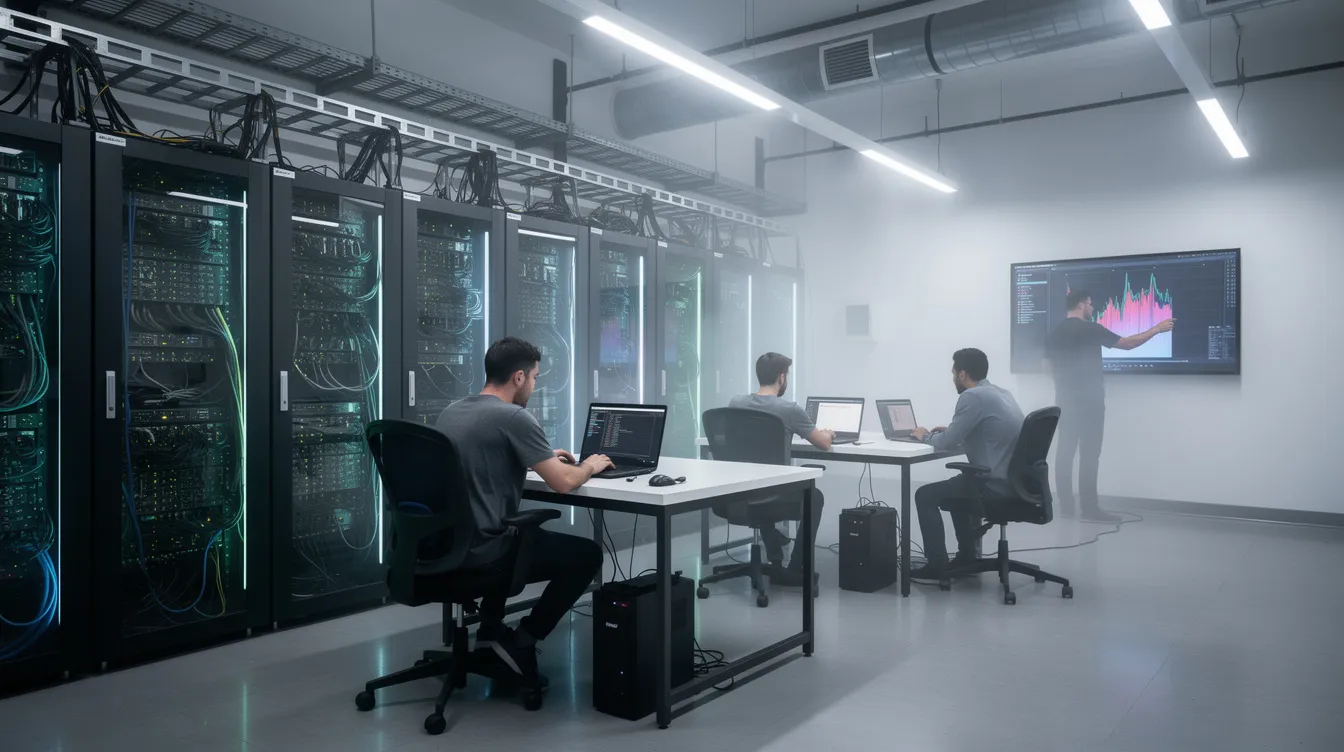
What does it mean to rent GPUs in 2026?
GPU rental means accessing GPUs through cloud or hosting providers on a pay-as-you-go or subscription basis. You can run computationally intensive tasks without buying hardware. Instead of purchasing GPU hardware, you launch remote GPU servers, connect by SSH, Jupyter, VS Code, web console, API, or CLI, and start running GPU workloads.
- GPU instances are remote machines with a selected GPU, CPU, memory, storage, and configuration.
- GPU resources include VRAM (video memory), compute time, bandwidth, interconnect, and GPU power.
- AI infrastructure includes compute, storage, networking, images, monitoring, and support.
- Typical workloads include LLM AI training, inference, computer vision, rendering, simulations, data science notebooks, machine learning projects, and deep learning tasks.
- When renting GPUs, you can typically choose from various GPU types and configurations to match your specific workload requirements, such as training large language models or running deep learning inference.
- The best options for renting GPUs depend on whether you need high-performance computing for AI or cloud gaming. Gaming requires low-latency video streaming pipelines, storage for large game libraries, and interactive operating system control.
When renting GPUs is smarter than buying your own hardware
Renting works best when demand is uncertain, temporary, or spiky. You avoid spending on chips and requirements like cooling and power. Teams can start quickly instead of waiting for procurement, delivery, driver installation, and setup.
Good reasons to rent GPU servers include, especially when you use GPU rental services tailored for AI and deep learning projects:
- AI projects: fine-tune models, test RAG (retrieval-augmented generation), deploy inference APIs, or benchmark NVIDIA GPUs.
- Rendering and 3D: burst render jobs in Blender, Unreal, or VFX pipelines.
- Simulations and HPC (high-performance computing): short compute workloads that need scale for days, not years.
- Education: classrooms and bootcamps where every student needs temporary GPU access.
- Startups: scale resources during experiments, then stop resources when they are no longer needed, which aligns well with flexible AI compute rental models for 2026.
For example, a team running a four-week experiment can compare rental presets with buying hardware, provided the selected GPU fits the model, runtime, and training method. Ownership adds electricity, cooling, maintenance, and depreciation. Rental costs depend on active rates, running time, and the services selected; changing hardware may also require moving data and revalidating software.
Key factors to compare before you rent GPUs
Most people compare GPU models and price per hour, but that misses the real risks. The right GPU rental depends on isolation, access model, data movement, and billing clarity, as well as understanding the best AI GPUs of 2026 for different workloads.
- GPU model and GPU types: Consumer cards like RTX 4090 and RTX 5090 work well for a single GPU, inference, rendering, and smaller training. Data center GPUs like A100, H100, and L40S fit larger clusters and production workloads, and they are compared across providers in many top cloud GPU platforms for 2026.
- VRAM and full memory: Dedicated GPUs give full VRAM. Shared or sliced access may reserve memory, causing out-of-memory errors on larger models.
- Access model: Review interruption policy, capacity commitments, restart conditions, and support. On-demand pricing alone is not an uptime or capacity guarantee.
- Distributed training: Large AI models require distributed training across multiple GPUs, which you can achieve by renting multiple GPU instances from cloud providers. To scale training for massive models, setups should include high-bandwidth interconnects like NVLink or InfiniBand, which facilitate communication between GPUs during distributed training.
- GPU pricing: Check storage per GB per month, egress, IPs, image fees, and minimum billing increments such as per-second billing, per-minute, or per-hour, and look for neocloud platforms that emphasize transparent GPU cloud pricing models.
- Software: Look for CUDA, PyTorch, TensorFlow, Docker Hub workflows, Hugging Face access, Claude code support, logs, templates, and built-in developer tools.
- Platform fit: Some providers offer a balance of data center stability, competitive hourly rates, and easy developer setup.
Spot vs on-demand GPU rental: which should you choose?
The pricing model and availability commitment are separate. An on-demand instance may avoid spot-market reclamation, but the selected service terms still govern capacity, maintenance, failures, and restart behavior. Compare those terms with any spot or committed-capacity option before choosing.
- Spot or interruptible: May offer a lower rate, but the provider can reclaim the instance under its interruption terms. Use it for checkpointed experiments, tests, and disposable batch jobs, particularly when leveraging cloud GPUs for modern AI and scientific computing.
- On demand: Higher cost, but safer for long training, production inference, and customer-facing apps.
- Example: A 48-hour job that restarts three times may lose downloads, warm-up, checkpoints, and compute time. The lower price can become the higher cost.
- Cost strategies: Use spot pricing for experimental workloads and reserved instances for predictable, long-term usage, which can lead to significant savings.
Dedicated vs shared GPUs: why isolation and full VRAM matter
"Shared GPU" means multiple users may run on the same GPU through slicing, virtualization, or time sharing. "Dedicated GPU" means the full physical card is reserved for you.
- Dedicated GPU instances: full VRAM, full compute, predictable performance, and easier debugging.
- Shared or fractional: lower cost, but shared memory and bandwidth can create noisy neighbors.
- Workload fit: choose dedicated for multi-day training, benchmarks, CUDA debugging, or latency-sensitive inference.
- Security: finance, healthcare, and enterprise AI teams often prefer isolated GPU servers for governance and data control.
How to compare GPU rental platforms without getting surprised by the bill
GPU rental platforms differ in hardware, access, support, scale, and pricing. Compare the same workload and service requirements across candidates. A provider category such as neocloud, marketplace, or hyperscaler does not by itself establish better price-to-performance.
- Price transparency: Choose public fixed prices per GPU model. Avoid platforms that hide rates behind sales calls.
- Billing granularity: Many GPU rental services provide per-minute or per-second billing, so you only pay for the actual time your GPU instances are running, which helps control costs.
- Non-GPU charges: Review storage, egress, idle instance charges, snapshots, and images before uploading data.
- SLA and terms: Review the service level agreement or terms of the platform before uploading code, focusing on data security and costs related to data storage and egress fees.
- Support: Human support matters when drivers break down or you have long run crashes.
- Region: network latency affects inference. Ask about data centers, more regions, and regions coming.
- Marketplaces: These platforms aggregate computing power from individual hosts and smaller data centers, often offering the lowest prices but variable uptime, which is a frequent theme in our AI and cloud computing insights on the hiveCompute blog.

Renting GPUs vs buying GPUs: a practical cost and control comparison
This decision is about capacity versus commitment. Buying gives full control, but only pays off when utilization is high and workloads are predictable. Renting lets you pay only for active resources and change hardware as models evolve.
- Buying GPUs: include hardware, electricity, cooling, maintenance, replacement parts, and depreciation. Test the utilization needed to justify those costs.
- Renting GPUs: include the running rate, data movement, storage, and any other selected services.
- Scenario: Use an RTX 4090 hardware configuration only as a hardware example, not as a current Hivenet offer. A rental-versus-purchase comparison needs actual rates, usage, and a dated purchase quote.
- Flexibility: confirm provider availability and software compatibility before moving to RTX 5090 GPU instances or another GPU family. Hivenet's current self-serve fleet is listed in its GPU reference.
Where Compute with Hivenet fits in the GPU rental landscape
Compute with Hivenet provides GPU and CPU instances for users who want to run their own application stack. Check the selected preset and service terms for the resources, price, location, and support available to your workload.
- Hardware: the current GPU reference lists RTX 5090 with 32 GB of VRAM per GPU. RTX 4090 is retired for new Hivenet workloads.
- Resources: check the GPU count, vCPUs, system memory, disk, and bandwidth on the selected preset. Multiple GPUs do not automatically combine VRAM.
- Pricing: RTX 5090 is advertised from €0.75/hour as of September 8, 2026. The console's active preset price governs the configuration you launch.
- Access: on-demand capacity varies by location and availability. Review instance lifecycle and restart conditions.
- Billing: eligible usage is charged per second while the instance is Running, including idle running time. Stop the instance to stop compute charges; review retention and termination rules.
- Developer experience: select a container or VM and a compatible image. Check supported connection methods and manage your application's dependencies, security, and backups.
- Fit: test inference, fine-tuning experiments, rendering, simulation, or development workloads against the selected resources and runtime.
Choosing the right GPU model for your workload
Picking the right GPU affects cost and performance more than most teams expect. Different GPU architectures are designed for specific workloads, such as NVIDIA Hopper (H100) and Ampere (A100) for advanced tensor cores and mixed-precision training, while consumer-grade GPUs like RTX 5090 are more cost-effective for smaller tasks.
- Provider-dependent GPU types: The wider rental market includes NVIDIA H100, A100, RTX 4090, and legacy cards like V100 and T4, catering to various performance and cost needs, while developers on a budget might also consider best budget GPUs for AI development.
- Memory: Memory capacity of GPUs, such as the H100 with 80GB VRAM for large models and the T4 with 16GB for smaller tasks, is crucial for determining whether a model can fit on a single GPU or requires parallelism.
- RTX 4090 or RTX 5090: strong price-to-performance for single- to few-GPU machine learning, rendering, and inference.
- A100, H100, or L40S: better for massive multi-GPU clusters, very large models, and advanced enterprise AI infrastructure.
- Rendering: high clock speeds and large VRAM make RTX-class cards excellent for Blender, Unreal, and VFX.
How to get started renting GPUs for your next AI project
Start by checking account access, available presets, required software, and how to move your data. Launch time depends on capacity and configuration, while application setup may take additional work.
- Define the workload: training, inference, rendering, simulation, dataset size, and model size.
- Choose GPU types and quantity: compare VRAM, budget, timeline, and whether you need parallelism.
- Pick access: compare capacity and interruption terms; use restartable jobs where interruptions are acceptable.
- Select a platform: prioritize dedicated GPUs, transparent GPU pricing, docs, support, and developer tools.
- Launch and iterate: pull code and data, run a small test, then scale.
GPU rental works when the selected resources, service terms, and total cost fit the job. For Hivenet, verify the current preset, test your workload, and plan application operations before moving into production.
Your next workload belongs on Hivenet.
Pick one AI, compute, or storage workload and see the difference for yourself. Spin it up in minutes, or let our team map your fastest path to production.

