

Sign in to Hivenet
Access your files and manage your storage account.
Store
Access your files and manage your storage account.
Compute
Launch instances and manage your compute resources.
Store and Compute still use separate accounts today. We’re working on a unified sign-in.
Just need to send a file?
Use Send directlyNew to Hivenet? Get Started
Get started with Hivenet
Choose what you want to use first.
Store
Back up photos and files across your devices.
Compute
Launch self-serve GPU compute for demanding work.
Store and Compute still use separate accounts today. We’re working on a unified account experience.
Need Hivenet for business?
Talk to salesNeed to send a file?
Open SendAlready have an account? Sign in
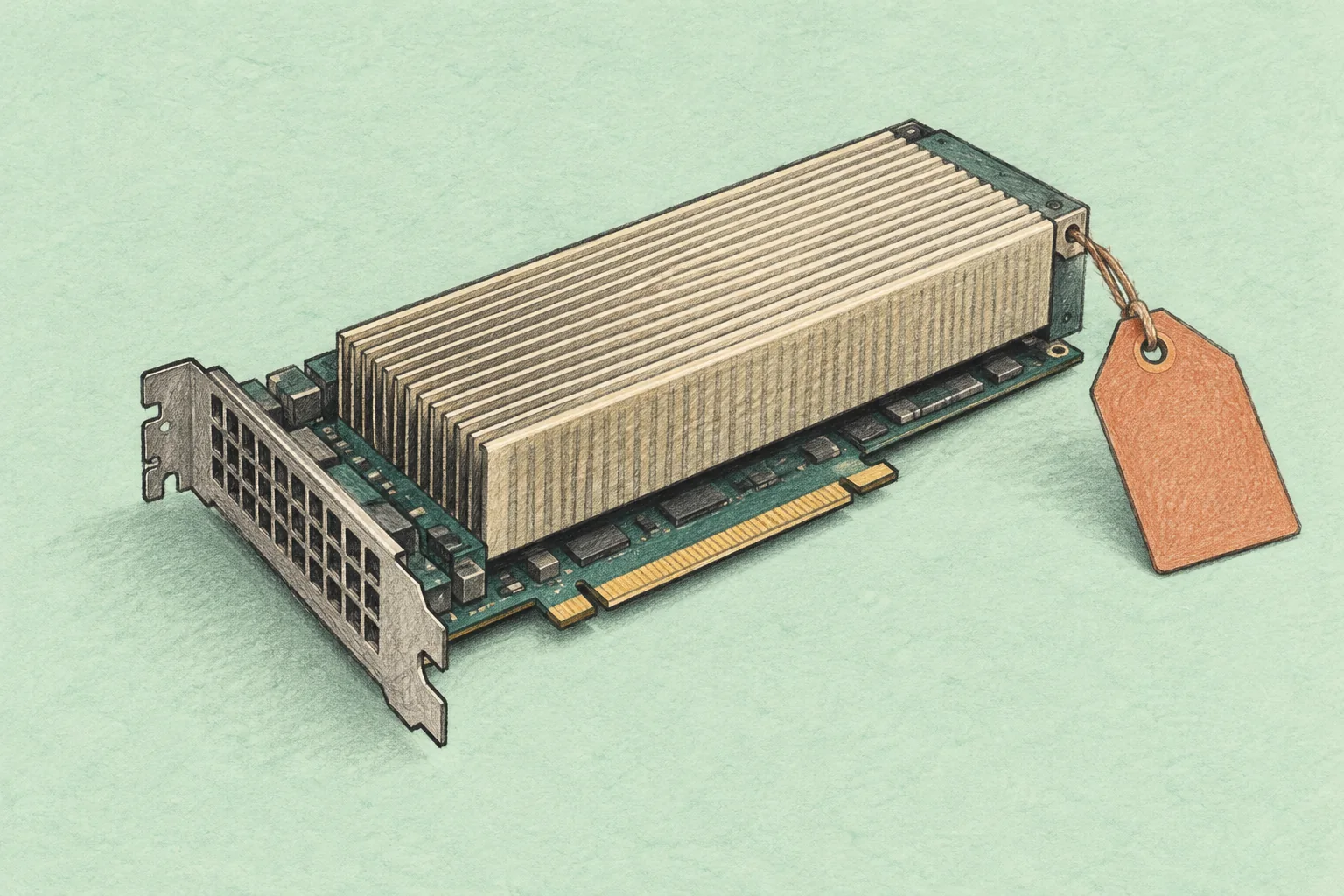
NVIDIA A100 pricing: rental rates and buying costs
NVIDIA A100 pricing depends on what you are buying: a physical accelerator, one GPU in a cloud instance, an entire multi-GPU server, or seconds of serverless execution. A price without that context is a poor basis for a budget. At the October 19, 2026 check, Hyperstack listed an A100 80GB on-demand rate of $1.35 per GPU-hour, while Modal's A100 80GB GPU charge worked out to about $2.50 per hour before CPU, memory, and other charges.
The examples below are dated public list prices, not a claim about the cheapest available A100. Confirm the exact configuration, region, billing terms, and capacity before committing. For hardware purchases, request a current written quote for the specific part and complete server configuration; this guide does not present an unverified retail range as a market price.
NVIDIA A100 cloud pricing: a dated comparison
All amounts in the table are US dollars, checked on October 19, 2026. Rows describe different services and are not interchangeable. Taxes, negotiated discounts, and account-specific terms may change the amount payable.
| Provider | Configuration | Published rate | Billing basis | What to check |
|---|---|---|---|---|
| Hyperstack | A100 80GB | $1.35 per GPU-hour | On-demand | Exact VM resources, storage, and public IP charges |
| Hyperstack | A100 SXM 80GB | $1.60 per GPU-hour | On-demand | Available VM configuration and GPU interconnect |
| Lambda | One A100 PCIe 40GB | $1.99 per hour | One-GPU instance | Listed CPU, RAM, and storage allocation; available region |
| Lambda | Eight A100 SXM 80GB GPUs | $2.79 per GPU-hour; $22.32 per instance-hour | Eight-GPU instance | The advertised GPU rate requires paying for the full instance |
| Modal | A100 40GB | $0.000583 per second, about $2.10 per hour | Serverless GPU resource charge | CPU, memory, storage, network, and execution options are separate |
| Modal | A100 80GB | $0.000694 per second, about $2.50 per hour | Serverless GPU resource charge | Region selection and non-preemptible execution can add premiums |
Modal's hourly equivalents above are the published per-second GPU rates multiplied by 3,600 and rounded. Its cold-start documentation explains that keeping containers warm can incur resource charges during idle periods. Account for startup and warm-container settings when estimating billable time. A serverless job therefore needs its own billable-time estimate rather than simply the duration of its main calculation.
Where can you rent an A100 GPU?
Shortlist providers by the allocation you need. The Hyperstack and Lambda offers above give you cloud instances; check the included CPU, RAM, disk, and GPU count. Modal offers serverless execution, which changes deployment and billing. AWS Capacity Blocks provide scheduled capacity for a defined period. A provider's presence in this comparison is not a ranking or a guarantee that it has spare A100 capacity.
TensorDock's GPU catalog also lists A100 PCIe and SXM4 options with 80 GB of memory. However, its public pricing table is marked as last updated on July 24, 2024 and says prices vary by host. Obtain a current dashboard quote including CPU, RAM, and storage before comparing it with the dated rates above.
Reserved capacity is a separate comparison
AWS Capacity Blocks pricing listed p4d.24xlarge in US East (N. Virginia) at $13.57 per instance-hour at the same check. That P4d configuration contains eight A100 40GB GPUs, giving an effective rate of about $1.696 per GPU-hour. Capacity Blocks carry an upfront reservation charge and any applicable operating-system charge. This is a reserved-capacity example, not an EC2 on-demand quote or a single-GPU rental.
Keep spot, reserved, on-demand, and serverless offers in separate columns when comparing providers. A lower advertised rate may involve a commitment, interruption risk, a larger minimum allocation, or a different amount of usable memory. None of the public prices establishes that the required capacity is available to your account.
Calculate a commitment's break-even point
A discount pays off only if you use enough of the capacity you pay for. For the same allocation and period, divide the fixed commitment cost by the comparable on-demand hourly rate. The result is the number of on-demand hours that would cost the same amount. Include any upfront or recurring fees in the commitment cost.
For example, a hypothetical $900 monthly allocation breaks even against a $2-per-hour on-demand offer at 450 billable hours. At 200 hours, on-demand compute would cost $400, while the commitment would still cost $900. This example assumes equivalent resources and equal additional charges; it is not a provider quote. A committed spending discount or a contract with variable charges needs its own calculation.
A100 40GB, A100 80GB, PCIe, and SXM
The NVIDIA A100 belongs to the Ampere generation of data-center GPUs. Common workloads include training and running AI models, analyzing data, and scientific computing. Compare its exact memory capacity and form factor before comparing prices. The same model family includes configurations with different power, bandwidth, and server requirements.
NVIDIA's A100 80GB data sheet lists 1,935 GB/s memory bandwidth and 300 W maximum TDP for the PCIe version, versus 2,039 GB/s and 400 W for standard SXM. Those figures are hardware specifications, not a promise of application throughput or a measurement of whole-server electricity use. An SXM module requires a compatible platform; it is not a drop-in PCIe card.
Ask whether the rental provides a complete GPU or a Multi-Instance GPU (MIG) partition. A100 supports up to seven isolated GPU instances, but each partition exposes only its assigned resources. A small slice cannot be compared with an entire 40GB or 80GB GPU on price alone.
Memory capacity changes the cost calculation
Estimate the whole workload's memory footprint. AI training needs space for more than model weights: gradients, optimizer state, activations, and temporary buffers also matter. Inference adds its own requirements, including attention caches and concurrent requests. A configuration that fails halfway through a run is not cheaper because its hourly rate was lower.
Test a representative batch, input length, and precision before reserving a large allocation. Our PyTorch on A100 guide covers installation, memory checks, and performance measurement. Use measured runtime to build the budget, and include the time needed to load data, save checkpoints, and finish evaluation.
Calculate the full A100 rental bill
Start with a consistent unit: dollars per completed training run, per accepted batch, or per quantity of inference output at a stated latency and quality. Then work backward to the capacity needed. GPU-hours describe consumption, but they do not say how much useful work was completed.
Estimated project cost = billable compute + persistent storage + data transfer + software and support + applicable taxes.
Use the full instance rate when CPU and memory are bundled. If the provider bills resources separately, add them separately. Do not add a second CPU charge to a bundle that already includes it. For commitments, distinguish hours reserved from hours actually used.
A worked billing example
Suppose a quoted one-GPU instance costs $2 per hour including its CPU and RAM. You plan 120 billable hours, retain 200 GB of storage for a month at a quoted $0.10 per GB-month, and transfer 50 GB at $0.08 per GB. These are illustrative inputs, not another provider price list.
| Cost item | Calculation | Amount |
|---|---|---|
| Compute | 120 hours × $2 | $240 |
| Storage | 200 GB-month × $0.10 | $20 |
| Data transfer | 50 GB × $0.08 | $4 |
| Total before other charges and tax | $240 + $20 + $4 | $264 |
If only 60 of the 120 billable compute hours produce useful work, compute alone costs $4 per useful hour. That is an accounting ratio, not a GPU-utilization measurement. Removing idle allocations may save more than a small rate discount. Check the provider's stopping and deletion rules, because storage or other resources may continue to incur charges after compute stops.
Compare faster hardware by completed work
A hypothetical alternative at $3 per hour would cost $180 if it completed the same job in 60 hours. An A100 allocation at $2 per hour would cost $240 if it needed 120 hours. The faster option wins this compute-only example, despite the higher hourly price. It still needs to meet the same memory, quality, and reliability requirements.
This does not establish a universal H100-to-A100 speedup. Benchmark the actual model, precision, batch size, software versions, and GPU count. For HPC workloads, use the scientific result and numerical requirements; for inference, include latency under realistic traffic. Peak Tensor Core figures cannot replace those tests.
How much does buying an A100 cost?
A useful purchase quote identifies the exact part, memory capacity, form factor, condition, warranty, seller, delivery terms, and taxes. A used SXM module, a new PCIe card, and a complete supported server are different purchases. Do not combine their asking prices into one supposedly representative A100 price range.
Request a compatible system quote alongside the accelerator quote. Include the chassis, CPUs, RAM, storage, networking, power supplies, cooling, installation, and support. For secondhand hardware, ask what testing was performed, which accessories are included, and how returns or hardware faults are handled. A low component price can still leave an expensive compatibility problem.
Our server buying guide covers the wider acquisition decision. For an A100 system, obtain written confirmation of accelerator support from the server supplier rather than relying on the presence of a physical PCIe slot.
Estimate ownership cost per useful GPU-hour
Choose a planning period and estimate net capital cost after expected resale value. Add electricity, cooling, rack space, maintenance, administration, financing, and software costs over that period. Divide the total by the useful GPU-hours you realistically expect to deliver.
For illustration, $30,000 of total ownership cost spread over 12,000 useful GPU-hours equals $2.50 per useful GPU-hour. If utilization falls and the system delivers only 6,000 useful GPU-hours, the same total becomes $5. These are assumed costs and hours, not A100 market quotes or a depreciation recommendation.
There is no universal annual-hour threshold at which buying becomes cheaper. The result depends on utilization, system cost, operating expenses, rental alternatives, and how long the hardware remains suitable. Compare ownership and rental over the same period and for the same work, including the operational time each option requires.
Choose an A100 pricing option in five steps
- Specify the workload. Record memory demand, precision, software dependencies, GPU count, and the result that counts as success.
- Normalize each offer. Record GPU model, memory per GPU, whole-GPU or partitioned access, CPU, RAM, disk, region, and billing unit. For multiple GPUs, confirm the actual interconnect and whether they share a host; the GPU model alone does not establish the topology.
- Run a small benchmark. Measure end-to-end duration and output quality, including startup, data loading, and checkpointing.
- Build the full budget. Add persistent resources, transfer, support, taxes, and any time lost to interruptions. Compare commitment terms separately.
- Verify capacity and exit conditions. Check quotas, start dates, cancellation terms, data export, and what happens to stored data when an allocation ends.
For interruptible capacity, test recovery from a saved checkpoint before relying on the lower rate. For a reservation, check whether the agreement guarantees capacity or only changes billing. A published discount percentage does not answer either question.
Before a long run, verify that the deployed GPU and memory match the order, confirm driver and framework compatibility, and test saving and restoring a checkpoint. Keep a copy outside temporary instance storage, set a spending alert, and record how to release all billable resources.
If your workload can use another GPU, compare it with the currently offered configurations on Compute with Hivenet. Its public page lists RTX 5090 and RTX 6000-series GPUs. For an A100-specific requirement, obtain explicit confirmation of A100 availability rather than assuming that a general GPU rental offer includes it.
Common NVIDIA A100 pricing questions
What is the cheapest A100 rental?
There is no stable answer across regions, configurations, and contract types. Compare current offers for the same usable resources and estimate cost per completed job. An offer you cannot provision, or one that cannot run your workload reliably, is not a usable low-cost option.
Is A100 80GB worth the extra cost?
It can be when the workload needs the extra memory or runs more efficiently with it. If the job already fits comfortably on 40GB, measure the difference instead of assuming that doubling memory doubles speed. Also check whether the 80GB offer requires renting more GPUs than you need.
How much does training a large language model on A100s cost?
Parameter count alone is insufficient. Pretraining, full fine-tuning, and adapter tuning involve different amounts of work. Estimate the training tokens or examples, method, runtime, GPU count, evaluation, and failed-run allowance, then apply the relevant billing terms. A fixed price for every “7B model” would conceal those differences.
Should I rent before buying?
A short rental can help measure memory requirements and runtime before a larger commitment. Match the test configuration to the planned system, particularly the GPU interconnect and host resources. Treat the test as evidence about that setup, then use a complete ownership quote to make the purchase decision.
Your next workload belongs on Hivenet.
Pick one AI, compute, or storage workload and see the difference for yourself. Spin it up in minutes, or let our team map your fastest path to production.

