

Sign in to Hivenet
Access your files and manage your storage account.
Store
Access your files and manage your storage account.
Compute
Launch instances and manage your compute resources.
Store and Compute still use separate accounts today. We’re working on a unified sign-in.
Just need to send a file?
Use Send directlyNew to Hivenet? Get Started
Get started with Hivenet
Choose what you want to use first.
Store
Back up photos and files across your devices.
Compute
Launch self-serve GPU compute for demanding work.
Store and Compute still use separate accounts today. We’re working on a unified account experience.
Need Hivenet for business?
Talk to salesNeed to send a file?
Open SendAlready have an account? Sign in
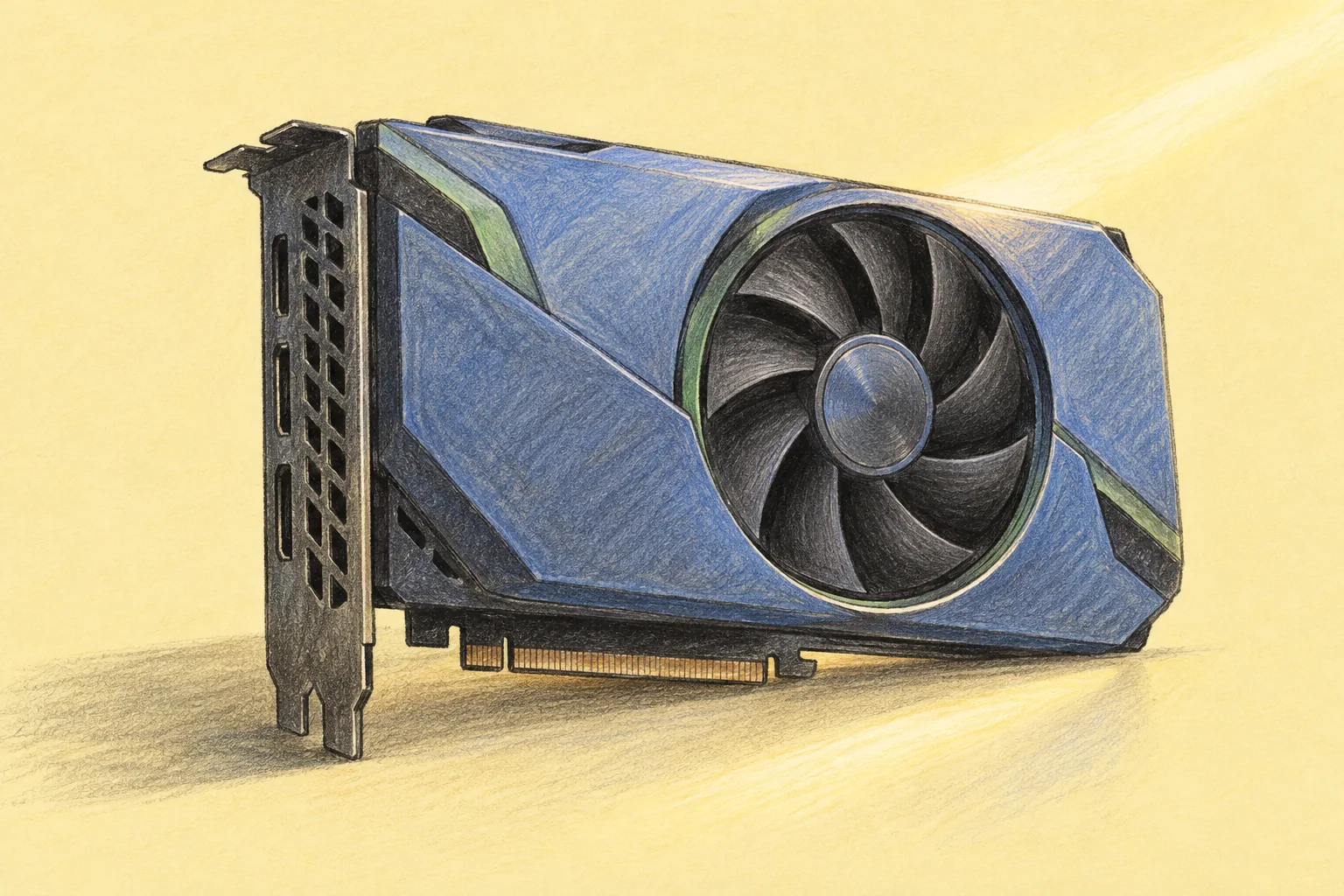
GTX vs RTX: differences, gaming features, and upgrade choices
The main difference between NVIDIA GTX and RTX graphics cards is dedicated acceleration for ray tracing and AI. GeForce RTX cards have RT cores and Tensor cores alongside their general-purpose graphics hardware. GeForce GTX cards lack those dedicated units and do not support NVIDIA DLSS.
That makes RTX the more practical starting point for a new NVIDIA gaming build, but the badge alone does not tell you how fast a card will be. An older high-end GPU and a newer entry-level model can trade places depending on the game, settings, and memory requirements. If your existing GTX card still runs your software well, keeping it may be the better use of your budget.
GTX vs RTX at a glance
GTX and RTX are product-family labels, not performance ratings. Both families include different models, and desktop and laptop versions need separate comparisons. NVIDIA's explanation of GTX and RTX establishes the hardware distinction; buying decisions also need current model specifications and software requirements.
| Feature | GeForce GTX | GeForce RTX |
|---|---|---|
| Conventional graphics rendering | Supported | Supported |
| Dedicated RT cores | No | Yes |
| Dedicated Tensor cores | No | Yes |
| NVIDIA DLSS | No | Supported features depend on generation |
| Upgrade decision | Assess the exact card, price, condition, and support | Assess the exact card, price, memory, and supported features |
Other GPU vendors use different branding. This comparison concerns NVIDIA's GeForce range; RTX is not a general name for every graphics card capable of ray tracing.
What RT cores, Tensor cores, and CUDA cores do
CUDA cores handle programmable work used in graphics and compatible computing applications. RT cores accelerate parts of ray tracing, such as finding where rays intersect scene geometry. Tensor cores accelerate supported matrix operations used by AI features. These units work together, but their counts are not interchangeable.
More CUDA cores do not guarantee a faster graphics card across different architectures. Clock speeds, memory bandwidth, software behavior, and the work performed per core also matter. A specification table is useful for identifying capabilities, not for predicting a universal performance difference.
Architecture and branding also overlap. GTX 16-series and RTX 20-series GPUs both use the Turing architecture. NVIDIA's GeForce comparison tables identify RTX 30 as Ampere, RTX 40 as Ada Lovelace, and RTX 50 as Blackwell. Knowing the generation helps you check feature support, while the full model name identifies the card you are actually buying.
Ray tracing: visual quality and compatibility
Ray tracing models light paths to produce effects such as reflections, shadows, and global illumination. Conventional rasterization turns scene geometry into screen pixels and combines that with shading and other techniques. Games can use both approaches in the same frame.
Real-time ray tracing can add substantial work. Dedicated RT cores help, but an RTX card does not guarantee that every ray-traced game will run smoothly at maximum settings. Resolution, scene complexity, GPU tier, and the chosen effects still influence gaming performance.
Some GTX cards can execute certain DirectX Raytracing workloads through shader processing. NVIDIA documented this in its GTX DXR announcement. That limited capability is different from having dedicated RT cores and does not establish compatibility with every ray-traced game.
Check the game's requirements before assuming that disabling an effect will make it run. For example, Bethesda requires GPU hardware ray tracing for Indiana Jones and the Great Circle, including at its minimum PC specification. Other games offer optional ray tracing. The requirement belongs to the particular game and edition, not to a broad category such as “modern games.”
DLSS support differs between RTX generations
DLSS, originally named Deep Learning Super Sampling, now covers several technologies. Super Resolution reconstructs a higher-resolution image from a lower-resolution input. Frame Generation creates additional displayed frames. Ray Reconstruction improves the reconstruction of ray-traced imagery. NVIDIA's developer FAQ explains these distinctions and their hardware requirements.
As checked in October 2026, NVIDIA's current DLSS compatibility table separates support as follows:
| Feature | Supported GeForce RTX series |
|---|---|
| Super Resolution, Ray Reconstruction, and DLAA | 20, 30, 40, and 50 |
| DLSS Frame Generation | 40 and 50 |
| Multi Frame Generation and Dynamic Multi Frame Generation | 50 |
| DLSS 5 3D-Guided Neural Rendering | 50 |
Hardware support is only one condition. The game, its version, driver, and any applicable NVIDIA app override must support the feature too. Avoid descriptions that reduce a card to “DLSS 2” or “DLSS 3,” because that shorthand can hide which features and newer models it can use.
When comparing results, keep native rendering, upscaling, and frame generation separate. A higher displayed frame rate with generated frames does not mean the game processes input at that same rate. Assess image quality in motion, frame pacing, and responsiveness as well as the FPS counter.
Driver support matters for older GTX cards
NVIDIA's support plan for Maxwell, Pascal, and Volta GeForce GPUs says these architectures receive critical security updates from October 2025 through October 2028 instead of continued Game Ready performance improvements, features, and bug fixes. Its policy lists Turing, Ampere, Ada, and Blackwell for ongoing Game Ready updates.
This distinction matters when comparing a Pascal GTX 10-series card with a Turing GTX 16-series card. They share the GTX label but have different support positions. Security maintenance does not promise optimization for a new game, and a supported architecture still needs a driver compatible with your operating system.
How to compare gaming performance fairly
Start with the games you play and the display you use. A 1080p competitive game at reduced settings asks different things of a PC than a visually demanding game at 4K. At lower resolutions, the CPU or another system limit may restrict the benefit of a GPU upgrade. At higher resolutions, graphics processing and memory demands often become more important.
Use a comparison that records these conditions:
- Exact hardware: full GPU model, desktop or laptop version, CPU, and system RAM.
- Rendering settings: resolution, quality preset, textures, ray tracing, upscaling mode, and frame generation.
- Software: game version, driver, and operating system.
- Results: average FPS, slower-frame behavior, image quality, and responsiveness.
- Operating conditions: power limits, temperature, fan noise, and stability during sustained use.
Do not compare one card at native resolution with another using upscaling and call the result a raw performance gain. Both configurations may be useful, but they answer different questions. Likewise, a short benchmark that finishes before a laptop warms up may not represent a long gaming session.
VRAM is separate from system RAM. Too little graphics memory for a chosen workload can force compromises in texture quality or other settings. More capacity alone does not make a GPU faster, so examine measured behavior at the settings you intend to use.
Should you keep GTX or buy RTX?
Keep a GTX card when it still meets your needs
There is no reason to replace functioning hardware just to change the letters on its box. Keep your existing card if the games and applications you use remain supported, performance is acceptable, and its driver situation suits your needs. Establish what the upgrade must improve before spending money.
A used GTX card can also be a limited-budget option, but compare the actual asking price with newer alternatives. Check stability, cooling, display outputs, seller return terms, and whether your required software supports the model. A low purchase price is less attractive if it creates an immediate need for another upgrade.
Choose an RTX model for a specific feature or measured improvement
Consider RTX when you need hardware ray tracing, a supported DLSS feature, or a clear performance improvement in your applications. Choose the model against those requirements. “RTX” covers several generations and price tiers, so the least expensive RTX card is not automatically a useful replacement for every GTX card.
Price the complete change, including any power-supply or case requirements. Check the board manufacturer's dimensions, connectors, and recommended system power. There is no single wattage requirement for all RTX cards. Avoid treating old launch prices as current shopping advice.
Future-proofing is an uncertain promise. Prefer a card that meets known requirements with reasonable memory and performance headroom, then decide what that headroom is worth to you.
GTX and RTX for creative work and AI
For rendering, video, or machine learning, start with the application's supported GPUs and software versions. The relevant questions may be render time, available memory, codec support, numerical formats, or whether a required library can use the card. A gaming benchmark cannot answer all of them.
For example, Blender separates its general application requirements from the requirements of GPU rendering in Cycles. Its hardware requirements page points users to the renderer-specific checks. Confirm the acceleration path for your installed version before buying hardware.
Our guide to GPU computing explains how parallel workloads, memory, and software compatibility affect this decision. For occasional supported compute jobs, Compute with Hivenet offers rented GPU instances for work such as AI experiments and rendering. You manage the software environment. Check the available configuration and full job cost; a rented compute instance should not be assumed to provide a ready-to-play cloud-gaming service.
Frequently asked questions
Is RTX always faster than GTX?
No. Compare specific models under the same conditions. RTX adds hardware capabilities, but gaming speed also depends on GPU tier, generation, memory, and the workload.
Can GTX cards use DLSS?
No. GeForce GTX cards do not support NVIDIA DLSS. A game may offer other upscaling options compatible with the card; check that game's settings and requirements.
GTX 1660 Ti or RTX 2060?
The RTX 2060 adds RT cores, Tensor cores, and DLSS support. Both belong to the Turing generation. For a used purchase, compare the exact variants, game benchmarks, condition, and price. Feature support does not guarantee acceptable performance at every setting.
Does an RTX card require ray tracing to be enabled?
No. RTX cards also run conventional graphics workloads. In games where ray tracing is optional, you can disable it to prioritize other settings or frame rate. Games with mandatory hardware ray tracing have different requirements.
Your next workload belongs on Hivenet.
Pick one AI, compute, or storage workload and see the difference for yourself. Spin it up in minutes, or let our team map your fastest path to production.

