

Sign in to Hivenet
Access your files and manage your storage account.
Store
Access your files and manage your storage account.
Compute
Launch instances and manage your compute resources.
Store and Compute still use separate accounts today. We’re working on a unified sign-in.
Just need to send a file?
Use Send directlyNew to Hivenet? Get Started
Get started with Hivenet
Choose what you want to use first.
Store
Back up photos and files across your devices.
Compute
Launch self-serve GPU compute for demanding work.
Store and Compute still use separate accounts today. We’re working on a unified account experience.
Need Hivenet for business?
Talk to salesNeed to send a file?
Open SendAlready have an account? Sign in
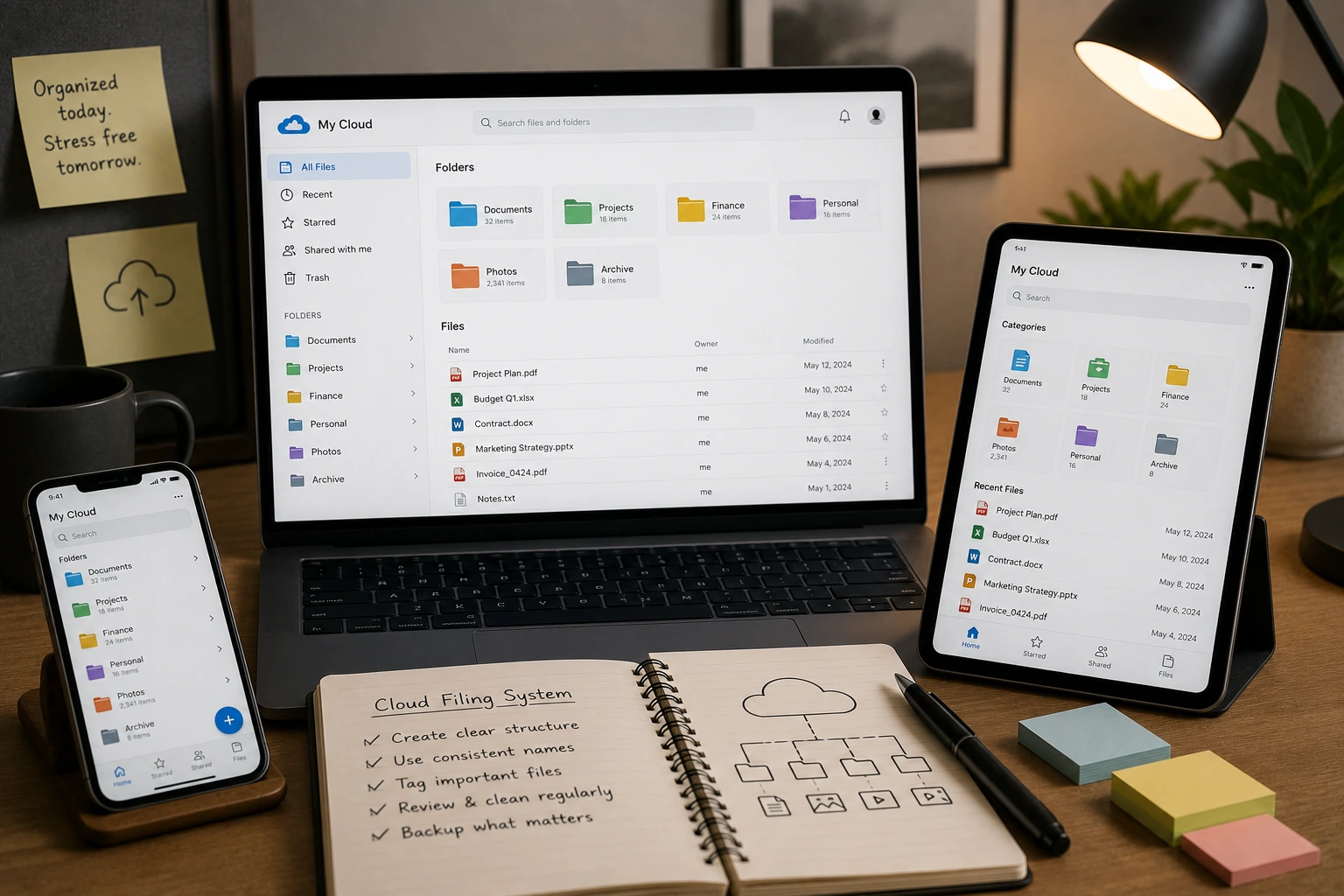
Cloud filing system: complete guide to digital file organization
Filing cabinets are becoming museum pieces. The metal drawers that once dominated office landscapes now sit empty as businesses discover the power of cloud filing systems. Your documents deserve better than dusty folders and the constant worry of lost paperwork.
A cloud filing system stores and organizes digital files on remote servers accessible via the internet. This technology enables businesses to access, manage, and share documents from anywhere with an internet connection, replacing traditional physical filing cabinets with digital organization tools and automated workflows that provide centralized document management with version control, search functionality, and collaboration features.
This shift isn’t just about going paperless—it’s about transforming how your team works. You’ll discover why businesses are abandoning physical storage, which features matter most, and how to choose the right system for your needs.
What is a cloud filing system?
Think of cloud storage as your digital filing cabinet, but one that never gets full and works from anywhere. A cloud filing system takes this concept further by adding smart organization, automated workflows, and collaboration tools that make your team more productive.
The technology relies on three main storage types. Block storage divides data into manageable blocks for high-performance applications like databases. File storage uses familiar folder hierarchies that feel natural to most users. Object storage handles unstructured data like documents and images with flexible metadata for massive scalability, mirroring the core types of cloud storage used across modern infrastructure.
Modern cloud filing systems integrate with productivity tools like Microsoft 365 and Google Workspace, creating seamless workflows where documents move smoothly between applications and build on advanced distributed cloud file systems that keep data scalable and reliable. Your files live in the cloud, but the experience feels local and familiar.
Key benefits of cloud filing systems
Eliminates physical storage limitations
Physical filing cabinets consume expensive office space, while a cloud filing system stores documents on remote servers instead of a local hard drive. Cloud storage solutions scale instantly, giving you flexible storage capacity and more capacity without physical hardware upgrades. The average office spends $15,000 annually on filing supplies and storage furniture that cloud systems eliminate entirely. Digitizing files also reduces physical storage needs and lowers environmental impact.
Enables real-time collaboration
Multiple team members can edit documents simultaneously in real time, with changes syncing automatically across multiple devices whenever a file is modified. Previous versions remain accessible on any compatible device, so you’ll never lose important changes or wonder which draft is current. This seamless sharing capability reduces email attachments and version confusion that plague traditional file sharing methods.
Provides disaster recovery protection
Natural disasters, hardware failures, and cyber incidents can destroy physical documents permanently. Cloud storage services store data with redundancy across multiple geographic locations to protect information if one site goes down. Automatic backups help keep files safe and guard against data loss from hardware failures, ensuring business continuity without expensive backup infrastructure and aligning well with a 3-2-1 backup strategy for resilience.
Reduces operational costs
Businesses typically save 40-60% on document-related expenses after implementing cloud document storage. Printing costs drop dramatically when employees access files digitally. Office space requirements shrink without filing cabinets. IT maintenance becomes the cloud provider’s responsibility rather than yours.
Improves productivity
Studies show employees spend 30% less time searching for documents with advanced search functionality. OCR technology makes scanned documents fully searchable, while AI-powered categorization suggests optimal file organization. Mobile apps let your team access critical information from any location.
Essential features of modern cloud filing systems
Advanced search functionality
The best cloud file storage solutions offer Google-like search that finds documents instantly. OCR technology reads text within scanned images and PDFs, making every document searchable. You can locate files by content, date, author, or custom tags without remembering exact file names.
Automated file organization
AI-powered categorization analyzes document content and suggests folder structures that match your workflow. Smart tagging identifies document types, project codes, and client names automatically. These administrative capabilities reduce manual filing tasks and ensure consistent organization across your entire team.
Version control and file versioning
Every change creates a new version while preserving document history. You can see who made changes, when they occurred, and restore previous versions instantly. This feature prevents accidental deletions and allows teams to track document evolution over time.
Workflow automation
Modern systems route documents through approval processes automatically. Notifications alert relevant team members when action is required. Integration with enterprise applications creates seamless workflows where documents move between systems without manual intervention.
Security features and access controls
Role-based permissions determine who can view, edit, or share files. Multi-factor authentication protects against unauthorized access, and Dropbox lets teams add two-factor authentication for extra account security. End-to-end encryption secures data during transmission and while stored on remote servers, as cloud providers typically use encryption in transit and at rest; Google Drive uses two encryption keys, Cloud Storage offers customer-managed encryption keys, and FileCloud uses 256-bit AES encryption for data at rest. Audit trails track every access attempt and document modification.
Security and compliance in cloud filing
Data security concerns top the list of cloud storage objections, but modern systems often provide better protection than local storage. Encryption protects your data both in transit and at rest, making interception nearly impossible. Professional cloud storage services invest millions in security infrastructure that individual businesses cannot match, but users still need to follow cloud storage security best practices around passwords, authentication, and provider trust.
Compliance support addresses regulatory requirements across industries. GDPR, HIPAA, and SOX compliance features include automated retention policies, secure deletion, and detailed audit trails that are tightly connected to how data is stored in cloud storage data centers worldwide. Many cloud providers offer compliance certifications that simplify regulatory assessments.
Administrative capabilities let you control access granularly. You can restrict certain documents to specific team members, set expiration dates for shared links, and monitor usage patterns. These controls often exceed what’s possible with physical filing systems.
Shortcomings of big tech cloud filing systems
Major providers like Microsoft SharePoint, Google Drive, and Dropbox Business dominate the market, but several limitations consistently frustrate users and push many teams to explore privacy-focused Google Drive alternatives.
Vendor lock-in and migration challenges
Moving large amounts of data between platforms becomes expensive and complex. Proprietary formats make export difficult, while incomplete migration tools often lose metadata and folder structures. This lock-in effect reduces negotiating power and increases long-term costs.
Privacy concerns and data scanning
Large providers may scan file content for analytics or advertising purposes. Metadata analysis helps improve services but raises privacy concerns for sensitive industries. Some organizations cannot accept this level of data exposure, particularly in healthcare, legal, or financial sectors.
Complexity and administrative burden
Enterprise solutions like SharePoint require specialized knowledge to configure and maintain. Small businesses often lack IT staff capable of managing complex permission structures and integration requirements. This complexity leads to underutilized features and frustrated users.
Escalating costs at scale
Entry-level pricing appears attractive, but enterprise plans scale rapidly as storage and user counts grow. Hidden costs include data egress fees, integration expenses, and premium support charges. Mid-sized organizations often face unexpected budget increases as their needs expand.
Generic workflows and limited customization
Built-in automation rarely matches unique business processes. Custom workflow creation requires technical expertise or expensive consultants. Industry-specific requirements often demand third-party add-ons that increase complexity and costs.
Where Store with Hivenet fits
Store with Hivenet is designed for personal and everyday file storage. Assess its documented storage features separately from the enterprise document-management capabilities discussed above.
Encrypted and distributed files
Hivenet describes files as encrypted, split into fragments, and distributed across its storage infrastructure. This distributed cloud storage network model does not by itself establish suitability for regulated documents. Check the applicable security documentation, access controls and recovery process before choosing a plan.
Access on supported devices
Current Hivenet downloads cover macOS, Windows, iPhone, iPad and Android, with web access on other desktops. No Linux app is listed. Test the tasks you need on each supported device rather than assuming every platform has the same features.
Plan file organization explicitly
Use folder structures and naming conventions that you can maintain and export. Before choosing Store for a document-management workflow, test the organization, search and recovery functions available in your account. Do not assume AI categorization, automatic tagging or retention automation is included.
Check the current plan terms
Review Hivenet’s personal cloud-storage plans for capacity, billing period, renewal terms and any usage limits. Do not infer business administration features, transfer entitlements or a fixed cost at larger volumes from a consumer subscription.
Separate storage from workflow automation
Approval routing, low-code automation, industry-specific modules and integration APIs need product-specific evidence. Hivenet’s S3 and Compute APIs serve different products; their availability does not establish those features in Store. Check the required workflow before choosing a service.
Verify residency and deployment requirements
Confirm where the chosen product stores data and whether it supports any location controls you require. Hivenet describes regional options for business S3 storage, but those options should not be presented as selectable regions or hybrid deployment for Store. Obtain confirmation for the actual product and plan.
Best cloud filing systems for different business needs
| System | Key advantages | Notable limitations | Target audience |
|---|---|---|---|
| Microsoft SharePoint | Deep Office integration, enterprise features | Complex setup, steep learning curve | Large enterprises with IT resources |
| Google Drive | Cost-effective, familiar interface | Limited enterprise features, privacy concerns | Small businesses, individuals |
| Dropbox Business | Simple synchronization, broad platform support | Limited customization, basic metadata | Creative teams, simple workflows |
| Box | Strong security, compliance features | Higher costs, limited offline access | Regulated industries, healthcare |
| Amazon WorkDocs | AWS integration, scalable infrastructure | Minimal features, complex interface | AWS-centric organizations |
| Store with Hivenet | Everyday file storage and photo backup | Verify business controls and integrations separately | Personal and everyday file storage |
Cloud filing for small businesses
Small businesses benefit from solutions starting at $5-10 per user monthly, but small teams should evaluate storage capacity and future capacity needs before choosing a plan. Simple setup requires minimal IT expertise, while scalable storage grows from 1TB to unlimited as needs expand. Mobile apps enable document access for remote workers and field teams, supporting flexible work arrangements.
Cost-effective online file storage eliminates expensive infrastructure investments. As an online storage option, cloud filing helps small teams start storing files without upfront infrastructure or major disruption to daily operations. The key is choosing systems that scale capabilities alongside business growth.
Enterprise cloud filing solutions
Large organizations require advanced security features including data loss prevention and custom integrations with ERP and CRM systems, while modern enterprises also prioritize stronger data management and compliance controls. Dedicated support teams and 99.9% uptime guarantees ensure business continuity. Hybrid deployment options combine on-premise control with cloud scalability.
Enterprise applications demand high performance computing capabilities and unlimited storage options. Integration with existing productivity tools becomes crucial for user adoption, especially for workloads like AI and GPU-accelerated cloud computing. Administrative capabilities must accommodate complex permission structures and systems that help enterprises manage data securely across teams and locations.
Implementation best practices
Planning and preparation
Develop standardized naming conventions and folder structures before migration begins. These standards prevent confusion and ensure consistent organization across your entire document library. Survey existing files to identify categories, retention requirements, and access patterns.
Create a migration timeline that prioritizes non-critical documents for initial testing. This approach allows you to refine processes before moving essential business files. Document your folder structure and naming conventions for training purposes.
Employee training and adoption
Train employees on new workflows and collaboration features before full deployment. Focus on daily tasks rather than advanced features to build confidence. Provide quick reference guides and identify power users who can support their colleagues.
Address resistance early by demonstrating concrete benefits like faster file access and improved collaboration. Show how new features solve current frustrations with document management. Regular feedback sessions help identify adoption barriers and training gaps.
Data governance and monitoring
Establish data governance policies covering file retention, access controls, and backup verification. Regular policy reviews ensure continued compliance with regulatory requirements. Monitor usage analytics to identify optimization opportunities and security concerns.
Set up automated retention policies that delete outdated files according to business rules. This practice manages storage costs while ensuring compliance with data protection regulations. Document governance procedures for audit purposes.
Cost considerations and roi
Total cost of ownership calculation
Factor subscription fees, training costs, and integration expenses into your budget. Compare these against current spending on paper, printing, filing supplies, and physical storage space. Include productivity gains from faster document retrieval and automated workflows in ROI calculations.
Hidden costs include data migration expenses and potential workflow disruption during implementation. Budget for user training and potential integration challenges. However, most organizations see positive ROI within 12-18 months of implementation.
Productivity and efficiency gains
Studies indicate 30% reduction in time spent searching for documents after implementing cloud document storage. Collaborative projects complete 20-40% faster with real-time editing and automatic synchronization. These productivity improvements often justify implementation costs alone.
Disaster recovery savings become significant when comparing cloud backup costs to traditional solutions. Automated backup verification and geographically distributed storage provide enterprise-grade protection at consumer prices and highlight the broader benefits of cloud storage for modern data management.
Scaling cost management
Plan for storage growth and user additions when evaluating long-term costs. Some providers offer predictable scaling, while others impose penalties for rapid growth. Comparing the best free cloud storage options can reveal how different services handle upgrades, limits, and long-term value. Understand data egress fees if you plan to access large files frequently or migrate between systems.
Monitor usage patterns to optimize storage plans and identify unused features. Many organizations over-purchase storage initially, then right-size their plans based on actual usage data. Regular cost reviews help maintain budget efficiency.
Future of cloud filing systems
AI-powered document analysis
Next-generation systems will automatically extract key data from documents and generate insights. Machine learning algorithms will suggest optimal file organization and predict retention needs based on usage patterns. This intelligence transforms document storage from passive repositories to active business tools.
Predictive analytics will identify files likely to be needed for specific projects or deadlines. Automated categorization will become more sophisticated, understanding context and business relationships between documents and shaping next-generation document cloud storage solutions. These advances reduce manual organization tasks significantly.
Enhanced mobile and voice capabilities
Mobile apps will support full offline editing with automatic synchronization when connectivity returns. Biometric authentication will replace passwords for secure access on personal devices. Voice-activated file management will enable hands-free operation for field workers and accessibility needs.
High performance workloads will extend to mobile devices, allowing complex document processing anywhere. Integration with augmented reality applications will overlay document information in real-world contexts. These capabilities expand cloud filing beyond traditional office environments.
Blockchain integration and verification
Document verification through blockchain technology will provide immutable proof of authenticity and change history. This feature becomes crucial for legal documents, contracts, and regulatory filings. Smart contracts could automate document approval workflows based on predefined criteria.
Decentralized storage options may emerge, giving organizations more control over data location and access. These solutions could address sovereignty concerns while maintaining cloud benefits, especially when combined with robust cloud backup for external drives and endpoints. However, complexity and cost considerations will determine adoption rates.
Making the right choice
The shift to cloud filing systems isn’t optional anymore—it’s a business necessity. Physical documents create artificial limitations, security risks, and productivity barriers that modern businesses cannot accept. The question isn’t whether to adopt cloud filing, but which system best fits your specific needs.
Start by evaluating your current document management pain points. Consider security requirements, collaboration needs, and integration demands, including whether you need cloud sync versus full cloud backup for different file types. Test systems with pilot projects before committing to full deployment. Remember that the best cloud filing system is the one your team actually uses consistently.
Your documents contain the knowledge that drives your business forward. Give them the digital home they deserve with a cloud filing system that enhances rather than complicates your workflow. The future of your document management starts with the decision you make today.
Your next workload belongs on Hivenet.
Pick one AI, compute, or storage workload and see the difference for yourself. Spin it up in minutes, or let our team map your fastest path to production.

