

Sign in to Hivenet
Access your files and manage your storage account.
Store
Access your files and manage your storage account.
Compute
Launch instances and manage your compute resources.
Store and Compute still use separate accounts today. We’re working on a unified sign-in.
Just need to send a file?
Use Send directlyNew to Hivenet? Get Started
Get started with Hivenet
Choose what you want to use first.
Store
Back up photos and files across your devices.
Compute
Launch self-serve GPU compute for demanding work.
Store and Compute still use separate accounts today. We’re working on a unified account experience.
Need Hivenet for business?
Talk to salesNeed to send a file?
Open SendAlready have an account? Sign in
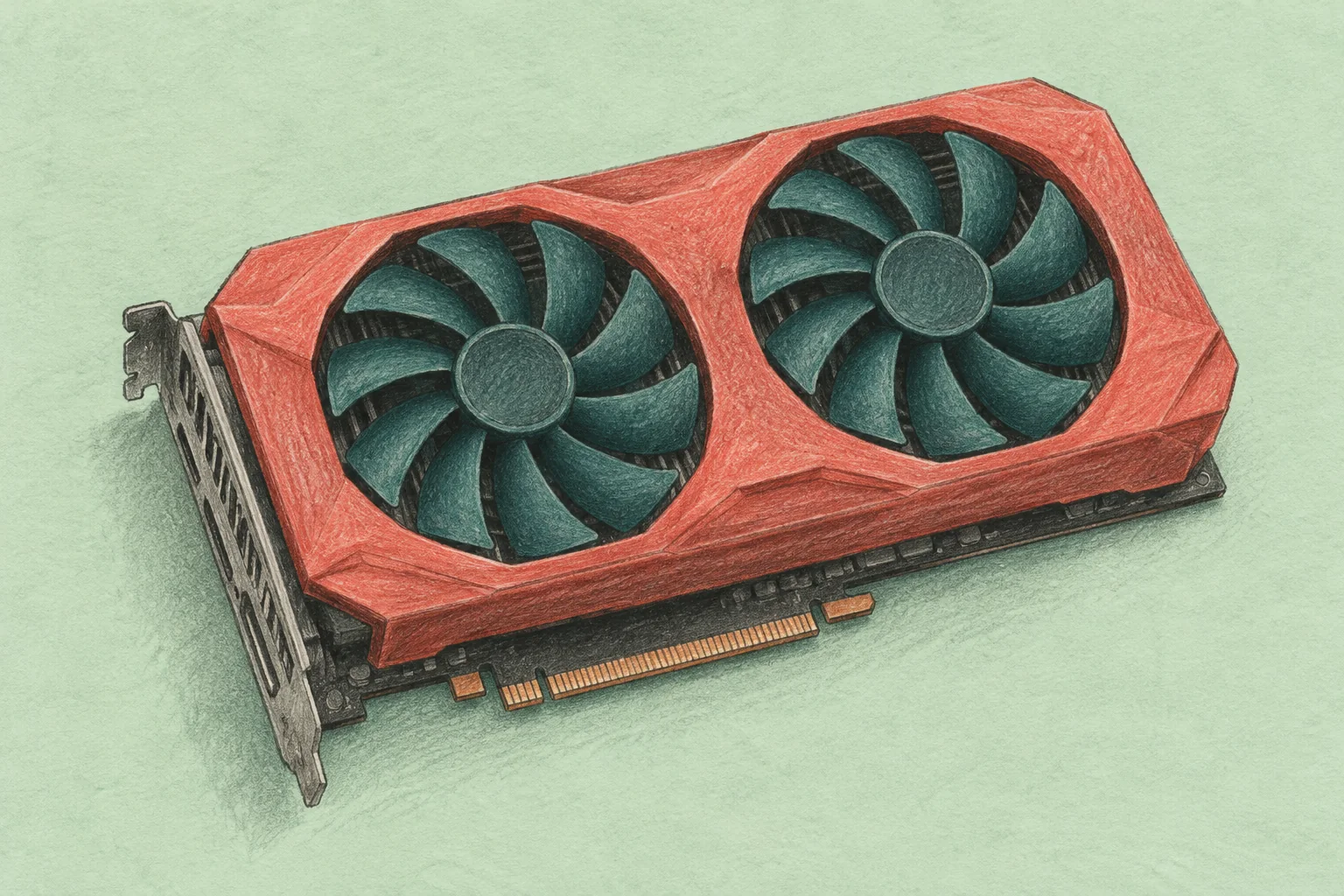
Best graphics cards in 2026: a shortlist for gaming and work
The best graphics card is the one that runs your games or applications at the quality and speed you need, fits your computer, and stays within your total budget. For a first shortlist, compare the Radeon RX 9060 XT 16GB and Intel Arc B580 for a smaller purchase, the Radeon RX 9070 XT and GeForce RTX 5070 Ti for more demanding work, and the RTX 5090 when its larger memory or capabilities address a specific requirement.
This consumer graphics card shortlist compares NVIDIA graphics cards, AMD Radeon models, and Intel Arc options using manufacturer specifications checked in October 2026. We have not benchmarked these cards for this guide. A final recommendation depends on local prices and tests of the games, settings, and software you actually use. The sections below explain what each option offers and what would rule it out.
Start with the job and the display
Write down your monitor resolution, target frame rate, and three games or applications that matter most. A 1080p competitive gaming PC aiming for high frame rates has different constraints from a 4K machine running a demanding single-player game with ray tracing enabled. The CPU can also limit performance, so a faster GPU will not solve every low-frame-rate problem.
For creative work, identify the application version, project size, effects, and export format. For AI, start with model memory and supported software. Our guide to GPU computing explains how those workloads use the hardware.
Then set a budget for the complete upgrade. Include a power supply, case changes, adapters, or a monitor only if they are actually needed. A card that forces an expensive rebuild may be worse value than a slightly slower model that works with your existing PC components.
Graphics card shortlist: verified specifications
The figures below describe the manufacturers' published GPU or reference-card specifications. Board partners can change cooling, dimensions, clock speed, connectors, and power settings. Check the exact product you plan to buy.
| Graphics card | Video memory | Published graphics or board power | Reason to compare it |
|---|---|---|---|
| AMD Radeon RX 9060 XT 16GB | 16 GB GDDR6 | 160 W | A lower-power 16 GB option for a gaming shortlist |
| Intel Arc B580 | 12 GB GDDR6 | 190 W | An alternative when its local price and game compatibility fit |
| AMD Radeon RX 9070 XT | 16 GB GDDR6 | 304 W | A higher-tier Radeon option for demanding gaming settings |
| NVIDIA GeForce RTX 5070 Ti | 16 GB GDDR7 | 300 W | A 16 GB option when NVIDIA features or compatible software matter |
| NVIDIA GeForce RTX 5090 | 32 GB GDDR7 | 575 W | A high-power option when 32 GB or its specific capabilities justify the cost |
These power figures are not whole-computer consumption, power-supply recommendations, or measurements of average power during a game. They also do not rank power efficiency. That requires measuring energy and completed work under comparable conditions.
How to choose from the shortlist
For a smaller budget: Radeon RX 9060 XT 16GB or Intel Arc B580
Start by comparing the RX 9060 XT 16GB and Arc B580 at the prices available where you live. The Radeon offers more video memory and a lower published board-power figure; the Intel card may still be the better purchase if it meets your frame-rate target at a sufficiently lower total price. Neither specification alone establishes the winner.
Make sure a Radeon listing is the 16 GB version if that is the configuration you compared. For the B580, check the platform requirements before buying. Intel's desktop setup guide requires Resizable BAR or Smart Access Memory to be enabled for optimal performance and identifies supported configurations. Review the current release notes for Intel's drivers against your important games.
The best budget graphics card is the least expensive complete solution that meets your requirements. A used card can belong in that comparison, but include its condition, return policy, remaining support, and any extra power or cooling costs.
For demanding gaming: AMD Radeon RX 9070 XT or NVIDIA GeForce RTX 5070 Ti
The AMD Radeon RX 9070 XT and NVIDIA GeForce RTX 5070 Ti both provide 16 GB of video memory, with different architectures, software features, and memory systems. Both support ray tracing, but their results depend on the game and settings. Compare them using your resolution and a consistent set of games. Separate conventional rendering results from ray tracing performance, because the balance can change with the rendering settings.
Choose the RTX 5070 Ti when a verified NVIDIA-specific application requirement or a feature you will use justifies its price. Consider the RX 9070 XT when its results in your games and its local purchase price make the stronger case. Avoid a blanket claim that either vendor wins every professional or gaming workload.
For a specific high-end requirement: NVIDIA GeForce RTX 5090
The RTX 5090's 32 GB memory makes it relevant when a compatible workload needs more capacity than a 16 GB card provides. Its 575 W graphics-power specification also makes power delivery, cooling, and the complete system budget significant parts of the decision.
For gaming alone, buy it only after checking whether the extra performance at your chosen settings is useful on your display. Owning an RTX 4090 or another capable card is a reason to measure the current bottleneck before upgrading. A generation change does not automatically make an existing system inadequate.
Compare gaming performance without mixing different measurements
Use results from several relevant games on a documented test system. Look at average frame rate alongside frame-time consistency and slower moments, often summarized through a clearly defined 1% low metric. The game version, driver, CPU, resolution, texture settings, and ray tracing settings should be visible.
Keep these three modes separate:
- Native rendering: the game renders at the selected output resolution without an upscaling performance mode.
- Upscaling: the game renders a lower-resolution input and reconstructs the output. Compare the actual preset and image quality.
- Frame generation: additional frames are generated between rendered frames. Displayed frame rate and input responsiveness need separate evaluation.
NVIDIA's DLSS, short for Deep Learning Super Sampling, includes several technologies with different hardware requirements. Its DLSS 4.5 documentation distinguishes RTX 50-series Multi Frame Generation from the Frame Generation model available to RTX 40- and 50-series users. Do not assume that two cards support every feature just because both support DLSS.
AMD FSR and Intel XeSS also require checking the particular feature, game, and hardware combination. A vendor logo on a comparison chart is not enough. A result using generated frames should not be described as an equivalent increase in native rendering speed.
How much video memory do you need?
VRAM holds data the GPU needs, including textures, geometry, render buffers, and model weights. Higher resolution, demanding texture settings, large scenes, or larger AI models can increase memory requirements. More VRAM helps when capacity is the constraint; it does not make every task faster.
There is no universal rule that all modern games require 16 GB, or that an 8 GB card is unusable. Check the games and settings you plan to use, including evidence of stutter or texture compromises. For a new purchase, compare the extra memory cost against the compromises you would otherwise accept.
Memory capacity and bandwidth describe different limits. A wider memory bus, newer memory type, higher boost clock, or larger core count cannot independently rank cards across architectures. Use application results to decide whether those specifications translate into useful performance.
Check the rest of the gaming PC before buying
Confirm the physical and electrical requirements of the exact board model, including:
- Card length, height, occupied slots, airflow, and clearance for the power cable.
- The manufacturer's recommended system power and required power connectors.
- Power-supply cable compatibility and the manufacturer's connection instructions.
- Motherboard slot placement, available PCIe connectivity, and required BIOS settings.
- Display outputs and support for your monitor's resolution and refresh rate.
A graphics card's power rating is only part of the system requirement. Do not select a power supply by matching its wattage to the GPU figure in the table. The processor, other components, and the manufacturer's guidance also matter.
Noise and heat affect everyday use. Compare the cooler on the actual card being sold, since two products built around the same GPU can differ in size and acoustic behavior. A factory overclock is rarely a sufficient reason on its own to overlook a poor fit or a large price premium.
For video editing, rendering, and AI, check the software first
A gaming ranking cannot tell you which card will finish an export, render a scene, or run an AI model fastest. Verify GPU acceleration in your exact application, including supported operating systems, drivers, compute backends, codecs, and memory requirements.
For video editing, test representative footage and effects. Playback, decoding, effects processing, and export can stress different parts of a computer. A fast GPU does not remove a storage, CPU, or unsupported-codec bottleneck.
For AI, the model must fit the available memory and run on a supported software stack. Our AI accelerator guide covers that selection process. A CUDA-dependent workflow needs a compatible NVIDIA environment unless you have verified another implementation. An AMD or Intel alternative may suit supported workloads, but switching hardware can require software changes.
When cloud GPU rental belongs in the comparison
For occasional rendering, model experiments, or batch computation, compare buying hardware with renting a compatible GPU. Include setup time, data transfers, storage, software licenses, active compute time, and the work needed to reproduce your environment. A lower hourly rate is useful only if the complete job is economical.
Compute with Hivenet provides GPU and CPU instances for workloads including rendering, inference, fine-tuning, and development. You manage the operating system, frameworks, dependencies, and workload on the instance. Check current configurations and prices, then test with a representative job.
Remote compute and a ready-to-use cloud gaming service serve different needs. Renting a GPU instance does not automatically provide a supported game-streaming setup, game licenses, controller support, or acceptable network latency. For replacing a local gaming PC, evaluate a service that explicitly supports your games and devices.
A short buying checklist
Before paying, record the exact card model, delivered price, warranty, return policy, and any required system upgrades. Save comparable results for your main games or applications, with the settings attached. Check that the memory capacity and software support cover your intended workload.
Choose the lowest-cost option that meets those requirements with a reasonable margin for the work you expect to do. If no measured limitation in your current card affects that work, keeping it is a valid decision.
Common questions about the best graphics cards
Is NVIDIA, AMD, or Intel the best choice?
It depends on the application, games, supported features, platform compatibility, and local price. Compare specific NVIDIA cards, AMD graphics cards, and Intel models. A brand-level answer hides differences between products and software requirements.
Is the most expensive graphics card best for 4K?
Not automatically. The required frame rate, game, quality settings, ray tracing, and use of upscaling change the answer. Pay for a verified improvement you can use, rather than assuming one resolution requires a single flagship product.
Should I use MSRP to compare value?
Use the delivered price available to you. MSRP and launch prices can provide historical context, but stock, taxes, region, board design, and promotions can change what you pay. Compare cards at the same point in time.
Should I replace a working older graphics card?
Upgrade when measured performance, memory, software support, or a required feature limits your work. Check whether a settings adjustment or another system bottleneck explains the problem first.
Your next workload belongs on Hivenet.
Pick one AI, compute, or storage workload and see the difference for yourself. Spin it up in minutes, or let our team map your fastest path to production.

