Sign in to Hivenet
Access your files and manage your storage account.
Store
Access your files and manage your storage account.
Compute
Launch instances and manage your compute resources.
Store and Compute still use separate accounts today. We’re working on a unified sign-in.
Just need to send a file?
Use Send directlyNew to Hivenet? Get Started
Get started with Hivenet
Choose what you want to use first.
Store
Back up photos and files across your devices.
Compute
Launch self-serve GPU compute for demanding work.
Store and Compute still use separate accounts today. We’re working on a unified account experience.
Need Hivenet for business?
Talk to salesNeed to send a file?
Open SendAlready have an account? Sign in
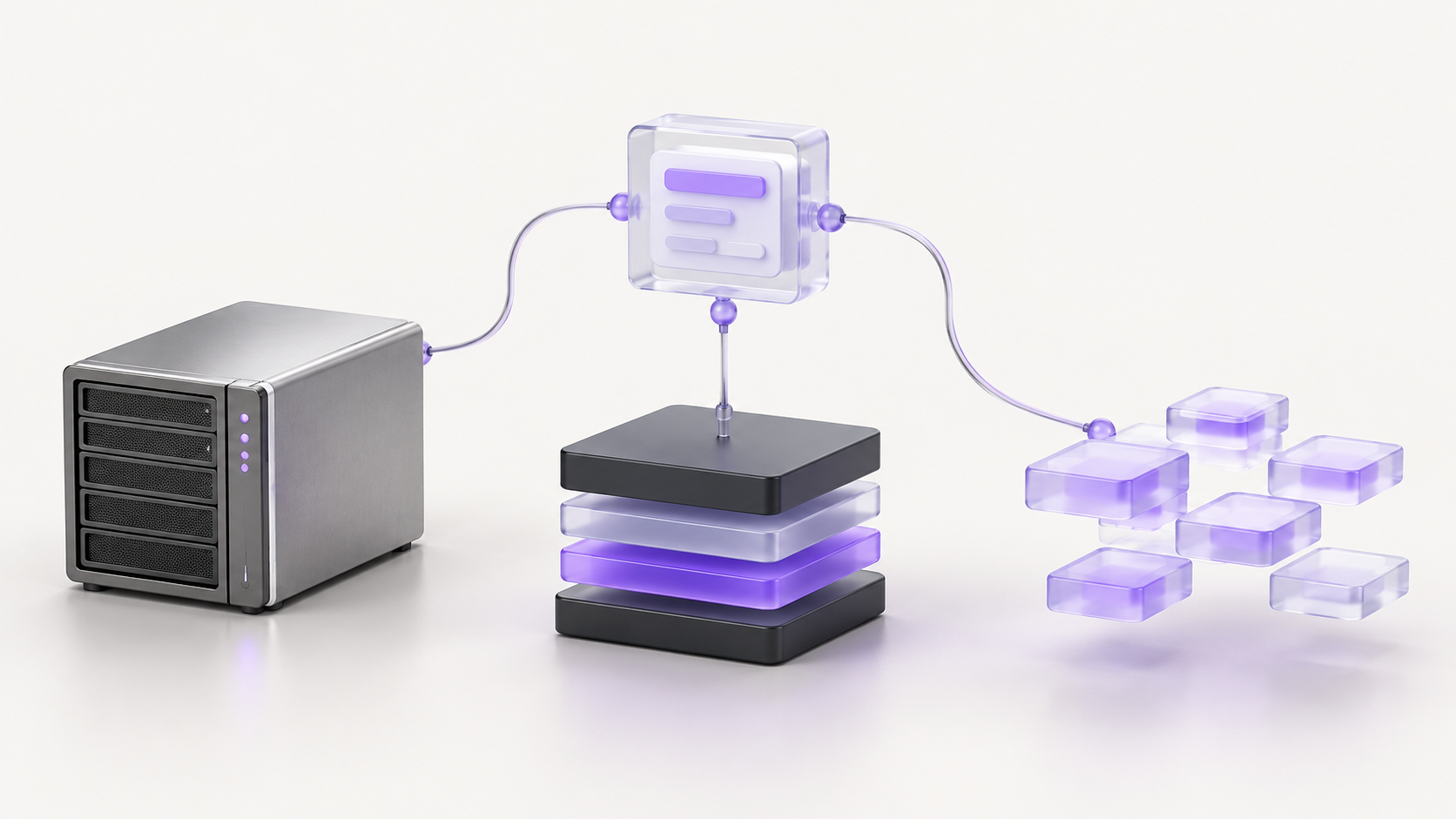
API hosting: choosing between a CPU VM, a managed platform, and serverless
API hosting provides the runtime and network access that let clients call your application. For a web API, that means running code, accepting HTTP requests, reaching its data, and returning responses reliably. The hosting choice also determines who handles operating-system updates, deployments, capacity, and recovery.
Start with the work your API does and the operations your team can support. A CPU virtual machine gives you control over the operating environment. A managed application platform takes over parts of deployment and infrastructure maintenance. Serverless services can adjust execution capacity around demand, within their service limits. These categories overlap: a serverless container service is also a managed platform.
The useful comparison is what you must operate, what the service constrains, and what the complete application costs. A low instance rate is only one part of that decision.
What do you need to host an API?
A basic API needs an application runtime, a way for clients to reach it, and any databases or external services its code uses. A production deployment also needs a repeatable release process, access controls, monitoring, and a recovery plan.
Keep API hosting separate from hosting static web pages. GitHub Pages, for example, serves static HTML, CSS, and JavaScript. It can host a frontend that calls an API elsewhere, but it does not run your Python or Node.js backend. An API gateway can add routing, authentication integration, or quotas; it still needs a backend to execute your application logic.
Before comparing providers, record five things:
- Runtime: programming language, framework, system libraries, and whether you deploy source code or a container image.
- Traffic: ordinary and peak request rates, response-time requirements, request sizes, and periods without traffic.
- Work: short requests, streaming connections, CPU-intensive processing, scheduled tasks, or background jobs.
- Data: database location, connection limits, uploaded files, retention, and recovery requirements.
- Operations: who deploys changes, installs updates, responds to incidents, and restores the service.
An internal reporting API used a few times a day has different needs from a customer-facing API with steady traffic and a worker queue. Give each its own acceptance criteria before choosing a plan.
Three API hosting models to compare
A CPU VM when you need operating-system control
With a self-managed VM, you choose the application server, install dependencies, and configure processes or Docker containers. This can suit an existing Linux application, custom system packages, or an API and worker stack that your team already knows how to operate.
You also own the guest operating system and application setup. Plan updates, secrets, process restarts, logs, backups, and the route that exposes the API. A VM running one process is a starting point, not evidence of high availability. Additional instances need traffic routing, shared state where appropriate, and a tested failure procedure.
Consistent traffic can make a VM worth evaluating because you can measure how much useful work its capacity delivers. That does not establish that it is cheaper. Idle headroom, recovery capacity, and maintenance effort can change the comparison. Our vCPU virtual machine guide explains when CPU-only compute fits the workload.
For CPU allocation, thread-to-core mappings, and a repeatable capacity test, see our guide to vCPU vs. physical core.
A managed platform when deployment work is the constraint
A managed application platform can run your code or container without asking you to administer the host operating system. It is a useful starting point when your application fits the supported runtime and your team wants a standard deployment path.
For example, Render web services support deployments from linked Git repositories or container images, public service URLs, and managed TLS certificates. These are specific service features, not guarantees that every managed platform includes the same capabilities or commercial terms.
Check how releases, health checks, worker processes, storage, and rollbacks work on the selected plan. Render’s persistent-disk documentation illustrates why the details matter: attaching a disk prevents scaling that service to multiple instances and removes zero-downtime deploys. A feature that solves storage persistence can change the availability design.
The provider may manage the host, but your team still owns application dependencies, authorization rules, data handling, and incident diagnosis. Decide which responsibilities the service removes and which remain with you.
Serverless when execution can follow demand
Serverless API hosting includes functions invoked by requests or events and managed containers that serve HTTP traffic. The packaging and execution rules differ, so compare the specific service rather than treating “serverless” as one runtime.
Google Cloud Run services, for example, can scale to zero when idle under the default configuration. Minimum instances can keep capacity warm. Test both an ordinary request and a request that triggers startup; the latency and cost depend on the application and its settings.
Functions have their own invocation limits. AWS documents timeout settings for Lambda, with differences for some execution modes. Check the function, gateway, and client timeouts together before designing a long-running HTTP request.
Serverless can fit intermittent, independently handled requests. It also requires attention to concurrent execution, database connections, retries, and background processing. Automatic scaling does not make the database unlimited, and a larger number of application instances can exhaust a small connection pool quickly.
Compare the behavior your API actually needs
Keep durable data outside disposable processes
Treat process memory as temporary. If a request can reach another instance, that instance must be able to find the data it needs. Use an appropriate database, object store, or shared service for durable state, and decide how sessions and caches behave during restarts.
Check filesystem rules explicitly. Cloud Run’s container runtime contract says writes to the container filesystem do not persist when the instance stops. It also defines port binding, request timeouts, and shutdown behavior. A container image that starts successfully on your laptop still needs to meet the destination’s contract.
Persistent storage also needs recovery. Keeping a disk attached, replicating data, and having a tested backup are different capabilities. Record what you can restore, how old the restored data may be, and how long recovery takes.
Separate HTTP requests from durable background jobs
If an API accepts work that must survive the request, put it in a durable queue or job system and track completion. For example, a report endpoint can return a job ID while a worker builds the report and stores the result.
Design retries so that repeating a request or job does not accidentally perform the same business action twice. Define what happens when a worker stops after making a partial change. Launching a thread after returning a response is not, by itself, a durable job system.
On a VM, you arrange worker supervision and restart behavior. On a managed or serverless service, verify its worker or job support, execution limits, and CPU allocation rules. Choose the supported execution model for the task rather than assuming the HTTP service will keep running unrelated work indefinitely.
Verify public access, TLS, and authorization separately
Decide whether the API should be public, private to another service, or reachable only by your team. Then verify DNS, certificates, routing, allowed ports, and the application’s listening address.
An SSH tunnel is useful for private testing. A successful request through that tunnel does not prove that an external client can reach the intended production endpoint. Test from an authorized client outside the development machine and confirm that the endpoint behaves correctly after the tunnel closes.
HTTPS protects traffic in transit; the application must still decide what each caller may do. The OWASP REST security guidance covers HTTPS, endpoint access controls, input validation, and request limits. Keep secrets out of source code and logs, and test rejected requests as well as successful ones.
Measure latency and capacity together
Measure the requests users depend on, including database calls and external dependencies. Record successful requests per second, error rate, CPU and memory use, and latency percentiles. A p95 latency of 300 milliseconds means 95% of the measured requests completed within that time; it does not describe every request.
Use the same workload and acceptable error rate when comparing hosting options. Include a normal period, a peak, startup behavior where relevant, and a longer run. Set application concurrency and scaling limits with the database and downstream services in mind. More workers can increase contention instead of throughput.
Compare the full cost of backend hosting
Separate the infrastructure bill from the time your team spends operating the service, then consider both. Include compute, minimum or idle capacity, databases, storage, backups, data transfer, logs, builds, gateways, and support where they apply.
Record the billing unit for each service. A VM rate, a monthly application plan, and request-based execution charges are not directly comparable until you estimate the same traffic and service requirements. Include the capacity you need for failures and deployments, not just an average quiet hour. Our compute pricing guide provides a full-bill comparison checklist.
For a simple normalization, divide the scoped hosting bill by successful requests. A hypothetical $120 monthly bill serving 12 million successful requests is $10 per million. If the same bill serves 3 million, it is $40 per million. These are invented numbers, not provider prices or benchmark results. Compare this measure alongside latency, availability, and operating effort; a low cost per request is not useful if the service misses its requirements.
Can you host an API for free?
A free tier can be useful for learning, personal projects, or an early prototype that fits its limits. Check sleep behavior, CPU and memory caps, build allowances, data retention, bandwidth, payment requirements, and what happens when usage exceeds the allowance.
Render’s free-service documentation, for example, says free web services spin down after 15 minutes without inbound traffic and advises against using free instances for production applications. Read the current terms for the service you choose. A working demo on a free plan does not establish the cost or behavior of a production deployment.
Where Hivenet fits for API workloads
Hivenet’s vCPU documentation lists lightweight web servers, APIs, and background services among CPU-only workloads. A CPU VM is a candidate when your application needs a Linux environment and your team can operate it. Confirm the available configuration, location, connectivity, and active price for the proposed workload.
If you use Docker, the existing Docker on a Compute VM guide covers that environment. Use the instance’s actual connection details and current port-forwarding documentation when testing access. Before sending production traffic, validate the public endpoint, TLS path, domain requirements, and application authentication for your selected configuration.
Plan to operate the guest OS, application releases, worker processes, monitoring, and recovery. Do not infer managed application deployment, automatic scaling, or a complete backup service from the availability of a CPU instance.
Run a small acceptance test before committing
Shortlist the hosting models that fit your runtime and operational requirements, then test a representative part of the application. Keep the test isolated from production data and document its limits.
- Deploy a repeatable build. Record the application version, dependencies, resource settings, and configuration. Confirm you can deploy it again from a clean environment.
- Verify access and permissions. Test the intended endpoint, valid and invalid authentication, and access to data. Confirm database and administrative ports have only the access they need.
- Run representative traffic. Measure normal and peak demand, startup where relevant, slow dependencies, and resource use. Compare results against requirements chosen before the test.
- Test interruption and recovery. Restart the process, retry a job, roll back an application release, and restore test data. Account for database changes that an application rollback will not undo.
- Price the complete setup. Include data services, recovery capacity, transfer, and observed operating work. Record what remains untested and who will resolve it.
If a CPU VM looks suitable, talk through your API workload with Hivenet. Bring the runtime, traffic profile, data dependencies, location requirements, and results the service must meet. Use those requirements to assess capacity and responsibilities before choosing a configuration.
Your next workload belongs on Hivenet.
Pick one AI, compute, or storage workload and see the difference for yourself. Spin it up in minutes, or let our team map your fastest path to production.