Calcul
Stockage
Pour les consommateurs
Charges de travail
Pourquoi Hivenet


Connectez-vous à Hivenet
Accédez à vos fichiers et gérez votre compte de stockage.
Boutique
Accédez à vos fichiers et gérez votre compte de stockage.
Calculer
Lancez des instances et gérez vos ressources de calcul.
Store et Compute utilisent toujours des comptes distincts aujourd'hui. Nous travaillons sur une connexion unifiée.
Vous avez juste besoin d'envoyer un fichier ?
Utilisez Envoyer directementVous êtes nouveau sur Hivenet ? Commencez
Commencez avec Hivenet
Choisissez ce que vous voulez utiliser en premier.
Boutique
Sauvegardez des photos et des fichiers sur tous vos appareils.
Calculer
Lancez le calcul GPU en libre-service pour les tâches exigeantes.
Store et Compute utilisent toujours des comptes distincts aujourd'hui. Nous travaillons sur une expérience de compte unifiée.
Vous avez besoin de Hivenet pour votre entreprise ?
Parlez au service des ventesVous avez besoin d'envoyer un fichier ?
Ouvrir EnvoyerVous avez déjà un compte ? Connectez-vous
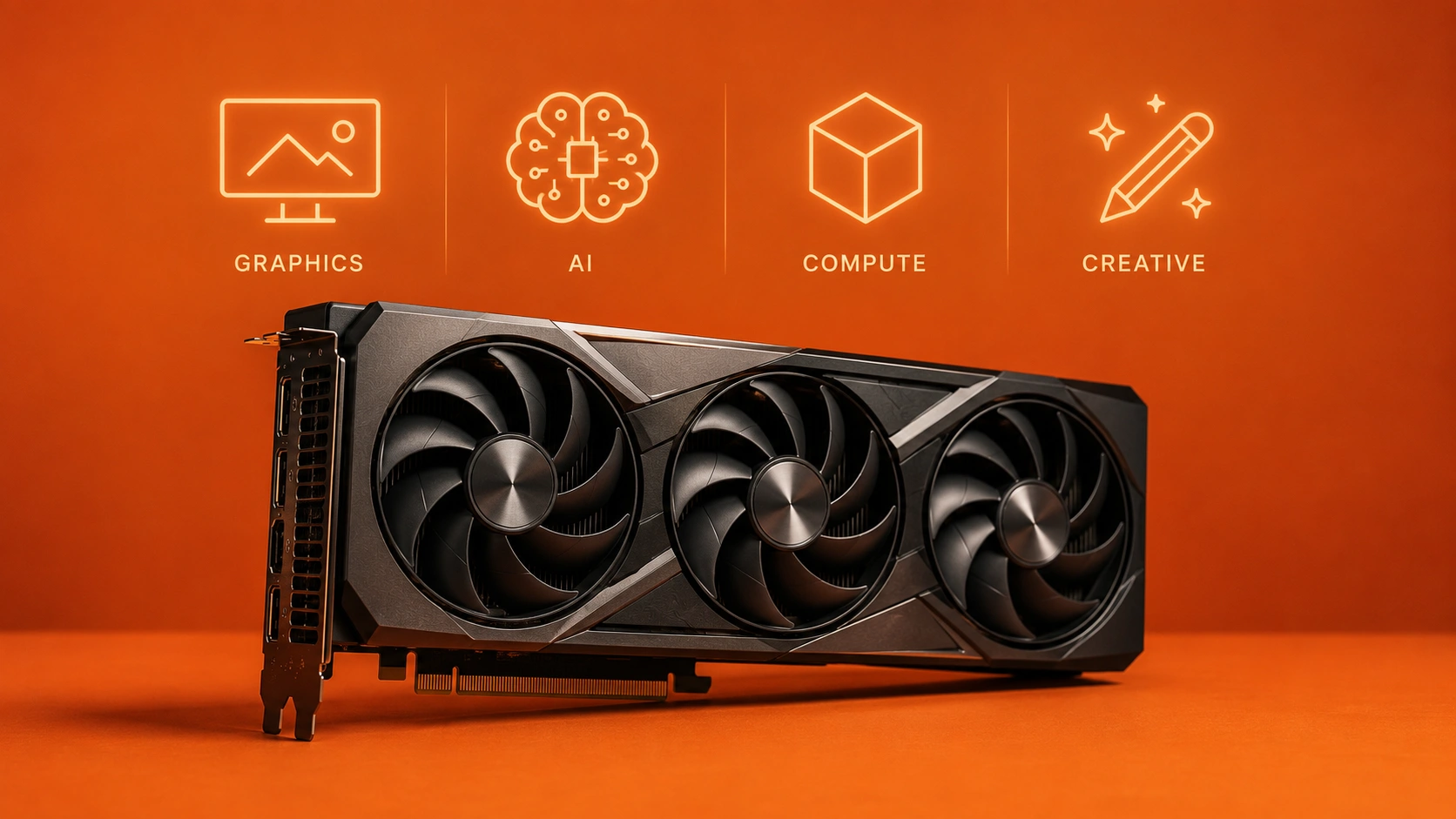
Utilisations des cartes graphiques : graphiques, IA, calcul et charges de travail créatives
Video card uses span far beyond rendering images on your display device. While the graphics processing unit (GPU) originated as a hardware component responsible for visual output, modern video cards have become the default accelerators for compute-intensive tasks across gaming, content creation, artificial intelligence, and scientific research.
This guide covers the full spectrum of video card applications, from traditional graphics workloads like gaming and video editing to compute workloads including machine learning and parallel processing. We’re writing for gamers seeking better frame rates, content creators optimizing render times, AI developers training models, and researchers running simulations—anyone who needs to understand what a video card can actually do for them.
Direct answer: Video cards serve two primary categories of use—graphics workloads (gaming, 3D rendering, video editing) and compute workloads (AI training, data science, scientific simulation). The graphics processing unit GPU handles both by running thousands of parallel operations, with video memory (VRAM) capacity and bandwidth determining which applications perform best.
After reading this guide, you will:
- Understand the distinction between graphics and compute workloads
- Identify which video card applications match your performance needs
- Recognize the hardware requirements for specific use cases
- Know how to solve common access challenges for high-end GPU computing
Understanding video card applications
A video card combines a graphics processor with dedicated video memory (VRAM), electrical circuits, and cooling systems on a separate card that slots into your motherboard’s PCIe slots. This dedicated graphics card configuration provides processing power that far exceeds what integrated graphics cards embedded in CPUs can deliver.
The evolution from graphics-only hardware to general-purpose computing accelerators represents one of the most significant shifts in modern computers. What started as a component for rendering images has become essential for machine learning, scientific computing, and any task requiring massive parallel processing.
Graphics workloads
Graphics workloads encompass traditional visual applications requiring real-time rendering and graphical output. These include gaming at higher resolutions, 3D modeling and animation, video editing, and architectural visualization. The defining characteristic is display output—these applications produce visual content that appears on your display device.
Graphics quality depends on the GPU’s ability to process complex graphics quickly, managing high resolution textures, ray tracing calculations, and frame buffer operations. Whether you play games at competitive frame rates or render photorealistic architectural walkthroughs, graphics workloads demand consistent performance across millions of pixels.
Compute workloads
Compute workloads leverage the video card’s parallel processing units for non-visual applications. Instead of rendering images, these tasks use the GPU’s thousands of cores for calculations that would take a central processing unit far longer to complete.
Examples include AI training where neural networks require billions of matrix multiplications, data science pipelines processing massive datasets, and scientific simulations modeling molecular dynamics or climate patterns. The key hardware factors shift from display-focused metrics to memory capacity, bandwidth exceeding 1 TB/s, and tensor core operations that accelerate machine learning specifically.
Compute workloads have eclipsed graphics in economic importance, with data center GPU spending growing 80% year-over-year. This shift toward processing units GPUs as compute engines rather than just graphics processors defines how modern organizations approach high performance tasks, especially when combined with cloud-based GPUs in modern computing.
Gaming and entertainment applications
Building on the graphics workload foundation, gaming remains the most visible application for consumer video cards. The dedicated graphics capabilities that make a discrete GPU essential for gamers translate directly into computing power for entertainment and content creation.
PC gaming performance
Gaming performance at 1080p resolution requires 4- 8 GB of video memory for most games, with emphasis on high clock speeds that deliver smooth frame rates. Entry-level and mid-range graphics cards handle this tier well, making basic gaming accessible to most users without requiring high end graphics cards.
Moving to 1440p and 4K gaming dramatically increases hardware requirements. These higher resolutions demand 8- 12 GB VRAM minimum, with best performance coming from cards supporting DLSS (Deep Learning Super Sampling) and ray tracing. Ray tracing simulates realistic lighting by tracing light paths in real-time, adding shadows and reflections that weren’t possible with previous GPU technology.
VR gaming adds latency sensitivity to the equation. Virtual reality requires consistent frame rates above 90 FPS to prevent motion sickness, meaning even momentary performance drops become unacceptable. High performance graphics cards with low-latency rendering pipelines make VR viable.
Content creation
Video editing transforms raw footage into finished products, and modern GPUs accelerate this process dramatically. Video encoding, color grading, stabilization, and effects rendering all benefit from GPU acceleration in applications like Adobe Premiere Pro and DaVinci Resolve. A video card with 8-16GB VRAM handles multi-layer 4K timelines smoothly, while CPU-only editing stutters.
3D rendering for animation and architectural visualization shows even more dramatic speedups. Tools like Blender and Autodesk Maya leverage CUDA cores for viewport navigation and final renders. What might take hours on a central processing unit completes in minutes on a capable graphics card, making iterative creative work practical.
Live streaming combines gaming performance with video encoding requirements. Dedicated encoder hardware (NVENC on NVIDIA cards) handles stream compression without impacting gaming performance, letting creators broadcast while maintaining frame rates.
Display and multi-monitor setups
Modern video cards support multiple graphics outputs through HDMI, DisplayPort, and USB-C connections. Productivity users run three or four monitors for coding, trading, or research workflows. Gamers use ultrawide or multi-monitor setups for immersive experiences.
High-refresh-rate displays (144Hz, 240Hz, or higher) demand more power from the graphics processor to maintain those frame rates consistently. HDR (High Dynamic Range) support adds another dimension, requiring specific video output standards and processing capabilities.
These display capabilities connect directly to professional applications where screen real estate and color accuracy become mission-critical requirements.
Professional and scientific computing
Professional computing moves beyond entertainment into domains where GPU acceleration translates to competitive advantage and research breakthroughs. The same parallel processing architecture that renders game frames powers discoveries in AI, science, and finance.
Artificial intelligence and machine learning
AI training represents the fastest-growing use case for video cards. Training neural networks requires multiplying enormous matrices billions of times—exactly what GPUs do well. Choosing from the best AI GPUs for modern ML workloads can mean training a GPT-scale model on 8x RTX 4090s completes in days versus weeks on CPUs.
The distinction between training and inference matters for hardware selection. Training demands maximum VRAM (16- 24 GB minimum for serious work) and computational throughput. Inference—running a trained model—requires less VRAM but benefits from low latency for real-time applications.
Computer vision applications process images and video for object detection, autonomous vehicles, and medical imaging. Natural language processing powers chatbots, translation, and document analysis. Both categories rely on CUDA and tensor cores that NVIDIA specifically designed for these operations.
Scientific and engineering applications
Computational fluid dynamics simulations model airflow around vehicles, buildings, or biological structures. These simulations divide physical space into millions of cells, calculating interactions at each timestep—a perfect fit for parallel processing units.
Weather modeling and climate research process massive atmospheric datasets, with GPU acceleration enabling finer resolution and longer prediction windows. Molecular dynamics simulates protein folding and drug interactions, with frameworks like GROMACS achieving 10x speedups versus multi-core CPUs.
Financial modeling uses GPU compute for Monte Carlo simulations, risk analysis, and high-frequency trading algorithms. The computing power available in a modern graphics card can process scenarios that would overwhelm traditional systems.
Cryptocurrency and blockchain
Cryptocurrency mining established GPUs as compute engines before AI dominated headlines. Mining involves computing huge numbers of hash operations to validate blockchain transactions. GPUs outperformed CPUs dramatically due to their SIMD (single instruction, multiple data) architecture.
The shift from proof-of-work to proof-of-stake in major cryptocurrencies like Ethereum (2022) reduced mining demand. However, some networks still rely on GPU mining, and the infrastructure knowledge transfers directly to AI and rendering applications.
Power consumption remains the critical factor for mining profitability. High end graphics cards consume 300-450W under load, making power efficiency as important as raw hash rate.
Hardware requirements comparison
Different applications stress different aspects of video card capabilities. Understanding these patterns helps match hardware to performance needs, and can guide you toward renting GPUs for AI and deep learning instead of buying outright:
The pattern is clear: as you move from entertainment to professional applications, VRAM capacity and specialized processing cores become more important than raw clock speeds. This explains why cards like the RTX 4090 with 24GB GDDR6X have become the default choice for professional applications despite gaming-focused marketing.
Common challenges and solutions
Knowing what video cards can do is only half the equation. Actually accessing that computing power presents practical barriers that stop many users from leveraging GPU acceleration.
High hardware costs
RTX 4090 pricing exceeds $1,600, with the newer RTX 5090 GPUs for demanding AI workloads commanding even higher prices. This investment depreciates 30-50% yearly as newer architectures arrive, making ownership expensive for anyone without constant utilization.
Cloud GPU solutions provide an alternative. Compute with Hivenet’s distributed GPU cloud offers RTX 4090 at €0.20/hr and RTX 5090 at €0.40/hr—roughly 75% below hyperscaler equivalents. For bursty workloads where you need power for hours rather than continuously, rental eliminates the depreciation problem entirely.
Underutilization and idle time
Most GPU owners experience 70%+ idle time. Expensive hardware sits unused between rendering jobs, training runs, or gaming sessions. This idle capacity represents wasted investment.
On-demand GPU access through services like Compute with Hivenet’s GPU platform converts capital expenditure to operational expenditure. You pay for actual compute time rather than depreciating hardware, making more power accessible when you need it without waste when you don’t.
Limited VRAM for large models
AI models increasingly exceed consumer card limits. Stable Diffusion XL runs best with 12GB+ VRAM. Training large language models locally requires 24GB or more memory without fragmentation across system RAM.
Access to dedicated, full VRAM—without slicing or hidden sharing—ensures models run as designed. Unlike some cloud providers that partition cards among multiple users, dedicated instances provide complete access to the graphics card’s memory capacity.
Complex cloud pricing and reliability
Hyperscaler clouds charge premium rates with complicated billing, quotas during chip shortages, and spot instances that interrupt workloads mid-execution. Budget GPU marketplaces often rely on preemptible nodes that fail at critical moments, an issue frequently discussed in cloud GPU and AI computing insights.
Transparent per-second billing with fixed, book-now pricing eliminates bidding games, but it’s still important to review the underlying terms of service for GPU rental platforms. Reliable, non-preemptible instances from providers like Compute with Hivenet (billing and rental details) maintain 90%+ uptime with responsive support when issues arise—a significant contrast to faceless hyperscaler ticketing systems.
Conclusion and next steps
Video card uses have evolved far beyond computer graphics into the compute domain that now drives AI research, scientific discovery, and professional content creation. The same parallel processing architecture that renders game frames at high frame rates powers neural network training and molecular simulations.
To leverage these capabilities effectively:
- Assess your specific use case—determine whether you need graphics performance, compute power, or both
- Evaluate VRAM requirements based on the applications table above
- Compare ownership costs (including depreciation and thermal management requirements) against cloud alternatives
- For bursty or experimental workloads, consider on-demand GPU access at transparent pricing
Related topics worth exploring include GPU architectures (understanding CUDA cores vs. stream processors), VRAM technologies (GDDR6 vs. GDDR6X bandwidth differences), and the emerging landscape of external GPUs for portable computing power.
Frequently asked questions (FAQs)
What is the difference between a video card and an integrated GPU?
A video card, also known as a graphics adapter or graphics card, is a dedicated hardware component with its own processor and video memory (VRAM) designed to handle complex graphical data and output images to your display. An integrated GPU is built into the CPU or motherboard and shares system resources, making it more power efficient but less powerful for demanding tasks.
Can I use multiple graphics cards in one system?
Yes, multiple graphics cards can be installed in a computer case if the motherboard supports it and the power supply can handle the increased load. Technologies like NVIDIA’s SLI and AMD’s CrossFire enable multiple graphics cards to work together, but not all applications support this setup. A power supply of 1000+ watts is typically required for configurations with multiple graphics cards.
How does a video card output images to a display?
Video cards process binary data and graphical data received from the operating system and CPU, converting it into pixels that form output images on monitors. They use various ports like HDMI, DisplayPort, and sometimes legacy Video Graphics Array (VGA) connectors to send the visual signal to display devices such as high definition televisions or computer monitors.
What are the power requirements for modern graphics cards?
Les cartes graphiques modernes haute performance nécessitent souvent une alimentation électrique supplémentaire de la part du bloc d'alimentation via des connecteurs à six ou huit broches, avec une consommation électrique allant de 150 watts à plus de 450 watts. Une alimentation électrique adéquate et des systèmes de refroidissement avancés sont essentiels pour maintenir les performances globales et prévenir la surchauffe.
Comment la VRAM affecte-t-elle les performances d'une carte graphique ?
La mémoire vidéo à accès aléatoire (VRAM) stocke les textures, les tampons d'images (frame buffers) et d'autres données graphiques nécessaires au rendu des images et des vidéos. Plus de VRAM permet à une carte graphique de gérer des résolutions plus élevées, des textures complexes et plusieurs moniteurs sans ralentissement. Les tailles typiques de VRAM varient de 2 Go à 24 Go, selon l'utilisation prévue.
Qu'est-ce que le ray tracing et pourquoi est-ce important ?
Le ray tracing est une technique graphique avancée qui simule le comportement de la lumière en temps réel pour créer des ombres, des reflets et des effets d'éclairage réalistes. Il nécessite une puissance GPU significative et est pris en charge par de nombreuses cartes graphiques modernes, améliorant la fidélité visuelle dans les jeux et le rendu professionnel.
Puis-je mettre à niveau la carte graphique de mon ordinateur pré-assemblé ?
La mise à niveau est possible si le boîtier de l'ordinateur dispose de suffisamment d'espace et si le bloc d'alimentation peut prendre en charge les exigences de la nouvelle carte. Il est important de vérifier la compatibilité avec les emplacements PCIe de la carte mère et de s'assurer que le bloc d'alimentation dispose des connecteurs et de la puissance nécessaires.
Quelles solutions de refroidissement les cartes graphiques utilisent-elles ?
Les cartes graphiques utilisent diverses méthodes de refroidissement, notamment des ventilateurs, des dissipateurs thermiques et des systèmes de refroidissement avancés comme le refroidissement liquide ou les chambres à vapeur. Les configurations de cartes graphiques haute performance et multiples nécessitent un refroidissement efficace pour maintenir l'efficacité énergétique et prévenir la limitation thermique.
Les cartes graphiques sont-elles nécessaires pour les tâches de base comme la navigation web ?
Pour les tâches de base telles que la navigation web, l'édition de documents ou la lecture multimédia, un GPU intégré est généralement suffisant. Les cartes graphiques dédiées sont plus avantageuses pour les jeux, le montage vidéo, la modélisation 3D et d'autres applications gourmandes en ressources graphiques.
Comment les cartes graphiques impactent-elles les performances globales du système ?
En déchargeant le traitement des données graphiques du CPU, les cartes graphiques libèrent des ressources système, améliorant ainsi les performances globales. Ceci est particulièrement perceptible dans les jeux, le montage vidéo et les applications professionnelles qui dépendent fortement du traitement des données graphiques.
Quel est le rôle du BIOS d'une carte graphique ?
Le BIOS vidéo contient un micrologiciel minimal pour initialiser la carte graphique au démarrage du système et définir les paramètres de fonctionnement. Il fonctionne avec le système d'exploitation et les pilotes pour gérer les fonctions de l'adaptateur graphique et afficher les images.
Les cartes graphiques peuvent-elles être utilisées pour des tâches non graphiques ?
Oui, les GPU modernes excellent dans le traitement parallèle et sont utilisés dans des charges de travail de calcul telles que l'entraînement d'IA, les simulations scientifiques, le minage de cryptomonnaies et la modélisation financière, ce qui les rend polyvalents au-delà du simple traitement de données graphiques.
Que dois-je prendre en compte lors du choix d'une carte graphique ?
Tenez compte de vos principaux cas d'utilisation, des exigences en VRAM, de la capacité de votre bloc d'alimentation, des capacités de refroidissement et de la taille de votre boîtier d'ordinateur. Vérifiez également la compatibilité avec votre système d'exploitation et si vous avez besoin de fonctionnalités telles que la prise en charge de plusieurs cartes graphiques ou de ports de sortie spécifiques.
Quelle est l'importance du Video Graphics Array (VGA) ?
Le Video Graphics Array (VGA) est une ancienne norme d'affichage analogique historiquement utilisée pour connecter les cartes graphiques aux moniteurs. Bien que largement remplacée par des interfaces numériques comme le HDMI et le DisplayPort, le VGA est encore présent sur certains équipements plus anciens et prend en charge des résolutions allant jusqu'à 1080p.
Comment les cartes graphiques prennent-elles en charge les configurations multi-écrans ?
Les cartes graphiques disposent souvent de plusieurs ports de sortie permettant de connecter plusieurs moniteurs simultanément. C'est utile pour la productivité, le jeu et les applications professionnelles. Le GPU doit disposer de suffisamment de mémoire et de puissance de traitement pour gérer efficacement les données graphiques de plusieurs écrans.
Your next workload belongs on Hivenet.
Pick one AI, compute, or storage workload and see the difference for yourself. Spin it up in minutes, or let our team map your fastest path to production.