

Sign in to Hivenet
Access your files and manage your storage account.
Store
Access your files and manage your storage account.
Compute
Launch instances and manage your compute resources.
Store and Compute still use separate accounts today. We’re working on a unified sign-in.
Just need to send a file?
Use Send directlyNew to Hivenet? Get Started
Get started with Hivenet
Choose what you want to use first.
Store
Back up photos and files across your devices.
Compute
Launch self-serve GPU compute for demanding work.
Store and Compute still use separate accounts today. We’re working on a unified account experience.
Need Hivenet for business?
Talk to salesNeed to send a file?
Open SendAlready have an account? Sign in
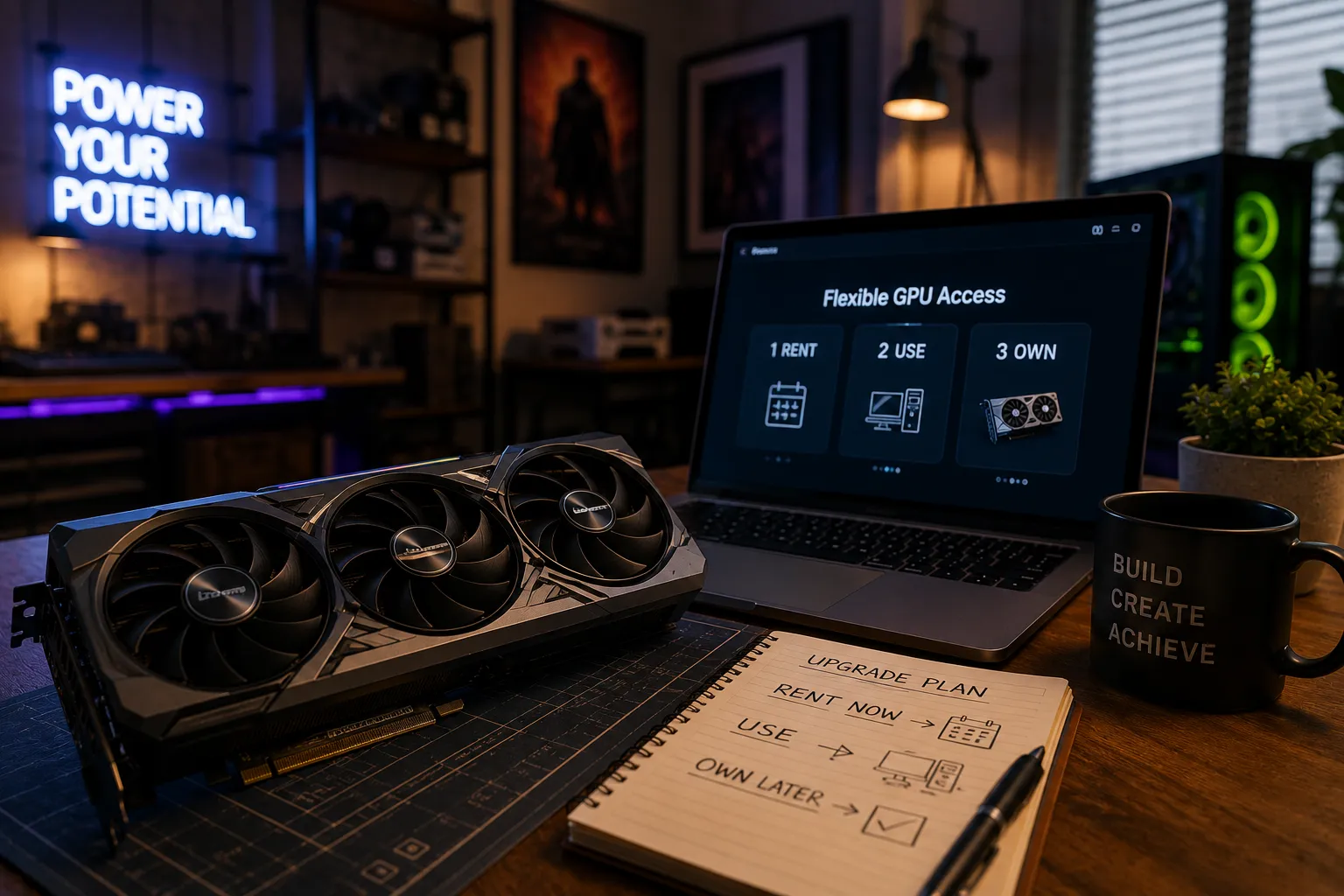
Rent to own video cards: smarter ways to access high-end GPUs
Rent-to-own video cards let you get a physical graphics card now and pay for it over time. You make weekly, bi-weekly, or monthly payments under a lease-purchase or rental-purchase agreement, then ownership transfers after you complete all scheduled payments or use an approved early buyout option.
High-end GPUs can require a substantial upfront payment. Prices vary by model, condition, seller, location, and availability, so compare dated quotes rather than treating a price range as universal. For gaming, AI, rendering, or video work, start with the hardware your workload actually needs.
The real question is not just “Can I afford the monthly payment?” It is “Do I need to own this video card, or do I mainly need access to GPU performance?” Rent-to-own video cards can work for some local, daily workloads, but buying outright or renting compute through services like Compute with Hivenet may be a better fit for others.
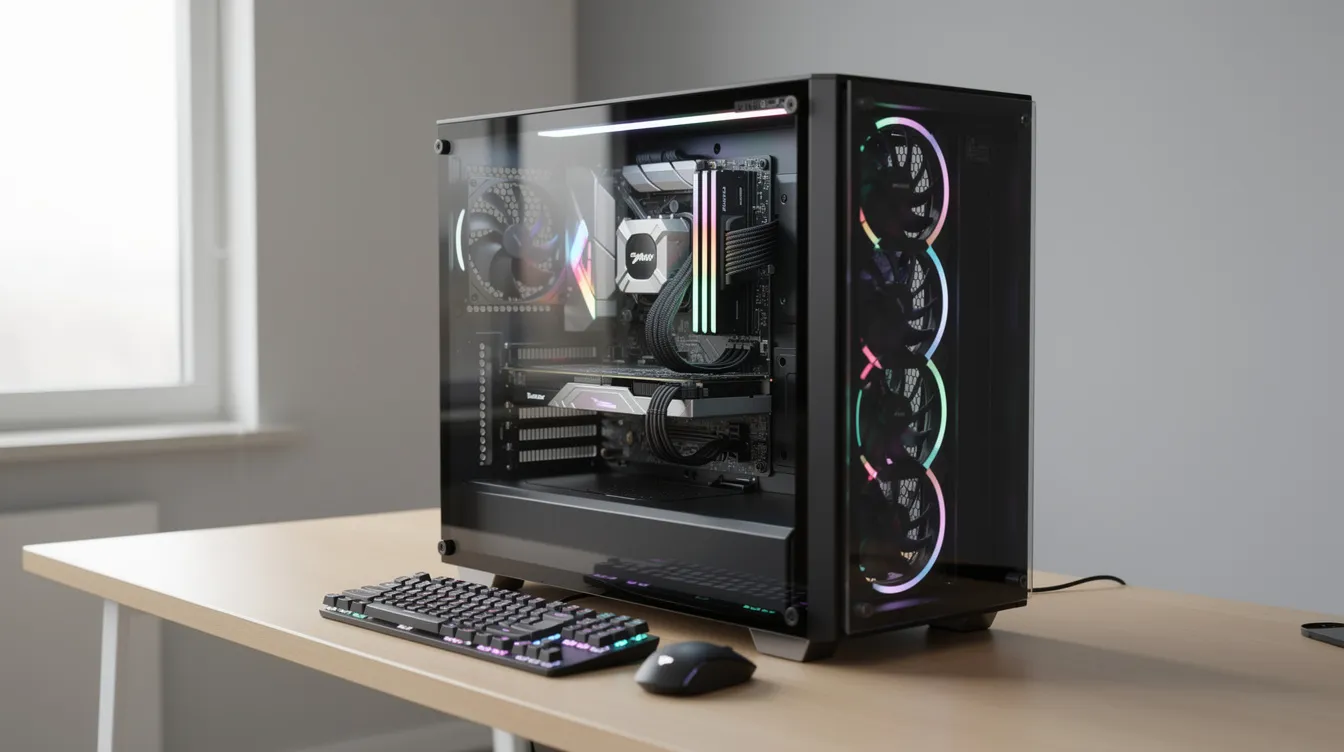
How rent-to-own video cards work
Rent-to-own video cards function differently from traditional retail and come with steep financial trade-offs. You are not simply buying a card with a normal checkout flow. You are entering a lease or rental-purchase contract for a physical product.
A typical process looks like this:
- Choose from the models and conditions actually listed by the provider. A mention of an RTX 4070, RTX 4080 Super or RTX 4090 here is a hardware example, not confirmation that a lease-purchase offer is available.
- The store or financing provider reviews your application under its own eligibility rules. Some plans check credit and others do not.
- A plan advertised to people with limited credit does not guarantee approval or affordability. Read the eligibility criteria and payment obligations before applying.
- Payments recur on the schedule specified by the agreement; check how the contract defines the path to ownership.
- The agreement specifies the term and number of payments. Compare those figures with any early-purchase option.
- Do not assume a fixed number of payments. Missed payments may lead to loss of the item and payments already made, depending on the agreement and applicable law.
- Ownership of the video card transfers to the lessee upon completion of all scheduled payments in an RTO program.
Use the full payment schedule to compare costs. For a purely illustrative agreement, 18 monthly payments of $150 total $2,700 before additional fees or taxes. That is arithmetic, not an available GPU offer. Compare the result with a dated cash quote for the same card and condition, following the Wisconsin consumer guide.
If a provider offers an early-purchase or “same-as-cash” option, get its deadline, eligible price, fees, and conditions in writing. Do not assume a 90-day option exists or eliminates every charge.
Check fees, return rules, missed-payment consequences, collections, and credit reporting in the agreement. Returning the item may stop future payments under some plans, but does not guarantee a refund or protection from credit consequences. The FTC’s payment-plan guidance explains these risks.
Availability and legal protections depend on the provider and jurisdiction. Verify current eligibility and local rules rather than relying on a general list of excluded states. Wisconsin publishes guidance on rental-purchase agreements; its consumer agency also offers a cost and contract checklist.
Costs, depreciation, and hidden trade-offs
The monthly payment is only one part of the cost. Total cost of ownership matters more because a video card loses value, uses power, creates heat, may need repairs, and can become outdated before the lease ends.
Compare the total contractual payment with the cash price, including fees and taxes. Rent-to-own can cost substantially more than buying outright. A markup over the cash price is not, by itself, an annual percentage rate; do not describe it as “20% interest” without the payment timing and calculation basis.
Compare equivalent options using actual quotes: cash purchase, used or refurbished hardware, any available financing, and cloud compute. Include financing charges and expected resale value where relevant, without assuming a bank loan or lease will always be cheaper.
Allow for uncertainty in resale value. Hardware condition, new releases, demand, and warranty coverage can affect what a card is worth later; do not base a financing decision on a guaranteed resale percentage.
You also carry local operating costs:
- NVIDIA specifies 450 W total graphics power for its reference RTX 4090. Actual draw varies with the workload, configuration and card design.
- Two reference RTX 4090 ratings total 900 W for the cards alone; that is not a measured full-system load. Include the rest of the system when sizing power and cooling.
- You may need a larger PSU, more case airflow, or a different case.
- Heat and noise can make a small apartment or office uncomfortable.
- Downtime matters if the card fails and warranty or replacement terms are unclear.
There is no universal 2,600-hour break-even point. Estimate local purchase or lease costs, electricity, supporting hardware, maintenance, and resale value, then compare them with the full cloud bill for equivalent completed work. A simple cost model divides net fixed ownership cost by the difference between cloud and local variable cost per equivalent workload-hour, if that difference is positive. State the assumptions and test more than one usage scenario.
Security verification and online rent-to-own offers
A GPU seller or financing website may show a browser-security check before allowing access to an offer. Treat the message as an access check, not evidence of stock, affordability or legitimacy.
The reason for a browser check depends on the website. If you cannot proceed, use the provider’s verified support channel. Do not infer the contract terms, regional eligibility or safety of a seller from the check alone.
A normal flow may look like this:
- The website loads a security page.
- The page says it is performing security verification.
- The security service verifies your browser session.
- You wait while the check runs.
- A verification successful state is displayed.
- The site redirects you to the product page, stock list, or application form.
Do not bypass a site’s security checks. A successful browser check does not prove that the seller is legitimate or the offer is safe. If it fails, contact the provider through a verified channel rather than sharing sensitive information with an unverified support contact.
Use a few basic safety checks before you apply:
- Confirm the domain name. Make sure the www version and root domain point to the same real company.
- Use HTTPS, but also verify the seller independently before entering bank information; encryption of a connection does not establish the seller’s legitimacy.
- Read the lease terms on the official contract page after verification is successful, not from screenshots or social posts.
- Check whether the offer is actually available in your state or country.
- Be cautious if a site asks you to create an account before showing the total cost.
If you are outside supported regions, you may see a geo-restriction message such as “services available exclusively within the U.S.” instead of card availability or checkout options.

Who should consider rent-to-own (and who should not)
Rent-to-own video cards can make sense, but only for a narrow group of users. Your usage pattern, location, cash flow, and credit access matter more than the advertised payment.
Rent to own may be reasonable if you:
- Game daily at 4K and want local, low-latency performance.
- Use VR often and need the card inside your own PC.
- Work as a local 3D artist, editor, or renderer with steady daily workloads.
- Need an RTX 4070, RTX 4080 Super, or RTX 4090 at home and cannot pay the full price upfront.
- Have unreliable internet or strict offline requirements.
Rent to own is usually a poor fit if you:
- Run sporadic AI experiments.
- Need a GPU for a 3–6 month course.
- Have a short freelance rendering job.
- Expect your workload to change often.
- Cannot afford late fees, replacement risk, or surprise downtime.
The finance angle needs care. Compare total cost, cancellation and return rights, repair responsibility, and missed-payment consequences. Alternatives may cost less, but the answer depends on the offers and protections available to you.
For business use, compare buying new, buying used or refurbished, financing, and renting compute by the hour. Tax treatment and deductibility depend on your circumstances and jurisdiction; obtain qualified advice rather than assuming a write-off makes an option cheaper.
Accessing GPU power without owning hardware
Many people searching for rent-to-own video cards do not truly need to own a physical card. They need GPU performance for AI, rendering, data science, simulation, or model testing.
Owning several high-end cards locally creates practical problems. The combined reference graphics-power rating of two RTX 4090 cards is 900 W; actual consumption varies. That means more heat, more noise, more cooling, more power draw, and more physical space. It also means you own the depreciation curve. If a new card arrives with more VRAM or better performance per watt, your financed card does not change.
Cloud GPU rental can provide remote compute without a hardware purchase. Billing, minimum charges, available GPU counts and scaling depend on the service and capacity. Guides on renting GPUs for AI and deep learning projects can help frame the comparison. For a short project, estimate total runtime and supporting costs before choosing rental over ownership.
Compare every cloud offer on its own terms: billing, quotas, region, interruptions, resource sharing and support. These vary by configuration and are not determined by provider category alone. The overview of top cloud GPU providers for AI workloads can help organize the questions, but a dated quote and service terms are needed for a purchase decision.
Compute with Hivenet is a practical alternative for users who want access to high-end GPUs without buying or financing physical cards. It fits into the broader shift toward GPUs in modern computing and distributed cloud access models. Compute with Hivenet gives users dedicated high-end GPUs on demand, public book-now pricing, transparent billing, and reachable support. It focuses on access to performance, not transfer of ownership.
Compute with Hivenet is not a rent-to-own service. You do not own an RTX 4090 or RTX 5090 through Compute with Hivenet. You rent GPU compute when you need it, using a prepaid balance and simple billing model covered in the Compute with Hivenet FAQ on renting instances and billing.
Using Compute with Hivenet instead of rent-to-own GPUs
Hourly rental may suit a short or intermittent remote workload, but compare its complete bill with the total contractual cost of a local card. Include setup time, data movement and the amount of useful work completed.
Compute with Hivenet currently offers RTX 5090 GPU instances. The RTX 4090 fleet is retired. Check the current GPU documentation and the console for the configuration, availability, and price you can launch. Compare the full cost of the planned workload with the total cost of a hardware lease; the neocloud pricing guide explains the broader rental model.
Use the following examples to structure a cost comparison, not as proof that renting is cheaper. The AI rent guide for cloud compute in 2026 discusses rental workloads and pricing structures.
Simple examples:
- A comparison involving an RTX 4090 concerns that hardware model, not a currently available Hivenet instance.
- For an RTX 5090 cloud GPU, multiply the active instance rate by the estimated running time. A purely illustrative rate of €0.75 per hour would produce €150 for 200 hours, before any applicable tax or other charges. Confirm the actual configuration and price before launching.
- For Blender or Unreal Engine work, confirm that the remote environment supports the required application, license and workflow before estimating render time and cost.
- For diffusion-model work, compare the expected rental bill with ownership costs over the same project period, including time when a local card would sit unused.
Choose an instance with enough VRAM and check the resource allocation shown in the console. Compute uses on-demand billing, but that does not guarantee uninterrupted operation: low credits can cause workloads to stop or terminate. Read the billing and low-credit guidance, back up important data, and confirm service terms for production work. For developers, the guide to Compute for AI and rendering explains the access model. Hivenet operates the physical hardware; you still need to configure and maintain your workload.
This can also work as a test drive. Test an available RTX 5090 configuration with your own workload, and read the RTX 5090 launch article for historical context. Then decide whether a local card, rent-to-own agreement, or ongoing compute rental makes sense.
Regional limitations, terms, and practical checklist
Check the provider’s current country and state coverage, identity and payment requirements, and contract before applying. A region restriction or browser-verification page does not establish whether an offer is legally available to you.
For international workloads, compare local hardware access with compute services available to your location and use case. Confirm eligibility, data handling, connectivity, support, and the complete bill rather than assuming a cloud service is available everywhere.
Use this checklist before signing a rent-to-own agreement:
- What is the total cost versus the cash price?
- Is there a 90-day same-as-cash option?
- What are the early buyout rules?
- Are payments weekly, bi-weekly, or monthly?
- What happens if you miss a payment?
- Can late payments lead to collections?
- What warranty applies to the card?
- Who handles replacement if the GPU fails mid-contract?
- What return policy applies during financial hardship?
- Are restocking, delivery, processing, or reinstatement fees charged?
- Is the provider allowed to offer the lease in your state?
Use this checklist before renting GPU compute:
- What is the hourly rate for the exact GPU?
- Are GPUs dedicated, or are they shared or fractional?
- Is the access spot preemptible or interruptible by default?
- How is billing measured?
- Are storage and data persistence available?
- Is support reachable if a job fails?
- Can you scale from one GPU to more resources when needed?
Rent-to-own may be worth considering when you need local hardware and understand the full agreement. Cloud compute may suit intermittent remote workloads, but compare costs, availability, data requirements, and operational risks. Neither option is automatically cheaper or lower risk for every user.
If you are unsure, start with your workload hours. Then compare the real cost of owning, leasing, and renting compute before you commit.
Your next workload belongs on Hivenet.
Pick one AI, compute, or storage workload and see the difference for yourself. Spin it up in minutes, or let our team map your fastest path to production.

