

Sign in to Hivenet
Access your files and manage your storage account.
Store
Access your files and manage your storage account.
Compute
Launch instances and manage your compute resources.
Store and Compute still use separate accounts today. We’re working on a unified sign-in.
Just need to send a file?
Use Send directlyNew to Hivenet? Get Started
Get started with Hivenet
Choose what you want to use first.
Store
Back up photos and files across your devices.
Compute
Launch self-serve GPU compute for demanding work.
Store and Compute still use separate accounts today. We’re working on a unified account experience.
Need Hivenet for business?
Talk to salesNeed to send a file?
Open SendAlready have an account? Sign in

How to store data on the cloud without losing control
If you’re searching for how to store data on cloud, the short answer is simple: choose a cloud storage service, upload your files, organize them, and turn on backup or sync so you can access them from multiple devices. The better question is what kind of cloud provider you trust with your data, because cloud data storage requires balancing accessibility with robust security.
What “storing data in the cloud” actually means
Cloud storage means saving files on remote servers instead of only on your phone, laptop, or computer’s hard drive. Those files are stored in the cloud through a web portal, desktop app, or mobile apps, then retrieved over an internet connection when you need them.
Common cloud storage services such as Google Drive, Microsoft OneDrive, iCloud, Dropbox, and Store with Hivenet let you upload documents, photos, videos, and backups. File syncing keeps files stored on one device updated elsewhere, so saving files on your laptop can make the same files available on your phone.
“The cloud” is still physical infrastructure: data centers, networks, and at least one physical server owned or managed by a cloud service provider. Who owns that cloud infrastructure matters because policies, data encryption, location, and access controls affect your privacy and ownership.
Step-by-step: how to store your files in the cloud today
- Choose a service. Start with familiar cloud storage providers if you’re learning, such as Google Drive through google accounts, or choose Store with Hivenet if privacy, European/GDPR-aligned handling, and distributed storage matter more to you. Vet cloud service providers carefully to ensure regulatory compliance.
- Create an account and sign in. Most services guide you through storage capacity, recovery options, and security setup.
- Upload specific files. In Google Drive, use “New > File upload” or “Folder upload.” Other storage services offer a similar button in a browser.
- Install apps. Desktop and mobile apps can handle syncing files, photo uploads, and automatic cloud backup.
- Organize folders before uploading everything. Use “2026 Taxes,” “Family Photos 2020–2026,” “Work Projects,” and “Archive” instead of one messy folder.
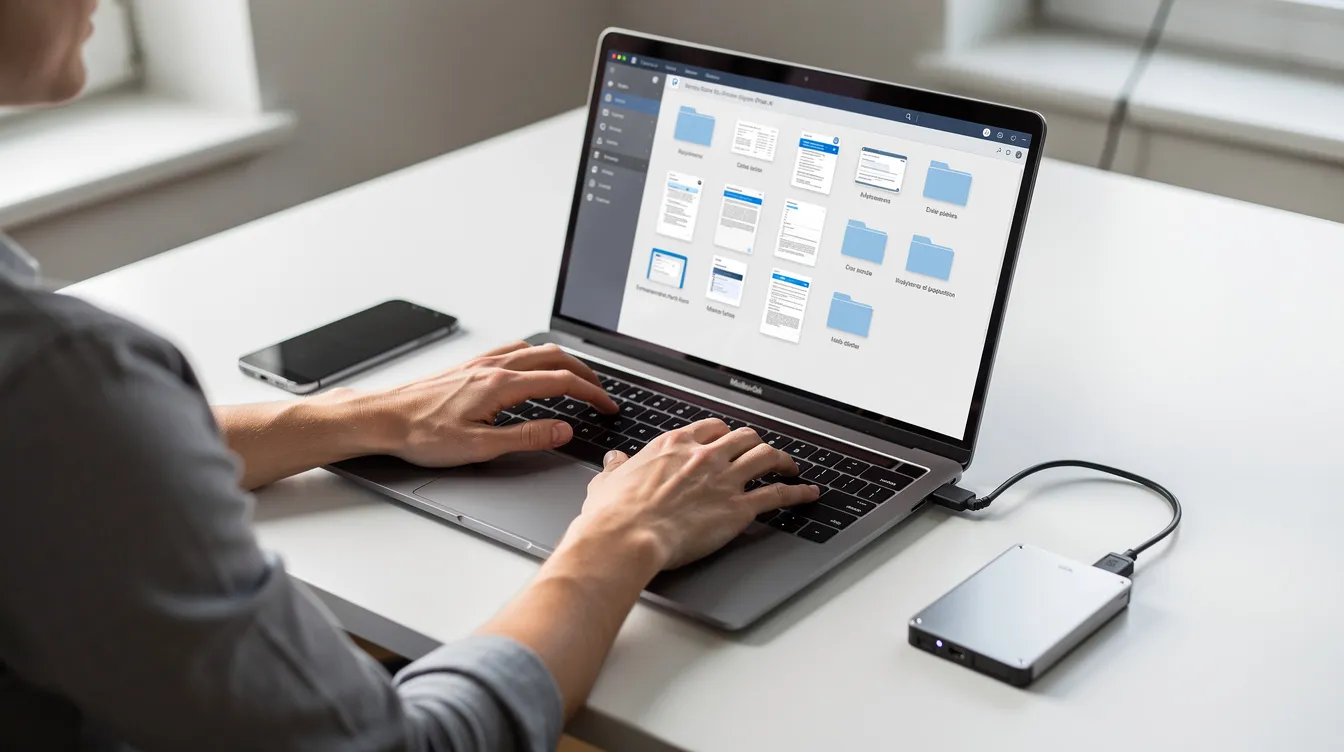
On Windows and macOS, choose which folders to sync. On Android and iOS, enable photo backup only if you want new images, including Google Photos exports, saved online by default. If a device fails, sign in on a new device, open the provider’s restore area or trash, and download the files stored there.
What kinds of data belong in the cloud (and what doesn’t)
Good candidates for cloud based storage include personal documents, photos, videos, work files, app backups, project folders, and data archiving. Cloud storage offers easy access, simple file sharing, and better recovery if a device is lost.
Categorize your data by sensitivity to apply correct security policies. Financial data, medical records, IDs, contracts, and other sensitive data need stronger controls than less sensitive data, old media, or test data.
Keep encryption keys, master passwords, and very private notes outside ordinary cloud folders unless you encrypt them first. Store important files in both local and cloud copies. Don’t upload your whole drive blindly. Make a short checklist: what to keep local, what to save data to the cloud, and what needs both.
How cloud storage works behind the scenes (in plain language)
Cloud storage work happens inside data centers that hold many servers and disks. A provider creates copies of data stored across systems to maintain availability if hardware fails, and broader cloud storage for modern data management practices build on these same principles. That is usually safer than one USB stick.
There are three main types of cloud storage architectures: object storage, file storage, and block storage. File storage organizes data in a hierarchical structure of files and folders, making it intuitive for users to find and retrieve files. That is what most people see in Google Drive, OneDrive, Dropbox, and Store with Hivenet.
Block storage divides data into blocks, each with a unique identifier, and is commonly used for high-performance applications and large databases due to its low latency. Object storage manages data as individual “objects” that include the data itself, metadata, and a unique identifier, making it ideal for unstructured data such as media, backups, logs, data lakes, and massive volumes used for data analytics or advanced analytics. Computer Weekly has a useful plain-English overview of file, block, and object storage.
Choosing the right type of cloud: public, private, hybrid, and beyond
Public cloud storage allows organizations to store data in a service provider’s data centers, which are shared with other companies, providing scalability and accessibility from any device. Public cloud platforms include AWS, Microsoft Azure, and Google Cloud, and many consumer cloud services run on this wider public cloud infrastructure.
Private cloud storage is utilized by organizations that require more control over their data, often involving dedicated servers and private connections that are not shared with other organizations. Finance and healthcare often use private cloud or on-premises storage because compliance and control matter.
Hybrid cloud storage combines elements of both public and private clouds, allowing organizations to choose which data to store in each environment based on sensitivity and compliance requirements. Multicloud storage involves using services from multiple cloud vendors, providing organizations with flexibility, performance optimization, and avoidance of vendor lock-in. In simpler terms, multicloud storage provides organizations with the flexibility to optimize performance, control costs, and avoid vendor lock-in by using services from multiple cloud vendors, especially when combined with a secure distributed cloud platform that doesn’t depend on a single data center.
Distributed cloud models spread storage across more than one centralized facility or ecosystem. Hivenet fits here: Store with Hivenet is designed for people who want cloud convenience without depending entirely on a single big-tech platform.
Security, privacy, and ownership: the trade-offs most guides skip
Convenience matters, but so does control. Big cloud storage services can make access data simple, yet they may also pull you into broader accounts, apps, and platform rules. If you want more control, look closely at data location, privacy policy, export options, and encryption.
Always encrypt data at rest and in transit. Data encryption in transit protects data transfer between your device and the service. Encryption at rest protects stored data on provider systems. Provider-managed keys are convenient; user-controlled keys give stronger privacy but make recovery harder if you lose them, and a solid guide to cloud storage security fundamentals can help you decide which model fits your risk level.
Implement Multi-Factor Authentication (MFA), use strong unique passwords, and practice the principle of least privilege: give each person only the access they need. Cloud storage security is a shared responsibility model where the cloud service provider (CSP) is responsible for the security of the infrastructure, while the client organization is responsible for securing their data and applications within that infrastructure.
Organizations that handle sensitive data, such as credit card information and medical records, must implement robust security measures, including data encryption in transit and at rest, to protect against unauthorized access. Certain industries, including finance and healthcare, are subject to strict data privacy and archival regulations, and cloud storage providers offer compliance tools to help organizations meet these regulatory requirements. GDPR, EU data handling, and server location are part of that review.
Comparing popular cloud storage services (and where Store with Hivenet fits)
Google Drive is strong for Google Docs, Android, search, and Google accounts. iCloud works well for Apple devices. Microsoft OneDrive fits Microsoft 365 and Windows. Dropbox is known for its simple syncing and file-sharing features, and all four appear in many comparisons of top cloud storage for documents because they balance usability and collaboration.
Store with Hivenet is different by design. It focuses on everyday storing files, photos, documents, and backups, with privacy, encryption by design, European/GDPR-aligned handling, no ad-based profiling, and distributed infrastructure. It treats storage as storage, not as a way to deepen vendor lock in, and its Hivenet pricing and plans reflect that focus on straightforward storage and transfer options.
Choose by asking three questions: What are you storing? Where will the data in the cloud be handled? How much control do you need over privacy, portability, and recovery?
Setting up good cloud storage habits from day one
Establish standardized naming conventions for files and directories. A simple pattern like “2026-05-18-client-contract-v1.pdf” makes file management easier years later.
Use top-level folders such as Personal, Work, Finances 2024–2026, Photos, Backups, and Archive. Review them quarterly. Delete duplicates, move old material into archives, and automatically transition older, rarely accessed data to cheaper cold storage tiers if your provider offers them, especially if you’re also evaluating privacy-first alternatives to Google Drive for long-term storage.
Turn off “sync everything” unless you really need it. Selective sync reduces clutter, saves local space, and limits exposure if a device is stolen.
Backup vs. sync: making sure your data is really safe
Sync mirrors changes. Backup keeps a separate recovery copy. If you delete a synced file, that deletion may spread everywhere, so version history and trash recovery matter.
Maintain 3 total copies of your data across 2 different storage mediums with 1 copy kept offsite/offline. This is the 3-2-1 rule: a local copy, an external drive, and an offsite cloud backup. Utilize automated backups according to the 3-2-1 Strategy, and automate backups to reduce manual work and avoid human error, drawing on a dedicated 3-2-1 backup strategy guide if you need help designing your setup.
Cloud-based data backup and disaster recovery services have been popular since the early days of cloud-based solutions, providing organizations with a way to access critical business data in the event of data loss due to cyberattacks, natural disasters, or human error. Automated backups in cloud storage allow organizations to decide how often to back up their data, whether daily, hourly, or whenever new data is introduced, reducing the risk of data loss due to user forgetfulness.
Backing up data off-premises in a cloud offers an added advantage of distance, ensuring that data can be recovered even if on-premises backup systems are lost due to a disaster. Routinely test disaster recovery and data restoration processes. Store with Hivenet can serve as the off-site copy for documents, media, and critical project files.
Using cloud storage for collaboration and file sharing
Modern cloud storage services let you share files through links, shared folders, and view or edit permissions. This is useful for project folders, large videos, contracts, and files too large for email, and many of the best free cloud storage apps now make this kind of collaboration available without a paid plan.
Keep permissions tight. Avoid public links for sensitive data. Review shared folders often. Revoke access when a project ends. Pure storage is different from a full editing suite, so check whether your provider supports the workflow you expect before moving a team.
From basic storage to data lakes and analytics (for growing needs)
Cloud storage is elastic and scalable, allowing organizations to expand or reduce their data footprint depending on need. With cloud storage, you can provision and deploy services within minutes, depending on the capacity involved, which accelerates setting up and adding to storage capabilities, and most of the top free cloud storage options also offer upgrade paths as your requirements grow.
As teams grow, storage may become the base for data lakes: central places where raw files, events, logs, and other unstructured data are kept for later analysis. Object storage often supports large volumes, data analytics, advanced analytics, archives, and business continuity planning. Claims of unlimited scalability still depend on budget, design, and cloud storage costs, even when you’re just choosing among free cloud storage apps for Android to start small on mobile.
How to move your data between cloud providers
To move providers, inventory your cloud data, clean up old folders, export or download, then upload in batches. Keep your old folder structure, test access, and verify file counts.
Tools such as Google Takeout can export documents, photos, and archives from Google services. Some providers also support cloud-to-cloud transfer. To move to Store with Hivenet, create an account, set up folders for documents, photos, and backups, then import key categories in batches.
Watch storage costs during migration. Some platforms charge for retrieval, egress, or data transfer, so check cloud storage costs before moving large archives.
Checklist: storing data in the cloud without giving up control
- Decide what to store, what to keep local, and what needs both local and cloud copies.
- Categorize sensitive data before uploading.
- Choose a cloud storage provider that matches your privacy, compliance, and portability needs.
- Always encrypt data at rest and in transit.
- Implement Multi-Factor Authentication (MFA).
- Practice the principle of least privilege for file sharing.
- Organize folders and names before uploading.
- Use cloud backup, not just file syncing.
- Follow the 3-2-1 rule and test restores.
- Review sharing links and permissions regularly.
- Plan how to avoid vendor lock in before you need to migrate.
- Consider Store with Hivenet if you want cloud storage with privacy, ownership, and transparency at the center.
Cloud storage is most useful when you stay aware of where your files live, who can access them, and how you can get them back, whether you rely on one provider or mix services like top cloud storage for documents with more specialized tools.
Your next workload belongs on Hivenet.
Pick one AI, compute, or storage workload and see the difference for yourself. Spin it up in minutes, or let our team map your fastest path to production.

