Compute
Storage
For consumers
Workloads
Why Hivenet


Sign in to Hivenet
Access your files and manage your storage account.
Store
Access your files and manage your storage account.
Compute
Launch instances and manage your compute resources.
Store and Compute still use separate accounts today. We’re working on a unified sign-in.
Just need to send a file?
Use Send directlyNew to Hivenet? Get Started
Get started with Hivenet
Choose what you want to use first.
Store
Back up photos and files across your devices.
Compute
Launch self-serve GPU compute for demanding work.
Store and Compute still use separate accounts today. We’re working on a unified account experience.
Need Hivenet for business?
Talk to salesNeed to send a file?
Open SendAlready have an account? Sign in
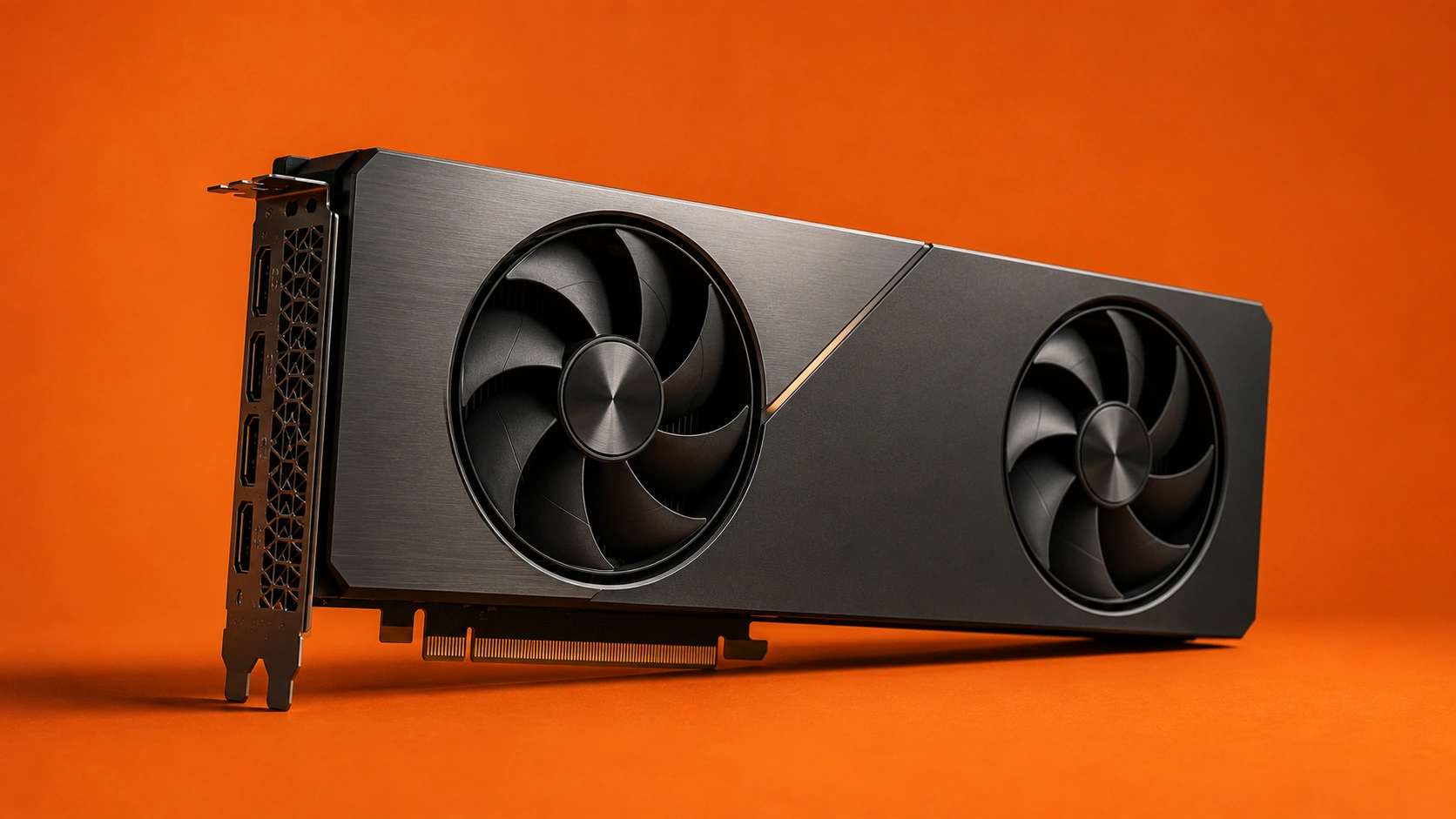
GPU Google: guide to Google Cloud GPUs and alternatives
When people search “GPU Google,” they typically mean one of two things: NVIDIA GPUs rented through Google Cloud Platform (GCP) or Google’s proprietary Tensor Processing Units (TPUs). Both options address the same fundamental need—accessing serious compute power without purchasing hardware upfront.
This guide covers Google Cloud’s GPU offerings, pricing structures, setup requirements, and practical limitations that affect real-world usage. It’s written for AI developers, data scientists, and technical practitioners focused on training, fine-tuning, inference, or rendering workloads who need to evaluate whether Google Cloud GPUs fit their requirements—or whether alternatives like Compute with Hivenet offer a more practical path.
Direct answer: Google Cloud offers NVIDIA GPUs including A100, H100, and L4 series through Compute Engine instances, with on-demand pricing starting around $0.45/hour for entry-level options. However, total costs increase significantly once you factor in compute instances, storage, networking, and data transfer. For teams prioritizing predictable pricing and immediate access, Compute with Hivenet provides RTX 4090 at €0.40/hr and RTX 5090 at €0.75/hr with transparent, all-inclusive billing.
What you’ll learn:
- Complete overview of Google Cloud GPU types and their target workloads
- True cost breakdown including hidden fees and availability constraints
- Step-by-step setup process for GCP GPU instances
- When hyperscaler GPUs make sense versus dedicated alternatives
Understanding Google Cloud GPU services
Google Cloud Platform provides GPU acceleration through two primary channels: NVIDIA GPUs attached to virtual machine instances, and Google’s custom-designed TPU accelerators optimized specifically for machine learning workloads. Understanding both options helps you choose the right tool for your specific AI models and compute requirements.
The platform integrates these accelerators into a broader ecosystem of services including Compute Engine, Google Kubernetes Engine (GKE), and Vertex AI, leveraging NVIDIA’s hardware and software stack within Google’s global infrastructure.
Google Cloud GPU types
Google Cloud offers multiple NVIDIA GPU series, each targeting specific workload profiles:
A3 Series (Hopper Architecture): Features H100 GPUs with specialized transformer engines optimized for large language model training and generative AI workloads. These deliver breakthrough performance for the most demanding AI tasks but come with premium pricing and availability constraints.
A2 Series (Ampere Architecture): Provides balanced training and inference capabilities with A100 GPUs. GCP offers up to 16 A100s per node with 600 GB/s NVLink interconnect—the highest GPU density among major cloud providers—making it suitable for climate modeling, reinforcement learning, and large-scale analytics.
G2 Series (Ada Lovelace): Attaches NVIDIA L4 GPUs for cost-optimized inference, graphics-intensive tasks, and HPC clusters. These excel at video transcoding, virtual desktops, and development workloads where cutting-edge training performance isn’t required.
A4 Series (Blackwell Architecture): The newest generation introducing FP4 precision Tensor Cores for breakthrough inference performance, plus expanded INT4 support for efficient large-model deployment.
Google’s TPUs represent a different approach—custom ASICs using systolic arrays and bfloat16 precision optimized purely for tensor operations. Trillium (6th-generation TPU) targets inference-heavy workloads but lacks the versatility of GPUs for graphics, HPC, or general CUDA applications.
Service integration
GPU acceleration integrates across multiple Google Cloud services:
Compute Engine: Direct VM instances with attached NVIDIA GPUs, offering the most control over configuration and software stack. You select machine types, memory configurations, and GPU counts based on workload requirements.
Google Kubernetes Engine (GKE): Orchestrates GPU-enabled containers across clusters, enabling dynamic scaling for inference services and distributed training jobs. GKE integrates with NVIDIA NIM containers from Google Cloud Marketplace.
Vertex AI: Managed machine learning platform with integrated GPU training and inference, reducing infrastructure management overhead but limiting customization options.
AI Hypercomputer: Google’s specialized networking architecture using RDMA over Converged Ethernet (RoCE), NVLink for intra-machine GPU communication, and rail-aligned datacenter topology separating general VPC traffic from high-bandwidth GPU-to-GPU paths.
These integrations matter because they determine how much operational overhead you’ll manage versus how much flexibility you retain for custom workloads.
Google Cloud GPU pricing and availability
Google Cloud’s enterprise pricing model layers multiple cost components that can make budget planning challenging. Understanding the full cost structure—not just the GPU hourly rate—is essential for accurate project planning.
Pricing structure
GPU costs on Google Cloud combine several elements:
Per-hour GPU charges: Vary by GPU type, region, and availability zone. A single A100 40GB runs approximately $2.95/hour on-demand in US regions, while H100s exceed $10/hour.
Underlying compute instances: You pay for the VM resources (vCPUs, memory) separately from GPU attachment costs. This adds $0.50–$5.00/hour depending on instance size.
Storage costs: Persistent disks, local SSDs, and Cloud Storage for datasets and checkpoints accumulate charges that compound over training runs.
Networking and data transfer: Egress charges apply when moving data between regions or downloading results. High-throughput VPC configurations for distributed training add additional costs that aren’t visible in base GPU pricing.
Spot/preemptible pricing: Offers 60–90% discounts but instances can be terminated with 30 seconds notice. Suitable for fault-tolerant batch processing but problematic for training runs, interactive development, or production inference where interruptions cause real losses.
Availability challenges
Access to Google Cloud GPUs isn’t always straightforward:
Regional quotas: High-end GPUs like H100s require quota approval that can take days or weeks. Default quotas often start at zero, requiring support tickets before you can deploy.
Capacity constraints: Popular regions frequently experience GPU shortages, forcing workloads to less optimal locations with higher latency to your data or team.
Approval processes: Enterprise-tier GPUs may require business justification or minimum commit agreements before access is granted.
Preemptible limitations: While cheaper, spot instances create operational risk. A training run interrupted at 80% completion wastes compute spend and engineering time—costs that don’t appear on invoices but affect real project timelines.
Cost comparison table
For teams running inference, fine-tuning, or rendering workloads, the all-inclusive pricing and immediate access of dedicated providers often delivers better cost efficiency than hyperscaler options once you factor in the full expense stack.
Setting up GPUs on Google Cloud Platform
Getting GPU instances running on Google Cloud requires navigating several prerequisites and configuration steps. The process is well-documented but involves more friction than users typically expect.
Getting started process
For teams new to cloud accelerators, understanding the broader AI compute rental landscape and pricing models helps put Google Cloud’s GPU setup process and cost structure into perspective.
- Create GCP account and enable billing: Set up a project with billing enabled. New accounts receive $300 in credits, but GPU instances require quota approval before the credits can be applied to GPU resources.
- Request GPU quota increases: Navigate to IAM & Admin → Quotas, find the GPU type and region you need, and submit an increase request. Approval timing varies from hours to weeks depending on GPU type and your account history.
- Create GPU-enabled Compute Engine instance: Once quota is approved, create a VM selecting a GPU-compatible machine type (N1, A2, G2, etc.), attach the desired GPU count, and configure boot disk and networking options.
- Install NVIDIA drivers and CUDA toolkit: Google provides installation scripts, but driver version compatibility with your framework versions requires verification. Deep Learning VM images come pre-configured but may not include your specific software requirements.
- Configure ML frameworks: Install PyTorch, TensorFlow, or other frameworks with GPU support. Verify CUDA recognition and run benchmarks to confirm expected performance.
This process typically takes 1–3 days for first-time users, assuming quota approval proceeds smoothly.
Alternative setup with Compute by Hivenet
If you want to bypass quotas and layered billing entirely, Hivenet’s secure, distributed GPU cloud platform offers RTX GPUs with fast setup and straightforward pricing.
For teams prioritizing speed to first GPU hour, Compute with Hivenet eliminates the quota and approval overhead:
Immediate access: RTX 4090 and RTX 5090 instances deploy without quota requests or capacity bidding. Select your GPU, choose a duration, and start within minutes.
Pre-configured environments: ML frameworks come ready to run, with root access and SSH for any customization you need. No driver installation or CUDA debugging required.
Transparent billing: Per-second billing at published rates (€0.40/hr for RTX 4090, €0.75/hr for RTX 5090) with no hidden networking or storage fees. Your invoice matches expectations, and Hivenet’s Compute billing and usage FAQ clarifies how credits and instance rentals work.
Dedicated resources: Full VRAM allocation without slicing or sharing. When you rent 24GB, you get 24GB—no contention with other users degrading your training speed, which is especially important when using RTX 4090 cloud GPUs for intensive training and fine-tuning.
Reachable support: Direct technical support from humans when jobs fail or configurations need troubleshooting, without navigating enterprise support tiers—critical when running demanding workloads on RTX 5090 cloud GPUs for large-scale AI inference.
Common challenges and solutions
Google Cloud GPU users encounter predictable friction points. Understanding these challenges beforehand helps you plan around them—or choose alternatives that avoid them entirely.
Quota and availability issues
Challenge: Quota approval delays block project starts. Regional capacity shortages force suboptimal deployments.
Solution: Submit quota requests 2–3 weeks before planned work begins. Request in multiple regions to increase approval odds. For time-sensitive projects, distributed cloud providers like Compute with Hivenet offer immediate RTX 4090/5090 access without quotas, letting you start work today while GCP approvals process in parallel.
Complex pricing and billing
Many teams compare Google Cloud’s layered costs with specialized GPU rental options for AI workloads, which often bundle compute, storage, and networking into a single transparent rate.
Challenge: Published GPU rates don’t reflect total costs. Bills arrive higher than estimates due to compute, storage, networking, and data transfer charges accumulating separately.
Solution: Use Google Cloud’s pricing calculator for detailed estimates including all resource types. Build in 20–40% buffer for networking and storage costs. For budget-critical work, transparent per-hour pricing from dedicated providers eliminates surprise charges and simplifies cost planning; comparing top cloud GPU providers and their pricing trade-offs can highlight where hyperscalers fit versus alternatives.
Support and troubleshooting
Beyond vendor tickets, it’s helpful to follow practitioner resources like Hivenet’s AI and cloud computing insights blog to stay ahead of common GPU deployment pitfalls.
Challenge: When training jobs fail or instances behave unexpectedly, enterprise support tiers create delays. Getting a human answer during an active incident can take hours through standard channels.
Solution: Understand which support tier your project requires before incidents occur. For mission-critical workloads, budget for Premium Support. Alternatively, choose providers with direct technical support access where you can reach engineers who understand GPU workloads and can troubleshoot in real time, especially when deploying RTX 5090 GPUs for low-latency LLM inference.
Conclusion and next steps
Google Cloud GPUs offer enterprise-scale AI infrastructure backed by Google’s networking, storage, and managed services ecosystem. For organizations already invested in Google Cloud technologies, adding GPU acceleration integrates naturally with existing workflows. The A2 and A3 series provide cutting-edge hardware for demanding training workloads, while G2 instances offer cost-effective inference and development options.
However, the hyperscaler model introduces friction that affects practical usage: quota gates, layered pricing, spot instance risks, and support complexity. For many teams, these factors matter more than raw capability specs and shape how they evaluate the best AI GPUs for their specific ML workloads.
Evaluate your specific requirements:
- If you need dozens of H100s with NVLink interconnect for frontier model training, Google Cloud’s AI Hypercomputer architecture addresses that scale.
- If you need reliable GPU hours for training, fine-tuning, inference, or rendering without approval delays, Compute with Hivenet’s RTX 4090 (€0.40/hr) and RTX 5090 (€0.75/hr) offer predictable access you can start using today.
Immediate next steps:
- Define your GPU memory, performance, and duration requirements for current projects
- For Google Cloud: Submit quota requests now for regions where you anticipate need
- For immediate access: Explore Compute with Hivenet to deploy RTX 4090 or 5090 instances without waiting
Related topics to explore: TPU vs GPU for specific ML workloads, distributed training architectures, cost optimization strategies for long-running AI workloads.
Additional resources
- Google Cloud GPU documentation – Official specs, pricing, and configuration guides
- Google Cloud pricing calculator – Estimate total costs including all resource types
- Compute with Hivenet GPU access – RTX 4090/5090 pricing and getting started guide
- NVIDIA CUDA Toolkit documentation – Driver installation and framework compatibility guides
Frequently asked questions (FAQ)
What NVIDIA GPU types does Google Cloud offer?
Google Cloud offers a range of NVIDIA GPUs including the A100, H100, L4, and the newer A4 series, each suited for different workloads from training large AI models to cost-efficient inference and graphics tasks.
How does Google Cloud pricing for GPUs work?
Pricing includes per-hour GPU charges, separate compute instance costs, storage fees, and networking charges. Spot VMs can offer discounts but come with preemption risks.
What are the main challenges using GPUs on Google Cloud?
Common challenges include quota approval delays, regional capacity shortages, complex layered pricing, and support response times.
How can I reduce GPU costs on Google Cloud?
Utilize spot VMs for fault-tolerant workloads, optimize resource utilization, and plan quota requests well in advance. Alternatively, consider dedicated providers with transparent pricing.
What alternatives exist for immediate GPU access?
Providers like Compute with Hivenet offer RTX 4090 and RTX 5090 GPUs with transparent pricing and no quota delays, ideal for teams needing immediate, predictable access.
Can I use GPUs with Google Kubernetes Engine (GKE)?
Yes, GKE supports GPU-enabled nodes and integrates with NVIDIA NIM for accelerated AI inference deployments.
What is NVIDIA NIM and how does it relate to Google Cloud GPUs?
NVIDIA NIM is a set of GPU-accelerated inference microservices deployable on GKE, simplifying AI model deployment on Google Cloud GPUs.
Are there committed use discounts for GPUs on Google Cloud?
Yes, Google Cloud offers committed use discounts requiring a one-year commitment and GPU reservation, which can significantly lower costs.
How many GPUs can I attach to a Google Cloud VM?
Compute Engine supports attaching up to 8 GPUs per instance, depending on machine type and GPU model.
What support options are available for GPU workloads on Google Cloud?
Google Cloud provides multiple support tiers, including Premium Support for mission-critical workloads. Some dedicated providers offer direct technical support access for faster troubleshooting.
Your next workload belongs on Hivenet.
Pick one AI, compute, or storage workload and see the difference for yourself. Spin it up in minutes, or let our team map your fastest path to production.